Extract invoice data from PDFs with Gemini AI to Google Sheets 📄
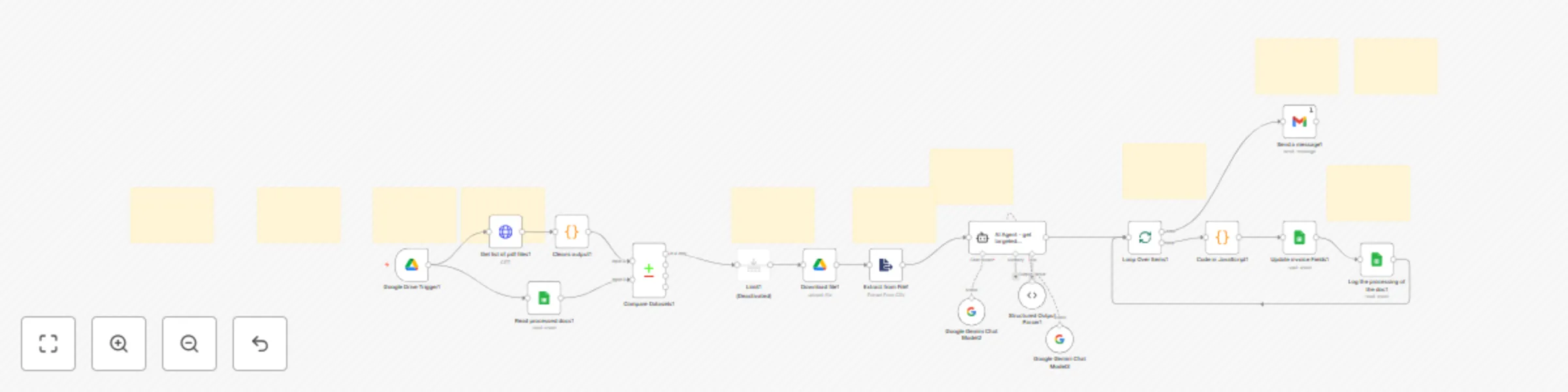
Workflow preview

$20/month : Unlimited workflows
2500 executions/month

THE #1 IN WEB SCRAPING
Scrape any website without limits
HOSTINGER  Early Deal
DISCOUNT 20% Try free
Early DealDISCOUNT 20%
Self-hosted n8n
Unlimited workflows - from $4.99/mo

#1 hub for scraping, AI & automation
6000+ actors - $5 credits/mo
Important notice
This workflow is provided as-is. Please review and test before using in production.
Overview
📄 Automated Invoice Processing (n8n + AI + Google Workspace)
This workflow automates the extraction and processing of invoice data from PDFs stored in a Google Drive folder. It leverages Google Drive, Google Sheets, and Gemini AI to streamline invoice management.
Key Features
- Automatic Detection: Monitors a Google Drive folder for new invoices.
- AI-Powered Extraction: Uses Gemini AI to extract structured data including Supplier, Buyer, Items, Total Amount, Tax, and Payment Terms.
- Data Logging: Appends extracted invoice information to a Google Sheet and tracks processed documents to avoid duplicates.
- Notifications: Sends email alerts once invoices are successfully processed.
- Flexible & Extensible: Can be integrated with ERP/CRM systems, Slack/Telegram notifications, or OCR for scanned PDFs.
💡 Perfect for: Small to medium businesses, accountants, and operations teams looking to reduce manual invoice data entry and improve accuracy.