Block 1 - Gmail Trigger
- Type / Role
- n8n-nodes-base.gmailTrigger - gmailTrigger
- Config choices
- Version 1.2


 Early Deal
This workflow is provided as-is. Please review and test before using in production.
Transform your invoice processing from manual data entry into an intelligent automation system. This powerful n8n workflow monitors Gmail for invoice attachments, extracts data using AI powered ana...
n8n-nodes-base.gmailtrigger, n8n-nodes-base.googlesheets, n8n-nodes-base.googledrive, @n8n/n8n-nodes-langchain.lmchatopenai, n8n-nodes-base.filter, n8n-nodes-base.extractfromfile, n8n-nodes-base.code, @n8n/n8n-nodes-langchain.agent
This workflow is cataloged by N8N Workflows and links back to its original n8n.io source page by Yaron Been.
Original n8n.io sourceTransform your invoice processing from manual data entry into an intelligent automation system. This powerful n8n workflow monitors Gmail for invoice attachments, extracts data using AI-powered analysis, and creates organized Google Sheets with all relevant financial information automatically structured and ready for your accounting workflows.
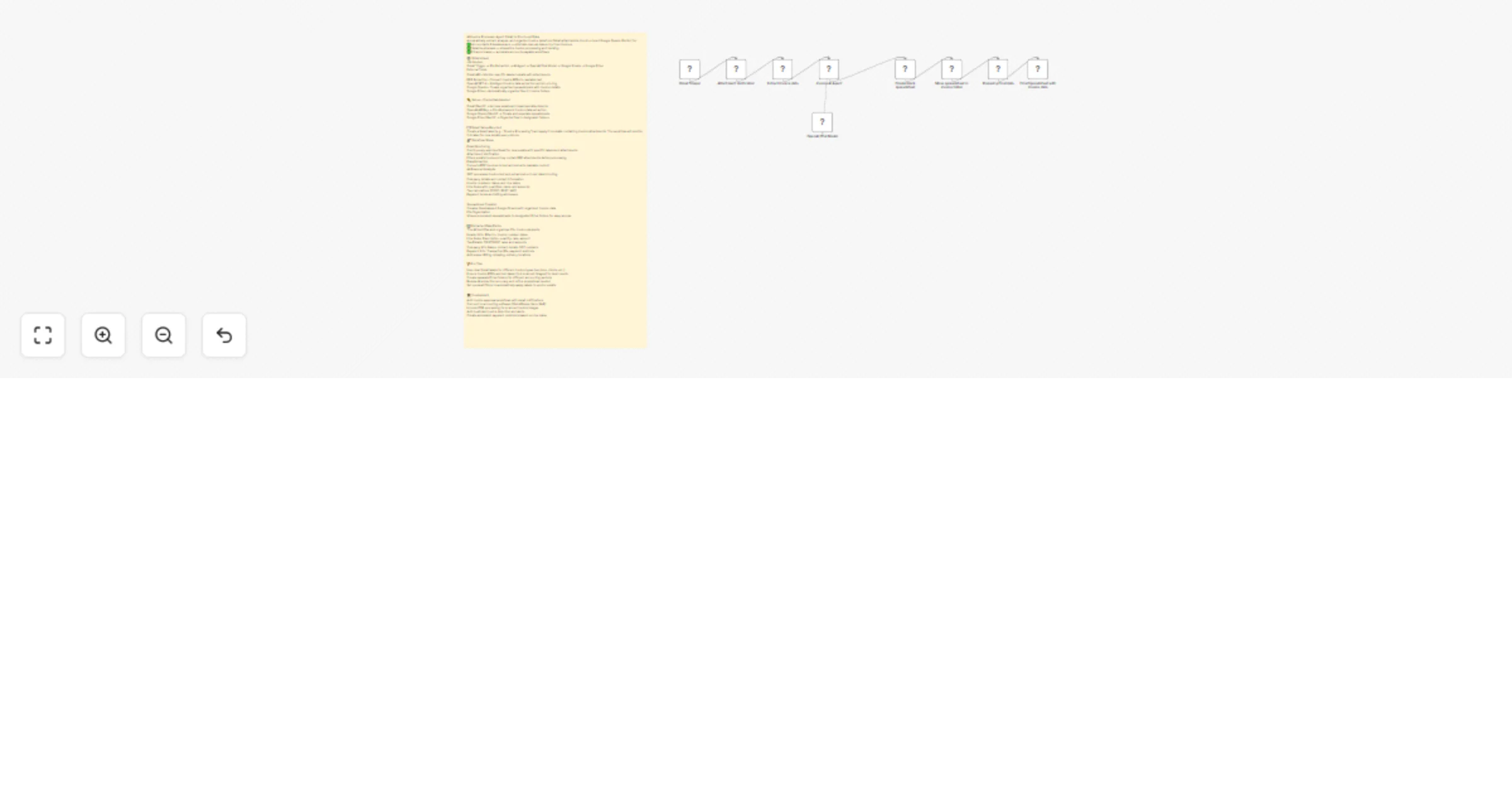
This sophisticated 8-step automation eliminates manual invoice processing:
Step 1: Intelligent Email Monitoring The workflow continuously monitors your Gmail account for emails with specific labels, checking every minute for new invoice attachments that need processing.
Step 2: Attachment Verification Smart filtering ensures only emails with PDF attachments are processed, preventing unnecessary workflow triggers from text-only emails.
Step 3: Advanced PDF Extraction The system automatically downloads and converts PDF invoices into readable text, handling various invoice formats and layouts with high accuracy.
Step 4: AI-Powered Data Analysis GPT-4 processes the extracted text using specialized prompts designed for financial document analysis, identifying and extracting:
Step 5: Structured Data Formatting The AI output is automatically formatted into clean, consistent JSON structure with 25+ standardized fields for comprehensive invoice tracking.
Step 6: Dynamic Spreadsheet Creation Each processed invoice generates a new Google Sheets document with timestamp naming and organized data layout, ready for accounting review.
Step 7: Automated File Organization Processed spreadsheets are automatically moved to designated Google Drive folders, maintaining organized file structure for easy retrieval and audit trails.
Step 8: Data Population All extracted invoice data is populated into the spreadsheet with proper formatting, formulas, and structure for immediate use in accounting workflows.
Label Setup: Create specific Gmail labels for invoice processing:
📧 Labels to Create:
- "Invoice-Processing" (main processing label)
- "Invoice-Vendors" (supplier invoices)
- "Invoice-Clients" (customer invoices)
- "Invoice-Processed" (completed items)
Email Filter Configuration: Set up automatic labeling rules:
1. Credential Setup
2. Google Drive Folder Structure Create organized folder hierarchy:
📁 Invoice Management/
├── 📁 Incoming Invoices/
├── 📁 Processed Invoices/
│   ├── 📁 2024/
│   │   ├── 📁 Q1/
│   │   ├── 📁 Q2/
│   │   └── 📁 Q3/
├── 📁 Vendor Invoices/
└── 📁 Client Invoices/
3. AI Extraction Customization The default AI prompt extracts standard invoice fields but can be customized for:
4. Data Validation Rules Implement quality control measures:
5. Workflow Activation
Extend processing capabilities:
- PDF Text-Based: Standard invoice PDFs with selectable text
- Scanned Documents: Add OCR processing for image-based invoices
- Email Body Invoices: Extract data from invoice details in email content
- Excel Attachments: Process invoices sent as spreadsheet files
- Multi-Page Documents: Handle complex invoices with multiple pages
Implement quality assurance features:
Connect to existing business systems:
Generate business insights:
The AI extraction captures comprehensive invoice information:
Header Information:
Line Item Details:
Tax and Financial Calculations:
Company and Contact Information:
Address Information:
Payment Details:
{
  "billed_to": "Tech Solutions Inc.",
  "invoice_number": "INV-2024-0156",
  "date_of_issue": "2024-03-15",
  "due_date": "2024-04-15",
  "item_0_description": "Web Development Services",
  "item_0_quantity": 40,
  "item_0_rate": 75.00,
  "item_0_amount": 3000.00,
  "tax_0_cgst_rate": 9,
  "tax_0_cgst_amount": 270.00,
  "tax_0_sgst_rate": 9,
  "tax_0_sgst_amount": 270.00,
  "subtotal": 3000.00,
  "total": 3540.00,
  "company_name": "Digital Services LLC",
  "company_email": "[email protected]",
  "payment_transaction_ids": "TXN123456789",
  "mode_of_payment": "Bank Transfer"
}
PDF Extraction Challenges
AI Extraction Accuracy
Gmail Integration Limitations
Processing Efficiency
Data Quality Assurance
Business Process Integration
Need help implementing or optimizing your AI Invoice Processor Agent?
📧 Expert Technical Support
🎥 Comprehensive Training Resources
🤝 Professional Community & Updates
💬 Support Request Guidelines Include in your support message:
Ready to eliminate manual invoice processing forever? Deploy this AI Invoice Processor Agent and transform your accounting workflow from tedious data entry into intelligent, automated financial management!
This catalog entry is organized from the workflow JSON. The node-level section below shows the executable blocks available for review before importing the template.
| Workflow | Extract invoice data from email to Google Sheets using GPT-4o AI automation |
|---|---|
| Complexity | intermediate |
| Nodes | 10 |
| Categories | Invoice Processing, AI Summarization |
| Author | Yaron Been |
| Published | 25 May 2025 |
Use the JSON export at /data/workflows/4376/4376.json as the source template for this automation.
Open n8n, import the downloaded JSON, and review each node before activating the workflow.
Replace placeholder credentials, API keys, webhook URLs, account IDs, and environment-specific values with your own settings.
Run the workflow manually or in a staging workspace, inspect node output, and confirm downstream systems receive the expected data.
Enable the workflow only after testing, then monitor executions, errors, and rate limits during the first production runs.
Review imported nodes carefully before activation. This catalog entry is intended to help you inspect the workflow structure, understand required services, and find related templates faster.
Node names, credentials, schedules, webhook paths, and external service limits may need adjustment for your workspace.
Transform your invoice processing from manual data entry into an intelligent automation system. This powerful n8n workflow monitors Gmail for invoice attachments, extracts data using AI powered ana...
Review the workflow JSON, configure any required credentials in n8n, and test the automation in a safe workspace before using it in production.
Yes. Use the block-by-block analysis and the downloadable JSON to inspect each node, then adjust credentials, prompts, schedules, filters, or destinations for your Invoice Processing, AI Summarization use case.