Block 1 - Fetch Dataset Items
- Type / Role
- @apify/n8n-nodes-apify.apify - apify
- Config choices
- Version 1


 Early Deal
Stop wasting hours manually hunting for business leads. This workflow automates the entire process from scraping Google Maps to extracting contact emails all triggered from your phone via Telegram....
@apify/n8n-nodes-apify.apify, n8n-nodes-base.removeduplicates, n8n-nodes-base.splitinbatches, n8n-nodes-base.googlesheets, n8n-nodes-base.wait, n8n-nodes-base.telegramtrigger, n8n-nodes-base.code, n8n-nodes-base.telegram
This workflow is cataloged by N8N Workflows and links back to its original n8n.io source page by Khairul Muhtadin.
Original n8n.io sourceStop wasting hours manually hunting for business leads. This workflow automates the entire process from scraping Google Maps to extracting contact emails all triggered from your phone via Telegram.
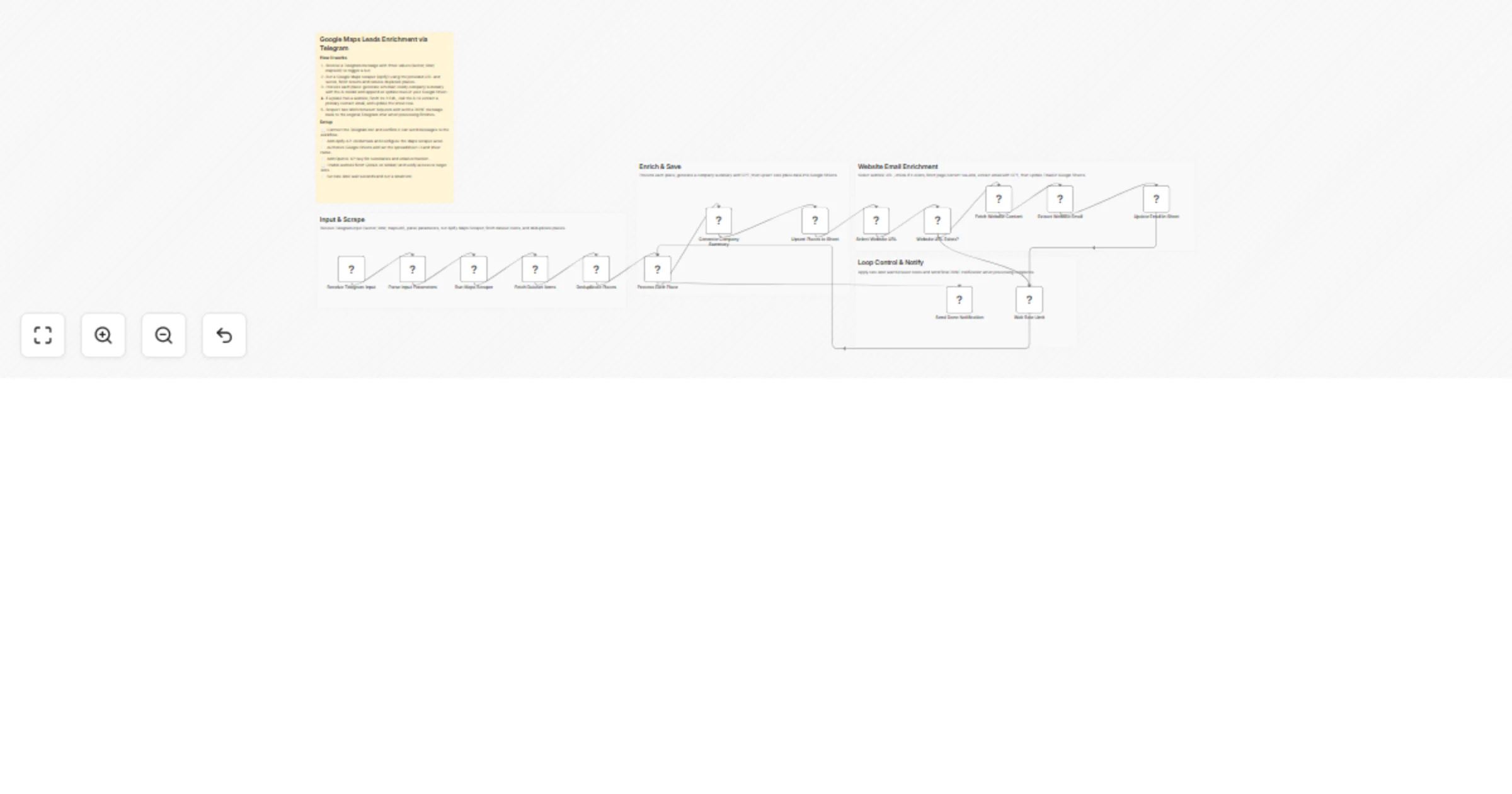
Send a single message to your Telegram bot (Sector; Limit; MapsURL) and the system takes over. It scrapes business data from Google Maps using Apify, generates AI-powered company summaries via OpenAI, hunts for contact emails from business websites using Jina AI, then stores everything neatly in Google Sheets.
Sales reps building cold outreach lists, marketing agencies prospecting new clients, or anyone who needs targeted local business data fast — without paying for overpriced lead databases.
Manual research that takes 4 hours gets done in under 5 minutes for 50 leads. Pay only for what you use (Apify + OpenAI) instead of fixed monthly subscriptions. AI deduplication keeps your CRM clean and consistent.
| Tool | Purpose |
|---|---|
| n8n | Workflow engine |
| Apify | Google Maps scraper |
| OpenAI API | Summaries & email extraction |
| Google Sheets | Lead storage |
| Telegram Bot | Mobile trigger interface |
| Jina AI | Website-to-text conversion |
Coffee Shops; 5; https://www.google.com/maps/search/coffee+shops+londonThe workflow runs a two-stage loop per business. First it saves core data (name, phone, address). If a website exists, it then attempts email enrichment. This way, you never lose basic lead data even if a website crawl fails.
Swap Google Sheets for HubSpot or Pipedrive, push results to a Slack sales channel, or chain a Gmail node to auto-send intro emails the moment a lead is found.
Created by: Khaisa Studio Category: Marketing | Tags: Lead Gen, AI, Google Maps, Telegram Need custom workflows? Contact us
Connect with the creator: Portfolio • Workflows • LinkedIn • Medium • Threads
This catalog entry is organized from the workflow JSON. The node-level section below shows the executable blocks available for review before importing the template.
| Workflow | Enrich B2B Google Maps leads with Apify, Jina AI, GPT-5.2 and Google Sheets |
|---|---|
| Complexity | advanced |
| Nodes | 20 |
| Categories | Lead Generation, AI Summarization |
| Author | Khairul Muhtadin |
| Published | 22 Feb 2026 |
Use the JSON export at /data/workflows/13582/13582.json as the source template for this automation.
Open n8n, import the downloaded JSON, and review each node before activating the workflow.
Replace placeholder credentials, API keys, webhook URLs, account IDs, and environment-specific values with your own settings.
Run the workflow manually or in a staging workspace, inspect node output, and confirm downstream systems receive the expected data.
Enable the workflow only after testing, then monitor executions, errors, and rate limits during the first production runs.
Review imported nodes carefully before activation. This catalog entry is intended to help you inspect the workflow structure, understand required services, and find related templates faster.
Node names, credentials, schedules, webhook paths, and external service limits may need adjustment for your workspace.
Stop wasting hours manually hunting for business leads. This workflow automates the entire process from scraping Google Maps to extracting contact emails all triggered from your phone via Telegram....
Review the workflow JSON, configure any required credentials in n8n, and test the automation in a safe workspace before using it in production.
Yes. Use the block-by-block analysis and the downloadable JSON to inspect each node, then adjust credentials, prompts, schedules, filters, or destinations for your Lead Generation, AI Summarization use case.