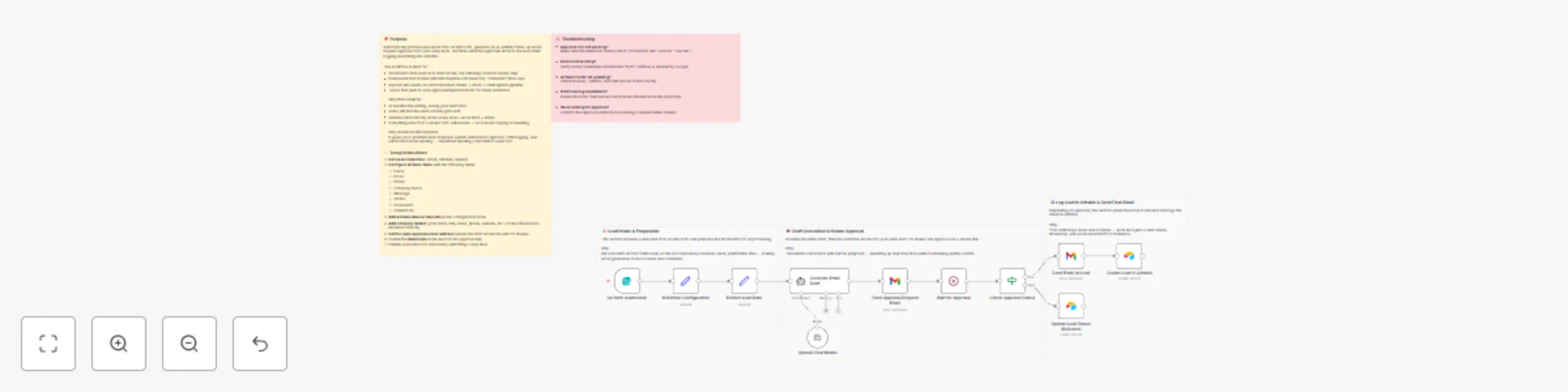
Email Verification and Enrichment from Google Sheets with Hunter and Dropcontact

Workflow preview

Workflow preview
100%
Email Verification and Enrichment from Google Sheets with Hunter and Dropcontact preview
Open on n8n.io

Important notice

This workflow is provided as-is. Please review and test before using in production.

1. Workflow Overview

Description This workflow automatically validates email addresses stored in a Google Sheet using Hunter Email Verifier, enriches the valid ones with Dropcontact, updates the sheet with verification...

Best for

  • Lead Nurturing automation workflows
  • Multimodal AI automation workflows
  • advanced n8n builders looking for reusable templates

Tools used

n8n-nodes-base.set, @n8n/n8n-nodes-langchain.agent, @n8n/n8n-nodes-langchain.lmchatopenai, n8n-nodes-base.wait, n8n-nodes-base.if, n8n-nodes-base.gmail, n8n-nodes-base.airtable, n8n-nodes-base.formtrigger

Source and attribution

This workflow is cataloged by N8N Workflows and links back to its original n8n.io source page by Calvin Cunningham.

Original n8n.io source

1.1 Workflow description

Title
Email Verification and Enrichment from Google Sheets with Hunter and Dropcontact
Workflow name
Email Verification and Enrichment from Google Sheets with Hunter and Dropcontact

Description

This workflow automatically validates email addresses stored in a Google Sheet using Hunter Email Verifier, enriches the valid ones with Dropcontact, updates the sheet with verification and enrichment results, and sends a Slack summary showing total emails checked, valid emails, and enriched profiles.

It helps teams clean their data, improve outreach accuracy, and eliminate the manual effort of checking and researching email contacts one by one.

How It Works

  1. The workflow triggers whenever a new row is added or updated in your Google Sheet.
  2. It reads any emails that still need to be processed.
  3. Each email is validated using Hunter Email Verifier, which returns validity and a confidence score.
  4. Emails marked as valid and above the confidence threshold are enriched with Dropcontact to gather additional profile information, including:
    • Full name
    • Job title
    • Company
    • Domain
    • Country
  5. Invalid or low-confidence emails are marked as invalid and skipped.
  6. Verification and enrichment results are written back into the corresponding row in your Google Sheet.
  7. A Slack summary message is sent showing:
    • Total emails processed
    • Number of valid emails
    • Number of enriched profiles

Credential Requirements

  • Hunter Email Verifier: Required for the email validation step.
  • Dropcontact: Requires a business email address (non-Gmail, non-Outlook, non-Yahoo) to create an account and use their API.
  • Google Sheets: Required for reading and updating your contact list.
  • Slack: Required to send the summary notification.

Why This Is Helpful

  • Automates a repetitive and error-prone workflow.
  • Saves Dropcontact credits by enriching only valid, high-quality emails.
  • Improves data accuracy for outreach, lead generation, and CRM imports.
  • Keeps your Google Sheet updated with clean, structured verification and enrichment results.
  • Sends a summary to Slack so your team gets instant visibility without opening the sheet.
  • Ideal for teams preparing outbound lists, cleaning CRM data, or verifying large batches of emails before campaigns.

Customization Ideas

  • Add a second enrichment provider (such as Clearbit or People Data Labs) to fill in missing fields when Dropcontact does not return enough data.
  • Send enriched contacts to a CRM, such as HubSpot, Airtable, Pipedrive, or Notion, instead of keeping everything in Google Sheets.
  • Create separate Slack channels for valid vs. invalid contacts to help teams prioritize follow-up.
  • Add quality tiers by creating categories such as "High Confidence," "Medium Confidence," and "Low Confidence" based on the verification score.
  • Auto-tag enriched leads with fields like industry, employee count, or revenue if you integrate additional enrichment sources.
  • Trigger this workflow nightly using a Schedule node if you want to process batches instead of reacting to row updates.
  • Automatically send outreach emails to enriched leads using Gmail, Outlook, or Resend, after adding a safety check or approval step.
  • Export enriched contacts to CSV or Google Drive for easy sharing with other teams.
  • Add duplicate detection logic to avoid enriching the same contact multiple times.
  • Add a notification for “no enrichments found” so your team knows when Dropcontact fails to return details.

1.2 Logical Blocks

This catalog entry is organized from the workflow JSON. The node-level section below shows the executable blocks available for review before importing the template.

2. Block-by-Block Analysis

Block 1 - Workflow Configuration

Type / Role
n8n-nodes-base.set - set
Config choices
Version 3.4

Block 2 - Extract Lead Data

Type / Role
n8n-nodes-base.set - set
Config choices
Version 3.4

Block 3 - Generate Email Draft

Type / Role
@n8n/n8n-nodes-langchain.agent - agent
Config choices
Version 2.2

Block 4 - OpenAI Chat Model

Type / Role
@n8n/n8n-nodes-langchain.lmChatOpenAi - lmChatOpenAi
Config choices
Version 1.2

Block 5 - Wait for Approval

Type / Role
n8n-nodes-base.wait - wait
Config choices
Version 1.1

Block 6 - Check Approval Status

Type / Role
n8n-nodes-base.if - if
Config choices
Version 2.2

Block 7 - Send Email to Lead

Type / Role
n8n-nodes-base.gmail - gmail
Config choices
Version 2.1

Block 8 - Create Lead in Airtable

Type / Role
n8n-nodes-base.airtable - airtable
Config choices
Version 2.1

Block 9 - Update Lead Status (Rejected)

Type / Role
n8n-nodes-base.airtable - airtable
Config choices
Version 2.1

Block 10 - On form submission

Type / Role
n8n-nodes-base.formTrigger - formTrigger
Config choices
Version 2.3

Block 11 - Send Approval Request Email

Type / Role
n8n-nodes-base.gmail - gmail
Config choices
Version 2.1

Block 12 - Sticky Note

Type / Role
n8n-nodes-base.stickyNote - stickyNote
Config choices
Version 1

Block 13 - Sticky Note1

Type / Role
n8n-nodes-base.stickyNote - stickyNote
Config choices
Version 1

Block 14 - Sticky Note2

Type / Role
n8n-nodes-base.stickyNote - stickyNote
Config choices
Version 1

Block 15 - Sticky Note3

Type / Role
n8n-nodes-base.stickyNote - stickyNote
Config choices
Version 1

Block 16 - Sticky Note4

Type / Role
n8n-nodes-base.stickyNote - stickyNote
Config choices
Version 1

Block 17 - Sticky Note5

Type / Role
n8n-nodes-base.stickyNote - stickyNote
Config choices
Version 1

3. Summary Table

Workflow Email Verification and Enrichment from Google Sheets with Hunter and Dropcontact
Complexity advanced
Nodes 17
Categories Lead Nurturing, Multimodal AI
Author Calvin Cunningham
Published 21 Nov 2025

4. Reproducing the Workflow from Scratch

  1. 1. Download the workflow JSON

    Use the JSON export at /data/workflows/11070/11070.json as the source template for this automation.

  2. 2. Import the template into n8n

    Open n8n, import the downloaded JSON, and review each node before activating the workflow.

  3. 3. Configure credentials and variables

    Replace placeholder credentials, API keys, webhook URLs, account IDs, and environment-specific values with your own settings.

  4. 4. Test with sample data

    Run the workflow manually or in a staging workspace, inspect node output, and confirm downstream systems receive the expected data.

  5. 5. Activate and monitor

    Enable the workflow only after testing, then monitor executions, errors, and rate limits during the first production runs.

5. General Notes & Resources

Review imported nodes carefully before activation. This catalog entry is intended to help you inspect the workflow structure, understand required services, and find related templates faster.

Node names, credentials, schedules, webhook paths, and external service limits may need adjustment for your workspace.

Frequently asked questions

What does Email Verification and Enrichment from Google Sheets with Hunter and Dropcontact do?

Description This workflow automatically validates email addresses stored in a Google Sheet using Hunter Email Verifier, enriches the valid ones with Dropcontact, updates the sheet with verification...

What do I need before importing this workflow?

Review the workflow JSON, configure any required credentials in n8n, and test the automation in a safe workspace before using it in production.

Can I customize this workflow?

Yes. Use the block-by-block analysis and the downloadable JSON to inspect each node, then adjust credentials, prompts, schedules, filters, or destinations for your Lead Nurturing, Multimodal AI use case.