eBay finances data access for AI agents with MCP server integration
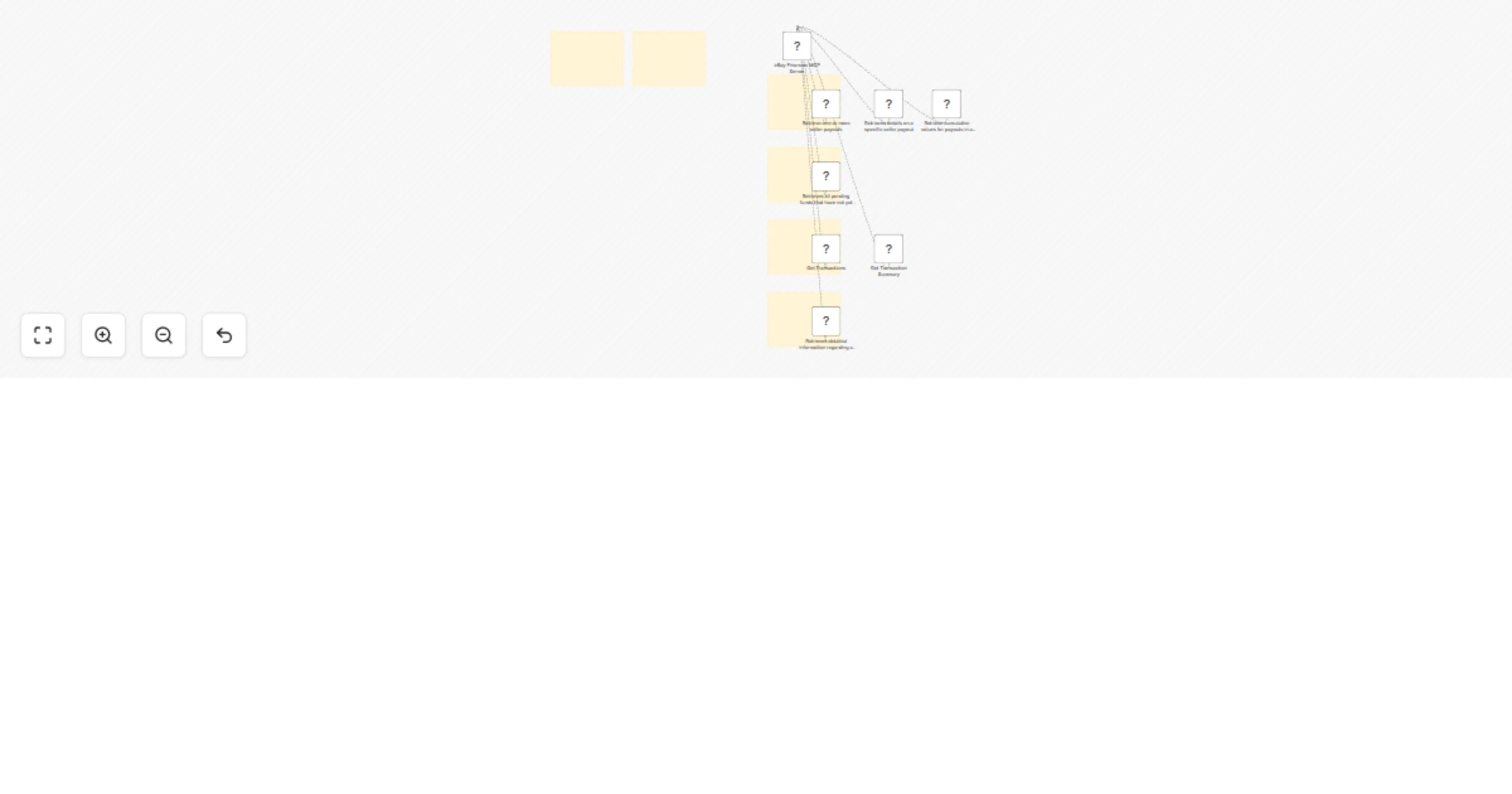
Workflow preview


 Early Deal
DISCOUNT 20%

Important notice
This workflow is provided as-is. Please review and test before using in production.
Overview
Need help? Want access to this workflow + many more paid workflows + live Q&A sessions with a top verified n8n creator?
Complete MCP server exposing 7 eBay Finances API operations to AI agents.
⚡ Quick Setup
- Import this workflow into your n8n instance
- Credentials Add eBay Finances API credentials
- Activate the workflow to start your MCP server
- Copy the webhook URL from the MCP trigger node
- Connect AI agents using the MCP URL
🔧 How it Works
This workflow converts the eBay Finances API into an MCP-compatible interface for AI agents.
• MCP Trigger: Serves as your server endpoint for AI agent requests
• HTTP Request Nodes: Handle API calls to https://apiz.ebay.com{basePath}
• AI Expressions: Automatically populate parameters via $fromAI() placeholders
• Native Integration: Returns responses directly to the AI agent
📋 Available Operations (7 total)
🔧 Payout
• GET /payout: List seller payouts with filters • GET /payout/{payout_Id}: Get single payout details 🔧 Payout_Summary
• GET /payout_summary: Show payout totals by status 🔧 Seller_Funds_Summary
• GET /seller_funds_summary: View pending/unreleased funds 🔧 Transaction
• GET /transaction: Search monetary transactions 🔧 Transaction_Summary
• GET /transaction_summary: Get transaction totals + holds 🔧 Transfer
• GET /transfer/{transfer_Id}: Retrieve eBay reimbursement details
🤖 AI Integration
Parameter Handling: AI agents automatically provide values for: • Path parameters and identifiers • Query parameters and filters • Request body data • Headers and authentication
Response Format: Native eBay Finances API responses with full data structure
Error Handling: Built-in n8n HTTP request error management
💡 Usage Examples
Connect this MCP server to any AI agent or workflow:
• Claude Desktop: Add MCP server URL to configuration • Cursor: Add MCP server SSE URL to configuration • Custom AI Apps: Use MCP URL as tool endpoint • API Integration: Direct HTTP calls to MCP endpoints
✨ Benefits
• Zero Setup: No parameter mapping or configuration needed
• AI-Ready: Built-in $fromAI() expressions for all parameters
• Production Ready: Native n8n HTTP request handling and logging
• Extensible: Easily modify or add custom logic
> 🆓 Free for community use! Ready to deploy in under 2 minutes.