Detect content decay from Google Search Console and alert via Slack and email
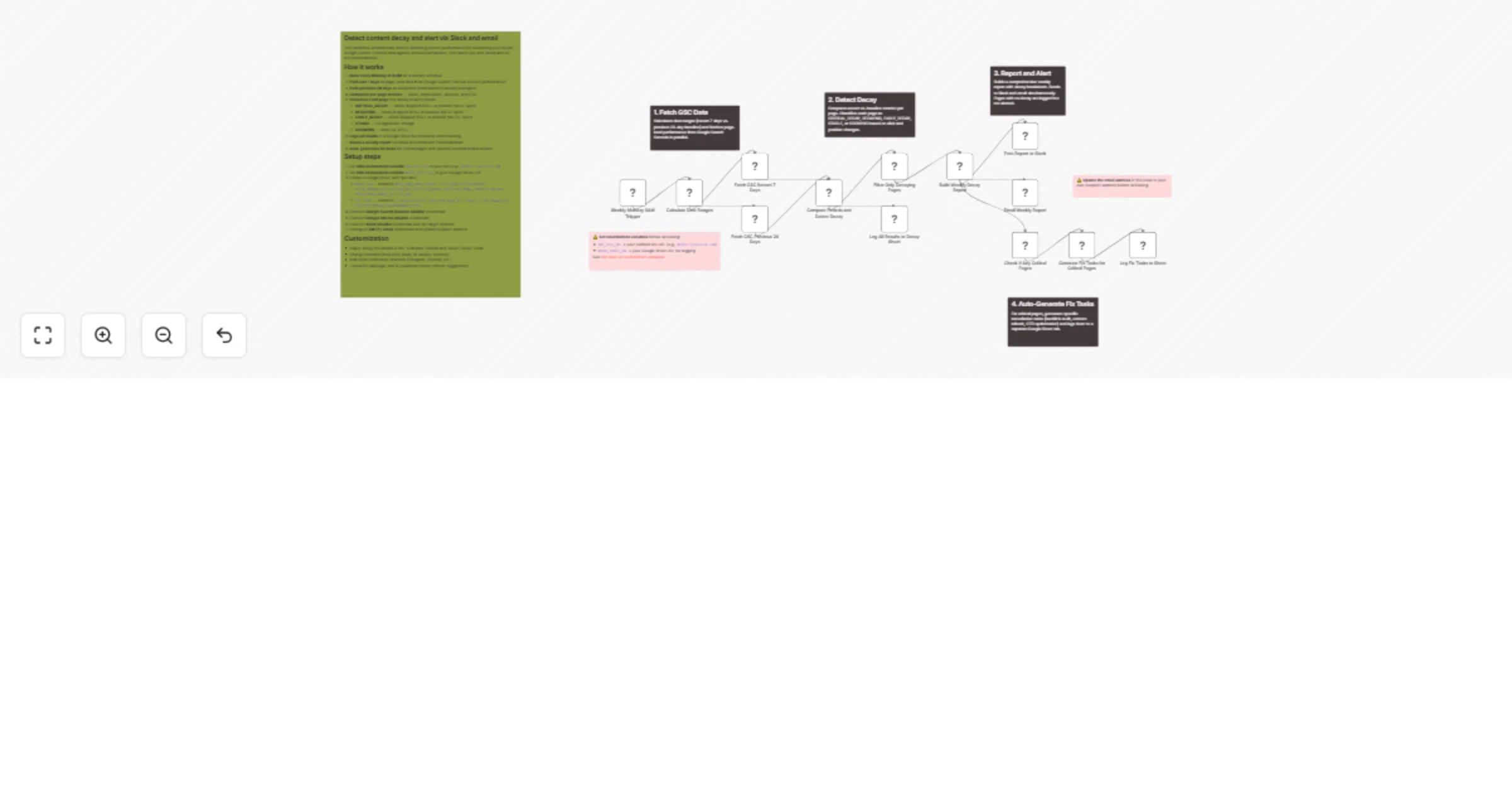
Workflow preview

$20/month : Unlimited workflows
2500 executions/month

THE #1 IN WEB SCRAPING
Scrape any website without limits
HOSTINGER  Early Deal
DISCOUNT 20% Try free
Early DealDISCOUNT 20%
Self-hosted n8n
Unlimited workflows - from $4.99/mo

#1 hub for scraping, AI & automation
6000+ actors - $5 credits/mo
Overview
Who is this for?
SEO managers, content marketers, bloggers, and growth teams who want to automatically catch declining content performance before it's too late — without manually checking Google Search Console every week.
What this workflow does
This workflow runs weekly to compare your recent Google Search Console performance against a historical baseline. It identifies pages experiencing traffic decay at three severity levels, sends detailed reports via Slack and email, logs all data to a tracking sheet, and auto-generates prioritized fix tasks for your most critical pages.
How it works
- Weekly trigger fires every Monday at 8 AM.
- Fetches two GSC date ranges in parallel — the last 7 days (recent) and the previous 28 days (baseline, normalized to weekly averages).
- Compares per-page metrics including clicks, impressions, average position, and CTR.
- Classifies each page into one of five signals:
- CRITICAL_DECAY — clicks dropped 50%+ or position fell 5+ spots with 30%+ click loss
- DECAYING — clicks dropped 30%+ or position fell 3+ spots
- EARLY_DECAY — clicks dropped 15%+ or position fell 1.5+ spots
- STABLE — no significant change
- GROWING — clicks increased 20%+
- Logs all results to a
Decay LogGoogle Sheet tab for historical trending. - Builds a weekly report with summary counts, estimated clicks lost, and per-page breakdowns.
- Sends the report to Slack and email simultaneously.
- Auto-generates fix tasks for critical pages with specific recommendations (backlink audit, content refresh, CTR optimization, or technical investigation) and logs them to a
Fix Taskssheet tab.
Setup steps
- Set environment variables in your n8n instance:
GSC_SITE_URL— your verified site URL (e.g.,https://yoursite.com)DECAY_SHEET_URL— URL of your Google Sheet for logging
- Create a Google Sheet with two tabs:
Decay Logwith headers:date,page_path,signal,clicks_now,clicks_before,click_change_pct,position_now,position_before,position_change,impressions_now,impression_change_pct,ctr_nowFix Taskswith headers:created,priority,page_path,page_url,signal,click_change_pct,position_change,recommended_action
- Connect Google Search Console OAuth2 credentials (your site must be verified in GSC).
- Connect Google Sheets OAuth2 credentials.
- Connect Slack OAuth2 credentials and configure your alert channel.
- Configure email (SMTP) credentials and update the recipient email address in the "Email Weekly Report" node.
- Activate the workflow.
Requirements
- n8n instance (self-hosted or cloud)
- Google Search Console property with verified ownership
- Google Cloud project with Search Console API and Sheets API enabled
- Slack workspace with a bot configured
- SMTP email credentials (or swap for Gmail node)
How to customize
- Decay thresholds — Adjust the percentage and position-change cutoffs in the "Compare Periods and Detect Decay" code node to match your sensitivity needs.
- Schedule — Change from weekly to daily or bi-weekly in the trigger node.
- Baseline period — Modify the 28-day comparison window to 14 or 90 days.
- Row limit — Increase the
rowLimitin GSC API calls beyond 500 if you have a large site. - Fix task logic — Enhance the remediation recommendations with AI-powered content analysis or integrate with project management tools (Notion, Asana, Trello).
- Notifications — Add Telegram, Discord, or Microsoft Teams alongside or instead of Slack.