Create branded social proof Instagram posts from Airtable reviews with Bannerbear and UploadToURL
Workflow preview

$20/month : Unlimited workflows
2500 executions/month

THE #1 IN WEB SCRAPING
Scrape any website without limits
HOSTINGER  Early Deal
DISCOUNT 20% Try free
Early DealDISCOUNT 20%
Self-hosted n8n
Unlimited workflows - from $4.99/mo

#1 hub for scraping, AI & automation
6000+ actors - $5 credits/mo
Overview
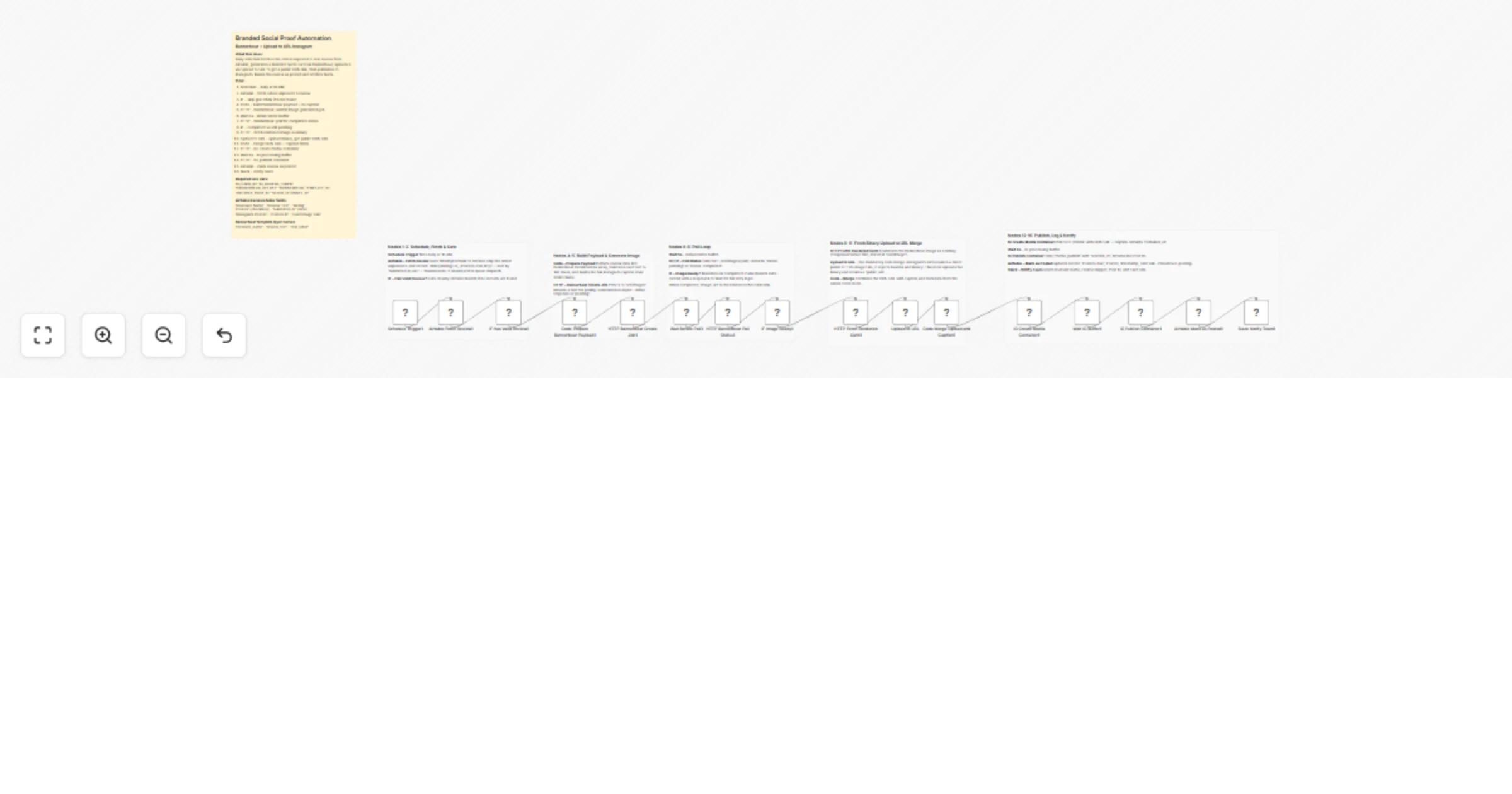
Branded Social Proof Automation via Bannerbear and uploadtourl
Convert your customer satisfaction into high-converting social media content with this fully automated social proof pipeline. This workflow scans your database for top-tier reviews, generates a branded quote card, and publishes it directly to Instagram, ensuring a consistent stream of credibility for your brand.
🎯 What This Workflow Does
This template manages the entire lifecycle of a testimonial post, from data retrieval to final notification:
🔄 Review Dispatch Automation
- Schedule Trigger: Automatically fires daily at 10:00 AM; cadence can be adjusted via cron expression.
- Airtable — Fetch Review: Retrieves the oldest 5-star, unposted record using a specific filter formula to prevent duplicates.
- IF — Has Valid Review?: Validates the data; the workflow exits gracefully if no new reviews are found and only proceeds when a 5-star review is ready.
✍️🎨 Dynamic Asset Generation
- Code — Prepare Payload: Formats review data into a JSON body, mapping fields like name and truncated text to Bannerbear layers while generating the final Instagram caption.
- HTTP — Create Image Job: Submits the request to the Bannerbear API and retrieves a unique job
uidfor asynchronous processing.
🔁 Status Verification & Media Hosting
- HTTP — Poll Status: Regularly checks the job status via the Bannerbear API to see if the rendering is finished.
- IF — Image Ready?: Confirms completion; if still processing, it triggers a "Wait 3s + re-poll" loop for up to 5 retries before passing the
image_urlforward. - uploadtourl Bridge: Mandatory CDN step that uploads the rendered image binary and returns a stable public URL, which is required for Instagram's API to access the file.
📸 Instagram Publishing & Tracking
- IG — Create & Publish: Executes the two-step Instagram Graph API flow to create a media container and publish it to your feed after a safe 6-second buffer.
- Airtable — Mark as Posted: Updates the original record with the Post ID and timestamp to prevent duplicate posting.
- Slack Notification: Sends a final team alert with a preview of the card and the live link.
✨ Key Features
- Adaptive Polling: Instead of a static wait time, the workflow intelligently polls Bannerbear until the image is confirmed ready.
- Automated CDN Bridge: Uses uploadtourl to bypass Instagram's rejection of base64/binary payloads by providing a direct public URL.
- Intelligent Truncation: Automatically shortens long reviews to 180 characters to ensure perfect readability on your branded quote card.
- Full Audit Trail: Every post is logged back to Airtable with its live Instagram ID and CDN URL for easy reporting.
💼 Perfect For
- SaaS Companies: Showcasing user feedback and "Love letters" from customers.
- E-commerce Brands: Sharing 5-star product reviews to build buyer confidence.
- Service Providers: Highlighting client testimonials on a regular schedule.
- Digital Marketers: Automating the "Social Proof" pillar of a social media strategy.
🔧 What You'll Need
Required Integrations
- Bannerbear: API key and a Template ID with layers named
reviewer_name,review_text, andstar_label. - Instagram Graph API: A Business or Creator account access token.
- uploadtourl: Credentials configured in n8n for mandatory media hosting.
- Airtable: A base with a
Reviewstable containing fields for the name, text, and rating.