Create an auto-journal from WhatsApp with AI transcription
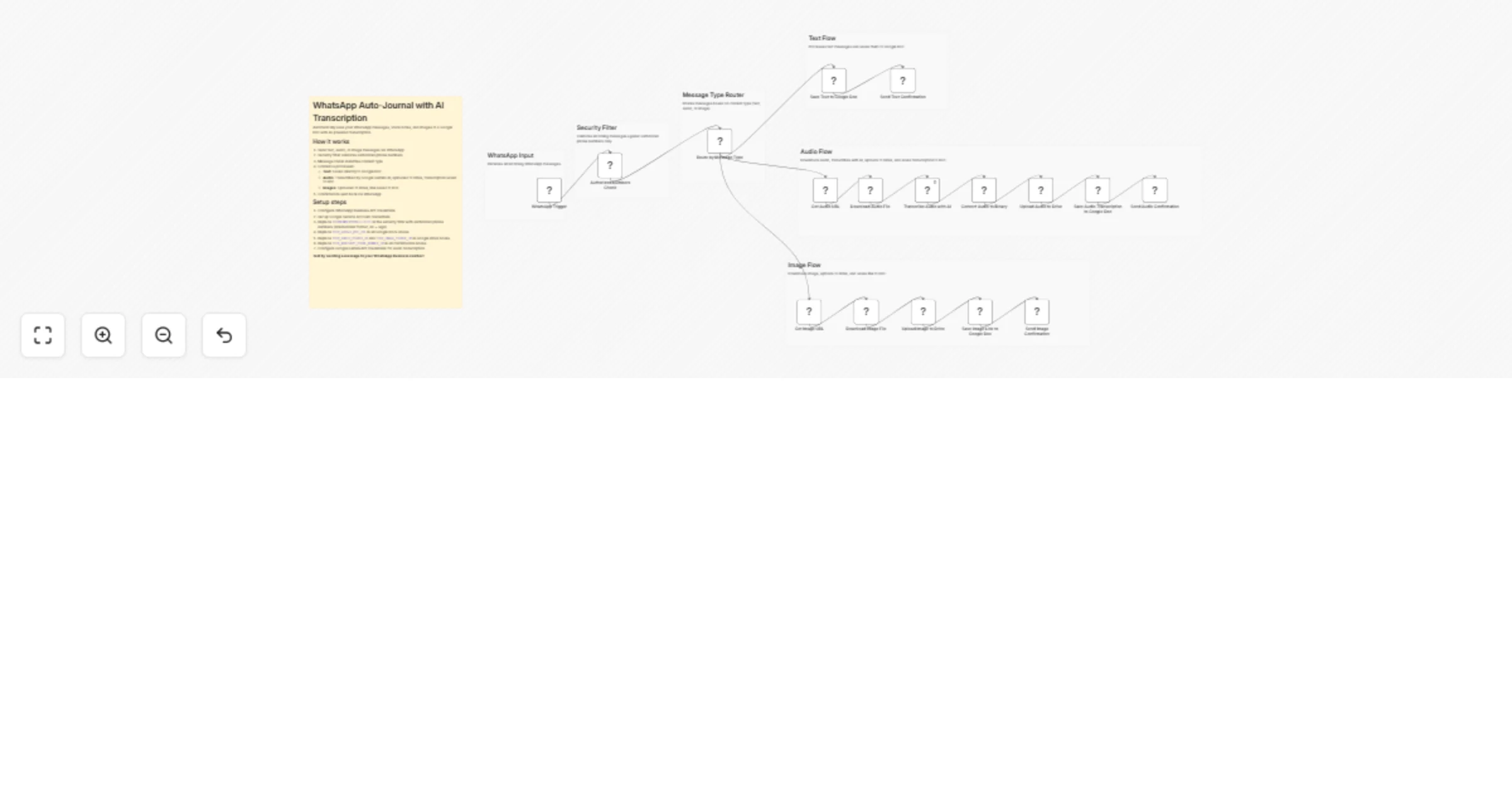
Workflow preview


 Early Deal
DISCOUNT 20%

Overview
How it works
Transform your WhatsApp messages into an organized journal with AI-powered transcription and media management.
• Receive text, audio, or image messages via WhatsApp • Automatically transcribe audio messages using Google Gemini AI • Store media files in organized Google Drive folders • Update a central Google Doc with timestamped entries • Get instant confirmation messages
Set up steps
- WhatsApp Business API: Set up credentials and configure the WhatsApp Trigger node
- Google Doc: Create a new Google Doc and paste its URL in all three "Actualizar documento" nodes (replace
YOUR_GOOGLE_DOC_URL) - Google Drive folders:
• Create an "Audio" folder and paste its ID in the "Subir Audio" node (replace
YOUR_AUDIO_FOLDER_ID) • Create an "Imagenes" folder and paste its ID in the "Subir Imagenes" node (replaceYOUR_IMAGE_FOLDER_ID) - Authorized numbers: Add your authorized WhatsApp phone numbers in the "If" node (replace
YOURNUMBERPHONE(1),YOURNUMBERPHONE(2),YOURNUMBERPHONE(3)with numbers in international format without + sign, e.g., 5491112345678) - WhatsApp Phone Number ID: Replace
YOUR_WHATSAPP_PHONE_NUMBER_IDin all three confirmation nodes with your WhatsApp Business Phone Number ID - Google Gemini: Configure your Google Gemini API credentials in the "Transcribir audio" node
Requirements
Credentials needed: • WhatsApp Business API account and credentials • Google Workspace account (Google Docs + Google Drive) • Google Gemini API key for audio transcription
Nodes used: • WhatsApp Trigger • WhatsApp (for sending messages and downloading media) • Google Docs (for journal updates) • Google Drive (for media storage) • Google Gemini (for audio transcription) • If, Switch, HTTP Request nodes
Perfect for content creators, researchers, writers, or anyone who wants to capture thoughts on-the-go via WhatsApp and have them automatically organized in a searchable, timestamped journal with AI-powered transcriptions!