Block 1 - Main Instructions
- Type / Role
- n8n-nodes-base.stickyNote - stickyNote
- Config choices
- Version 1
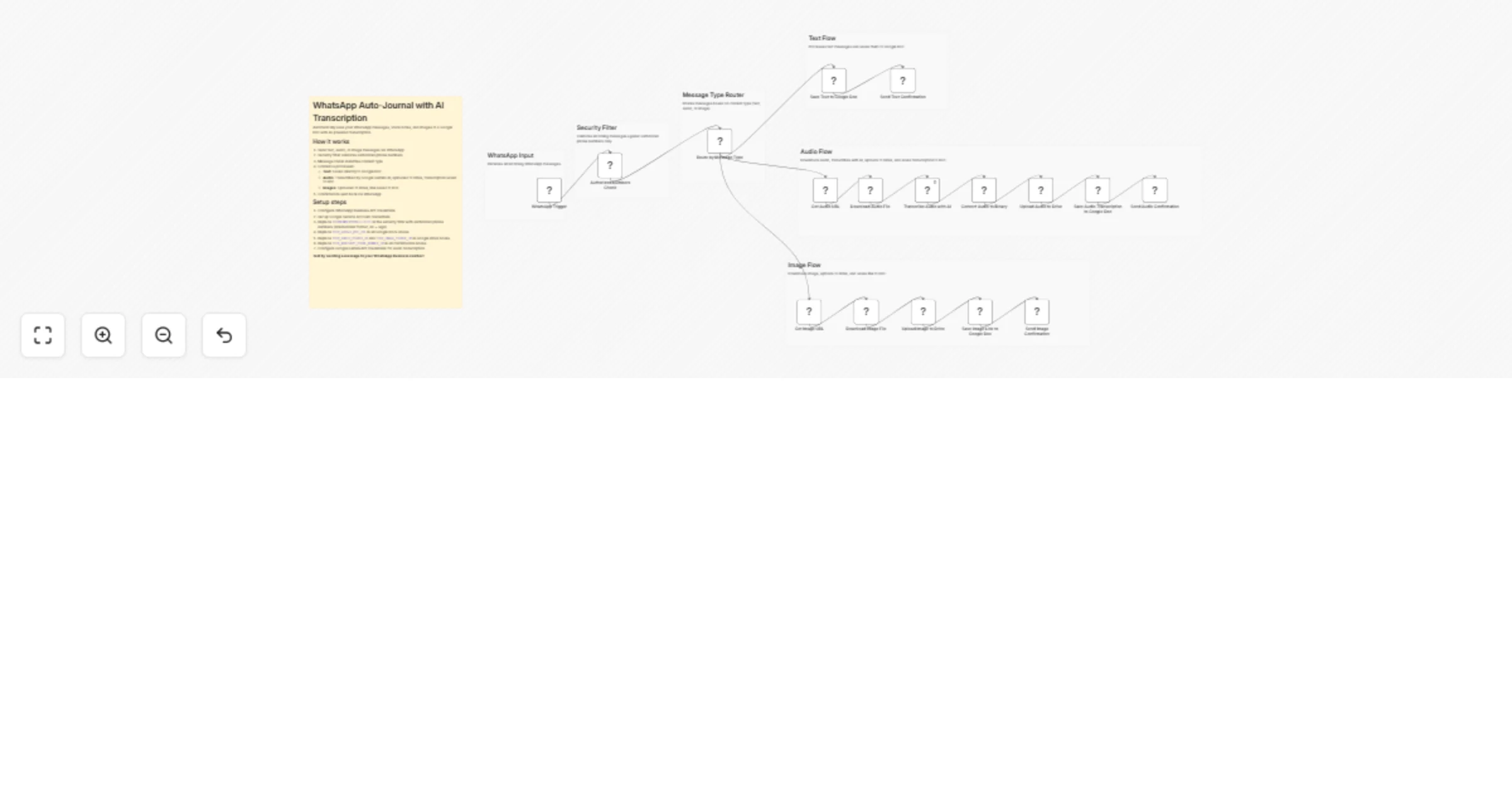


 Early Deal
How it works Transform your WhatsApp messages into an organized journal with AI powered transcription and media management. • Receive text, audio, or image messages via WhatsApp • Automatically tra...
n8n-nodes-base.stickynote, n8n-nodes-base.if, n8n-nodes-base.switch, n8n-nodes-base.whatsapp, n8n-nodes-base.httprequest, n8n-nodes-base.googledocs, n8n-nodes-base.googledrive, @n8n/n8n-nodes-langchain.googlegemini
This workflow is cataloged by N8N Workflows and links back to its original n8n.io source page by Diego Alejandro Parrás.
Original n8n.io sourceTransform your WhatsApp messages into an organized journal with AI-powered transcription and media management.
• Receive text, audio, or image messages via WhatsApp • Automatically transcribe audio messages using Google Gemini AI • Store media files in organized Google Drive folders • Update a central Google Doc with timestamped entries • Get instant confirmation messages
YOUR_GOOGLE_DOC_URL)YOUR_AUDIO_FOLDER_ID)
• Create an "Imagenes" folder and paste its ID in the "Subir Imagenes" node (replace YOUR_IMAGE_FOLDER_ID)YOURNUMBERPHONE(1), YOURNUMBERPHONE(2), YOURNUMBERPHONE(3) with numbers in international format without + sign, e.g., 5491112345678)YOUR_WHATSAPP_PHONE_NUMBER_ID in all three confirmation nodes with your WhatsApp Business Phone Number IDCredentials needed: • WhatsApp Business API account and credentials • Google Workspace account (Google Docs + Google Drive) • Google Gemini API key for audio transcription
Nodes used: • WhatsApp Trigger • WhatsApp (for sending messages and downloading media) • Google Docs (for journal updates) • Google Drive (for media storage) • Google Gemini (for audio transcription) • If, Switch, HTTP Request nodes
Perfect for content creators, researchers, writers, or anyone who wants to capture thoughts on-the-go via WhatsApp and have them automatically organized in a searchable, timestamped journal with AI-powered transcriptions!
This catalog entry is organized from the workflow JSON. The node-level section below shows the executable blocks available for review before importing the template.
| Workflow | Create an auto-journal from WhatsApp with AI transcription |
|---|---|
| Complexity | advanced |
| Nodes | 24 |
| Categories | Personal Productivity, Multimodal AI |
| Author | Diego Alejandro Parrás |
| Published | 28 Jan 2026 |
Use the JSON export at /data/workflows/13073/13073.json as the source template for this automation.
Open n8n, import the downloaded JSON, and review each node before activating the workflow.
Replace placeholder credentials, API keys, webhook URLs, account IDs, and environment-specific values with your own settings.
Run the workflow manually or in a staging workspace, inspect node output, and confirm downstream systems receive the expected data.
Enable the workflow only after testing, then monitor executions, errors, and rate limits during the first production runs.
Review imported nodes carefully before activation. This catalog entry is intended to help you inspect the workflow structure, understand required services, and find related templates faster.
Node names, credentials, schedules, webhook paths, and external service limits may need adjustment for your workspace.
How it works Transform your WhatsApp messages into an organized journal with AI powered transcription and media management. • Receive text, audio, or image messages via WhatsApp • Automatically tra...
Review the workflow JSON, configure any required credentials in n8n, and test the automation in a safe workspace before using it in production.
Yes. Use the block-by-block analysis and the downloadable JSON to inspect each node, then adjust credentials, prompts, schedules, filters, or destinations for your Personal Productivity, Multimodal AI use case.