Block 1 - Google Sheets form Trigger
- Type / Role
- n8n-nodes-base.googleSheetsTrigger - googleSheetsTrigger
- Config choices
- Version 1


 Early Deal
This workflow is provided as-is. Please review and test before using in production.
Compliance Report Collector (Google Form → Drive + MySQL) This n8n workflow automates the collection and archival of compliance reports submitted via Google Forms. Uploaded documents (PDF, DOCX,...
n8n-nodes-base.googlesheetstrigger, n8n-nodes-base.mysql, n8n-nodes-base.set, n8n-nodes-base.function, n8n-nodes-base.googledrive, n8n-nodes-base.merge, n8n-nodes-base.stickynote
This workflow is cataloged by N8N Workflows and links back to its original n8n.io source page by WeblineIndia.
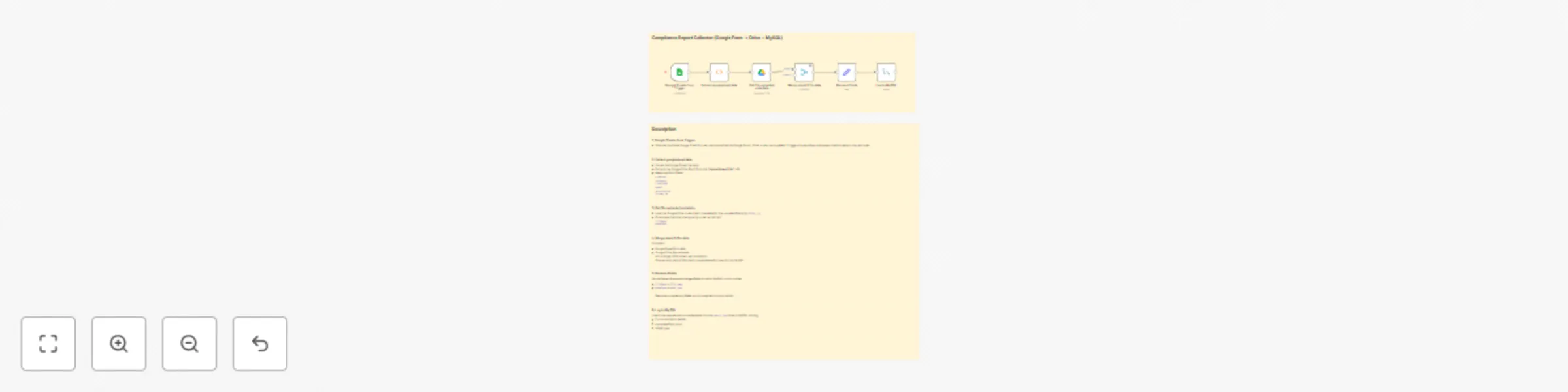
Original n8n.io sourceThis n8n workflow automates the collection and archival of compliance reports submitted via Google Forms. Uploaded documents (PDF, DOCX, etc.) are archived into Google Drive and submission metadata is logged into a MySQL database. It ensures compliance documentation is properly stored, searchable and auditable without manual effort.
/submit-report webhook.Set Config node with your:| Tool | Purpose |
|---|---|
| n8n Instance | Workflow automation |
| Google Drive | To archive uploaded reports |
| MySQL Database | To log submission metadata |
| Google Forms / HTML Form | Report submission source |
CREATE TABLE report_logs (
  id INT AUTO_INCREMENT PRIMARY KEY,
  reporter VARCHAR(100),
  category VARCHAR(100),
  timestamp DATETIME,
  file_name VARCHAR(255),
  mime_type VARCHAR(50),
  folder_id VARCHAR(100)
);
dbHost, dbUser, dbPassword, dbName, dbTabledriveFolderId| Customization | How |
|---|---|
| Add more form fields | Extend the metadata mapping in the Function node |
| Rename files before upload | Modify filename in Google Drive node |
| Add email confirmation | Add an Email Send node after DB insert |
| Filter file types | Add IF node before upload to validate MIME type |
| Add-on | Description |
|---|---|
| 📤 Email Acknowledgment | Email sender a confirmation with Drive link |
| 🧾 PDF Parser | Auto-parse content using PDF.co or OpenAI |
| 📊 Admin Dashboard | Display logs in Supabase or Metabase |
| 🗃 File Backup | Copy files to Dropbox or S3 after Drive upload |
| Issue | Possible Cause | Solution |
|---|---|---|
| File not uploaded | Drive ID is invalid | Check permissions and folder ID |
| DB not logging | Connection or table issue | Verify DB credentials and schema |
| Webhook not triggered | Form not integrated correctly | Ensure form POSTs file to n8n webhook |
| Wrong file type | MIME mismatch | Validate acceptable types via Function/IF node |
Want to integrate this with audit dashboards or add Google Sheet exports?
👉 Contact WeblineIndia — Experts in compliance automation and renewable energy workflows.
This catalog entry is organized from the workflow JSON. The node-level section below shows the executable blocks available for review before importing the template.
| Workflow | Compliance report collector with Google Form → Drive + MySQL |
|---|---|
| Complexity | intermediate |
| Nodes | 8 |
| Categories | File Management, Multimodal AI |
| Author | WeblineIndia |
| Published | 23 Aug 2025 |
Use the JSON export at /data/workflows/7765/7765.json as the source template for this automation.
Open n8n, import the downloaded JSON, and review each node before activating the workflow.
Replace placeholder credentials, API keys, webhook URLs, account IDs, and environment-specific values with your own settings.
Run the workflow manually or in a staging workspace, inspect node output, and confirm downstream systems receive the expected data.
Enable the workflow only after testing, then monitor executions, errors, and rate limits during the first production runs.
Review imported nodes carefully before activation. This catalog entry is intended to help you inspect the workflow structure, understand required services, and find related templates faster.
Node names, credentials, schedules, webhook paths, and external service limits may need adjustment for your workspace.
Compliance Report Collector (Google Form → Drive + MySQL) This n8n workflow automates the collection and archival of compliance reports submitted via Google Forms. Uploaded documents (PDF, DOCX,...
Review the workflow JSON, configure any required credentials in n8n, and test the automation in a safe workspace before using it in production.
Yes. Use the block-by-block analysis and the downloadable JSON to inspect each node, then adjust credentials, prompts, schedules, filters, or destinations for your File Management, Multimodal AI use case.