Classify job applicants from CVs using Claude, PDF.co, Google Docs and Gmail
Workflow preview


 Early Deal
DISCOUNT 20%

Overview
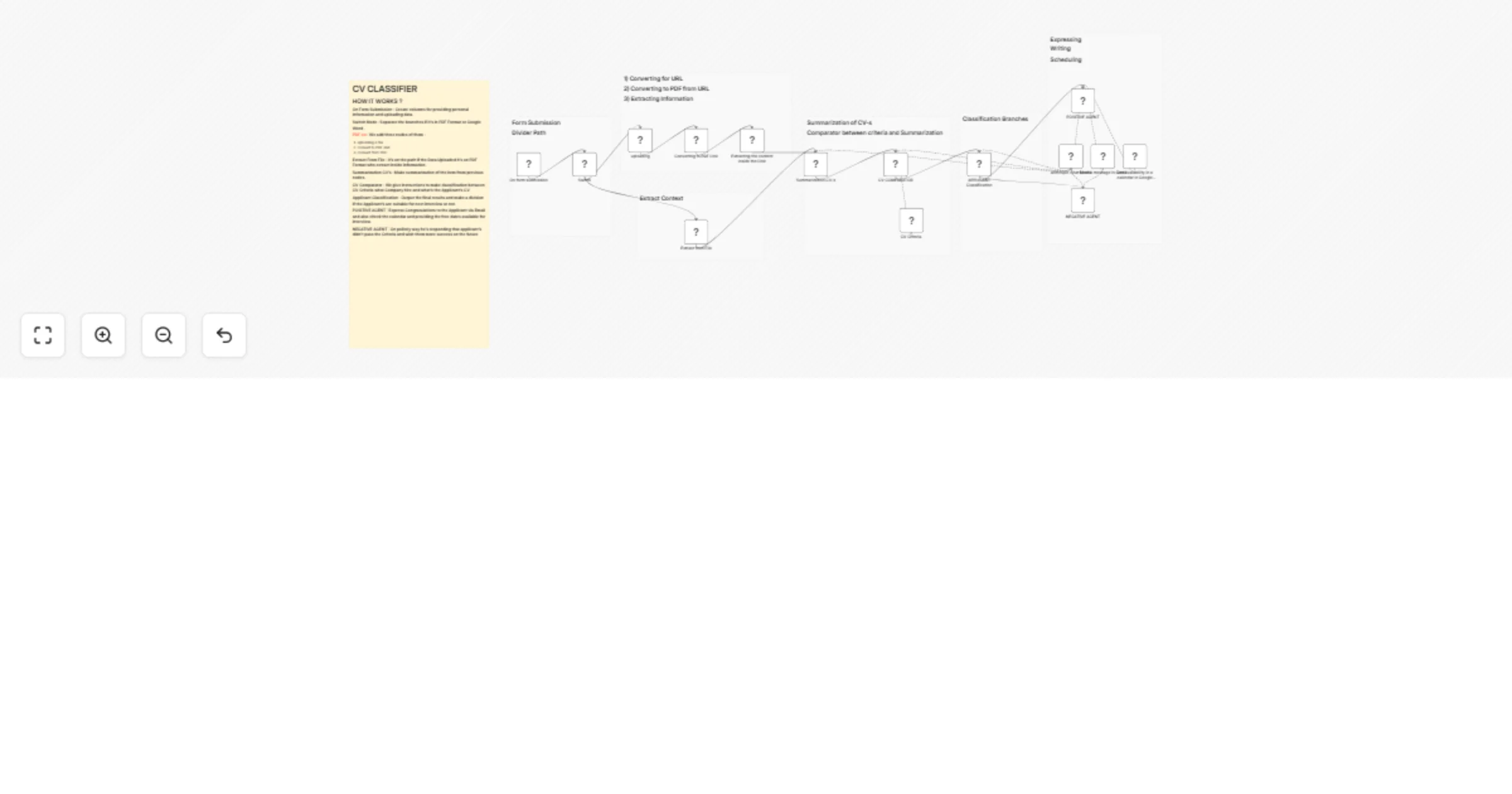
An automated workflow that processes job applications by analyzing CVs/resumes submitted through a form and intelligently routing candidates based on qualification criteria.
How It Works
- Form Submission Candidates submit their personal information and CV through an intake form.
- File Processing The system detects the file format and handles three paths:
Converting URLs to PDFs Processing existing PDFs Extracting content directly
- Information Extraction Key details such as skills, experience, and qualifications are extracted from the CV document.
- Summarization The CV content is condensed into a structured summary for efficient evaluation.
- Criteria Comparison The system compares the candidate's qualifications against predefined job criteria including company requirements and role specifications.
- AI Classification An intelligent classifier determines whether the applicant meets the requirements.
Automated Response Branches OutcomeResponse✅ Qualified CandidatesReceive a congratulatory message along with available interview time slots from the calendar❌ Unqualified CandidatesReceive a polite rejection message with encouragement for future opportunities
Benefits
Streamlines recruitment by automatically screening applications Saves time on initial candidate evaluation Ensures consistency with fair assessment against defined criteria Automates communication with appropriate responses for all candidates
This template is ideal for HR teams and recruiters looking to automate their initial screening process while maintaining a professional candidate experience.****