Capture vCard QR code contacts with AllCodeRelay and add them to KlickTipp

Workflow preview

Workflow preview
100%
Capture vCard QR code contacts with AllCodeRelay and add them to KlickTipp preview
Open on n8n.io

1. Workflow Overview

Community Node Disclaimer: This workflow uses KlickTipp community nodes. Introduction This workflow captures vCard contact data...

Best for

  • Lead Generation automation workflows
  • intermediate n8n builders looking for reusable templates

Tools used

n8n-nodes-base.stickynote, n8n-nodes-base.filter, n8n-nodes-base.code, n8n-nodes-base.webhook, n8n-nodes-klicktipp.klicktipp

Source and attribution

This workflow is cataloged by N8N Workflows and links back to its original n8n.io source page by KlickTipp.

Original n8n.io source

1.1 Workflow description

Title
Capture vCard QR code contacts with AllCodeRelay and add them to KlickTipp
Workflow name
Capture vCard QR code contacts with AllCodeRelay and add them to KlickTipp

Community Node Disclaimer: This workflow uses KlickTipp community nodes.

Introduction

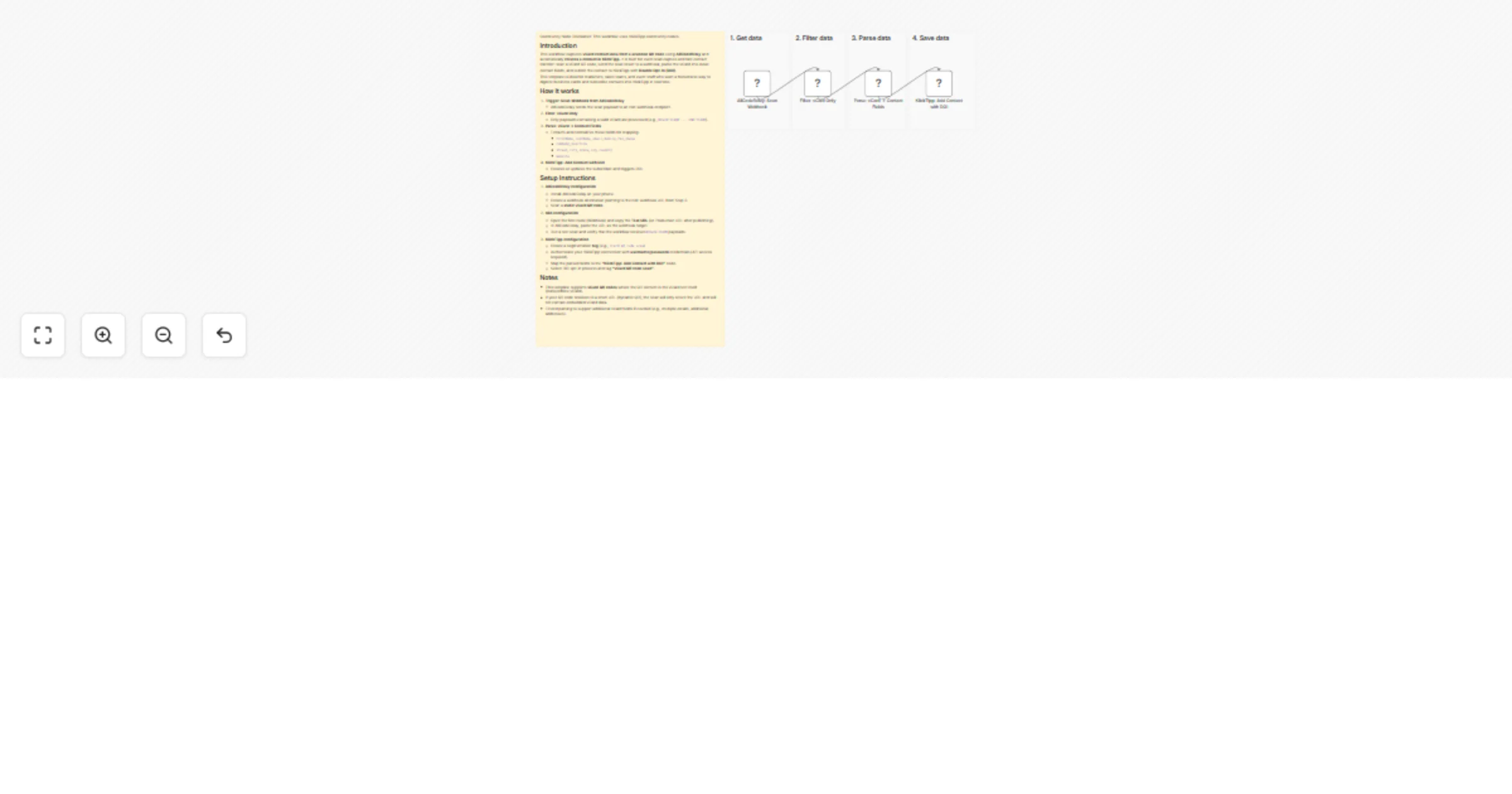
This workflow captures vCard contact data from a scanned QR code using AllCodeRelay and automatically creates a contact in KlickTipp. It is built for event lead capture and fast contact transfer: scan a vCard QR code, send the scan result to a webhook, parse the vCard into clean contact fields, and submit the contact to KlickTipp with Double Opt-In (DOI).

This template is ideal for marketers, sales teams, and event staff who want a frictionless way to digitize business cards and subscribe contacts into KlickTipp in real time.

How it works

  1. Trigger: Scan Webhook from AllCodeRelay
  • AllCodeRelay sends the scan payload to an n8n webhook endpoint.
  1. Filter: vCard Only
  • Only payloads containing a valid vCard are processed (e.g., BEGIN:VCARD ... END:VCARD).
  1. Parse: vCard → Contact Fields
  • Extracts and normalizes these fields for mapping:
  • firstName, lastName, email, mobile, fax, phone
  • company, position
  • street, city, state, zip, country
  • website
  1. KlickTipp: Add Contact with DOI
  • Creates or updates the subscriber and triggers DOI.

Setup Instructions

  1. AllCodeRelay configuration
  • Install AllCodeRelay on your phone.
  • Create a webhook destination pointing to the n8n webhook URL from Step 2.
  • Scan a static vCard QR code.
  1. n8n configuration
  • Open the first node (Webhook) and copy the Test URL (or Production URL after publishing).
  • In AllCodeRelay, paste the URL as the webhook target.
  • Run a test scan and verify that the workflow receives BEGIN:VCARD payloads.
  1. KlickTipp configuration
  • Create a segmentation tag (e.g., vCard QR code scan)
  • Authenticate your KlickTipp connection with username/password credentials (API access required).
  • Map the parsed fields to the "KlickTipp: Add Contact with DOI" node.
  • Select DOI opt-in process and tag "vCard QR code scan".

Notes

  • This template supports vCard QR codes where the QR content is the vCard text itself (static/offline vCard).
  • If your QR code resolves to a short URL (dynamic QR), the scan will only return the URL and will not contain embedded vCard data.
  • Extend parsing to support additional vCard fields if needed (e.g., multiple emails, additional addresses).

1.2 Logical Blocks

This catalog entry is organized from the workflow JSON. The node-level section below shows the executable blocks available for review before importing the template.

2. Block-by-Block Analysis

Block 1 - Documentation

Type / Role
n8n-nodes-base.stickyNote - stickyNote
Config choices
Version 1

Block 2 - 3. Parse data

Type / Role
n8n-nodes-base.stickyNote - stickyNote
Config choices
Version 1

Block 3 - 4. Save data

Type / Role
n8n-nodes-base.stickyNote - stickyNote
Config choices
Version 1

Block 4 - 2. Filter data

Type / Role
n8n-nodes-base.stickyNote - stickyNote
Config choices
Version 1

Block 5 - 1. Get data

Type / Role
n8n-nodes-base.stickyNote - stickyNote
Config choices
Version 1

Block 6 - Filter: vCard Only

Type / Role
n8n-nodes-base.filter - filter
Config choices
Version 2.3

Block 7 - Parse: vCard → Contact Fields

Type / Role
n8n-nodes-base.code - code
Config choices
Version 2

Block 8 - AllCodeRelay: Scan Webhook

Type / Role
n8n-nodes-base.webhook - webhook
Config choices
Version 2.1

Block 9 - KlickTipp: Add Contact with DOI

Type / Role
n8n-nodes-klicktipp.klicktipp - klicktipp
Config choices
Version 3

3. Summary Table

Workflow Capture vCard QR code contacts with AllCodeRelay and add them to KlickTipp
Complexity intermediate
Nodes 9
Categories Lead Generation
Author KlickTipp
Published 23 Feb 2026

4. Reproducing the Workflow from Scratch

  1. 1. Download the workflow JSON

    Use the JSON export at /data/workflows/13621/13621.json as the source template for this automation.

  2. 2. Import the template into n8n

    Open n8n, import the downloaded JSON, and review each node before activating the workflow.

  3. 3. Configure credentials and variables

    Replace placeholder credentials, API keys, webhook URLs, account IDs, and environment-specific values with your own settings.

  4. 4. Test with sample data

    Run the workflow manually or in a staging workspace, inspect node output, and confirm downstream systems receive the expected data.

  5. 5. Activate and monitor

    Enable the workflow only after testing, then monitor executions, errors, and rate limits during the first production runs.

5. General Notes & Resources

Review imported nodes carefully before activation. This catalog entry is intended to help you inspect the workflow structure, understand required services, and find related templates faster.

Node names, credentials, schedules, webhook paths, and external service limits may need adjustment for your workspace.

Frequently asked questions

What does Capture vCard QR code contacts with AllCodeRelay and add them to KlickTipp do?

Community Node Disclaimer: This workflow uses KlickTipp community nodes. Introduction This workflow captures vCard contact data...

What do I need before importing this workflow?

Review the workflow JSON, configure any required credentials in n8n, and test the automation in a safe workspace before using it in production.

Can I customize this workflow?

Yes. Use the block-by-block analysis and the downloadable JSON to inspect each node, then adjust credentials, prompts, schedules, filters, or destinations for your Lead Generation use case.