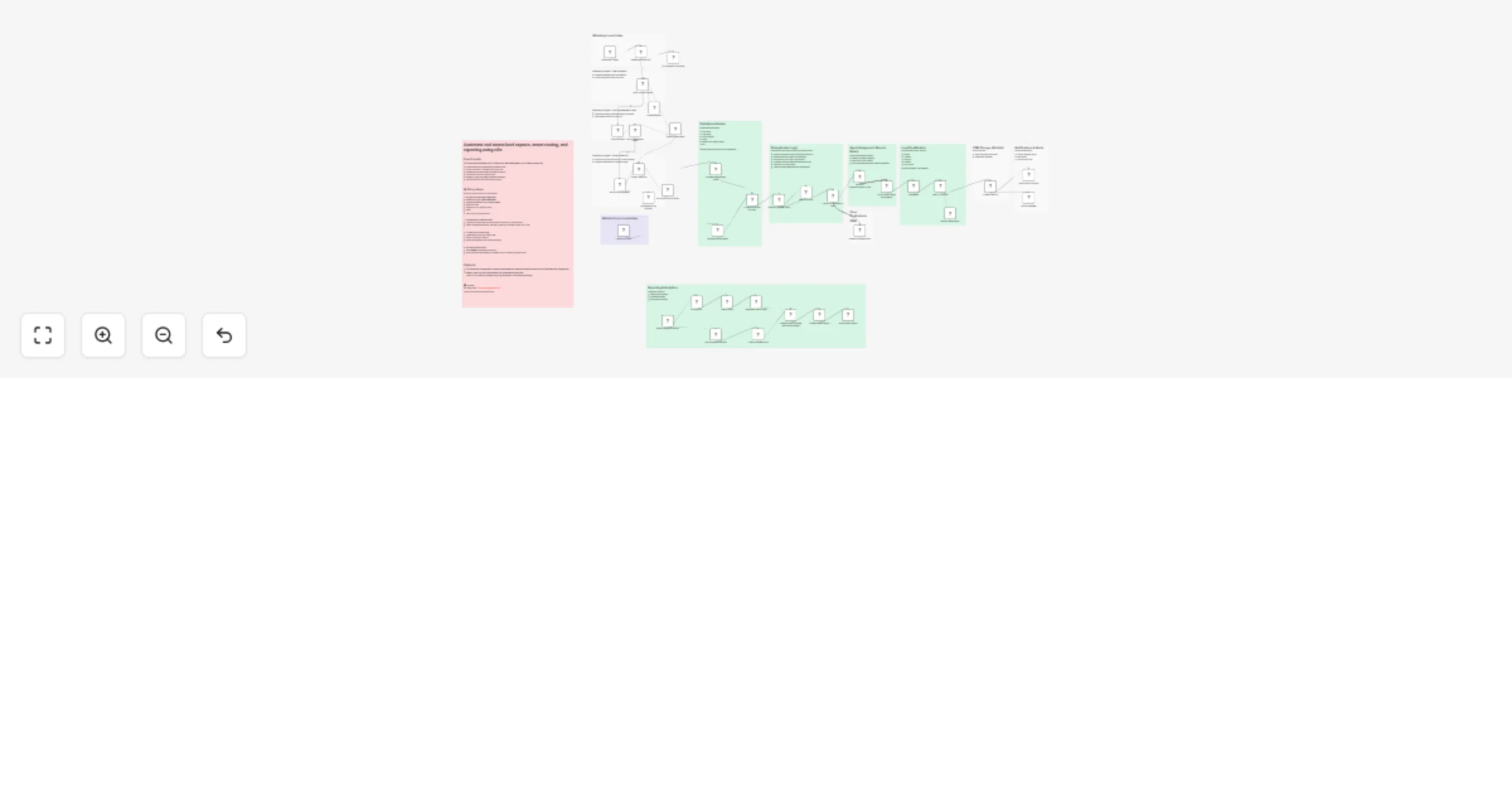
Capture, qualify, and route real estate leads with WhatsApp, Typeform, Airtable, Slack, Gmail, and GPT-4.1-mini

Workflow preview

Workflow preview
100%
Capture, qualify, and route real estate leads with WhatsApp, Typeform, Airtable, Slack, Gmail, and GPT-4.1-mini preview
Open on n8n.io

1. Workflow Overview

Overview This n8n powered workflow automates the entire lifecycle of real estate lead intake, qualification, routing, assignment, and reporting across multiple channels. It brings WhatsApp inqui...

Best for

  • Lead Generation automation workflows
  • AI Chatbot automation workflows
  • advanced n8n builders looking for reusable templates

Tools used

n8n-nodes-base.merge, n8n-nodes-base.comparedatasets, n8n-nodes-base.removeduplicates, n8n-nodes-base.scheduletrigger, n8n-nodes-base.aggregate, n8n-nodes-base.set, n8n-nodes-base.gmail, n8n-nodes-base.typeformtrigger

Source and attribution

This workflow is cataloged by N8N Workflows and links back to its original n8n.io source page by Ezema Kingsley Chibuzo.

Original n8n.io source

1.1 Workflow description

Title
Capture, qualify, and route real estate leads with WhatsApp, Typeform, Airtable, Slack, Gmail, and GPT-4.1-mini
Workflow name
Capture, qualify, and route real estate leads with WhatsApp, Typeform, Airtable, Slack, Gmail, and GPT-4.1-mini

📌 Overview

This n8n-powered workflow automates the entire lifecycle of real estate lead intake, qualification, routing, assignment, and reporting across multiple channels. It brings WhatsApp inquiries and website form submissions into a single intelligent system, where leads are processed conversationally using AI, deduplicated, normalized, assigned fairly to agents, logged into a centralized CRM, and reported on weekly. Designed specifically for real estate agencies, brokerages, and property teams, this system replaces manual follow-ups, spreadsheet chaos, and uneven agent assignments with a scalable, modular automation that can grow to include Facebook Lead Ads and Google Lead Forms without breaking downstream logic.

🧠 What It Does

This workflow automates the full real estate lead pipeline. It:

  • Collects inbound leads from WhatsApp and website forms.
  • Uses AI to extract, validate, and structure lead information.
  • Normalizes all leads into a consistent schema across sources.
  • Detects and prevents duplicate leads (both within-run and CRM-level).
  • Routes leads intelligently based on property interest.
  • Assigns leads fairly using round-robin agent logic.
  • Stores all leads and assignments in a centralized CRM.
  • Sends automated notifications to agents and internal teams.
  • Generates weekly lead, duplicate, and assignment reports.
  • Is designed to be easily extended to Facebook Lead Ads and Google Lead Forms.

💡 Why This Workflow

Real estate teams don’t struggle with demand — they struggle with lead management.

This workflow was built to solve common real estate problems:

  • Leads lost in WhatsApp chats
  • Duplicate inquiries wasting agent time
  • Uneven lead distribution across agents
  • Manual CRM updates
  • No visibility into weekly lead performance

Instead of patching tools together, this workflow provides a single automated system that is reliable, extensible, and client-ready.

👤 Who It’s For

This workflow is ideal for:

  • Real estate agencies managing high WhatsApp and form lead inquiry volume
  • Brokerages with multiple agents needing fair lead assignment
  • Property developers handling inbound marketing leads
  • Real estate lead generation teams
  • Automation freelancers building reusable real estate systems

⚙️ How It Works

🧩 1. Lead Intake Workflow

🎯 Purpose

Collect inbound leads from multiple channels and normalize them into a unified structure.

🛠 How It Works
1. WhatsApp & Website Triggers

Leads enter the system via:

  • WhatsApp messages
  • Website inquiry forms
2. Lead Normalization

Regardless of source, all leads are transformed into a common structure: First name, Last name, Phone number, Email, What is your budget range?, and others

This ensures new channels (Facebook Lead Ads, Google Lead Forms) can be added later without changing core logic.

🧩 2. AI Lead Processing Workflow

🎯 Purpose

Convert unstructured messages into clean, usable lead data.

🛠 How It Works
1. AI Conversation Handling

An AI agent processes inbound messages to:

  • Extract missing details
  • Validate lead intent
  • Standardize property interest categories
2. Data Validation

Ensures required fields exist before moving forward.

🧩 3. Deduplication Workflow

🎯 Purpose

Prevent duplicate leads from entering the system or being reassigned.

🛠 How It Works
1. In-Execution Duplicate Check

Prevents the same lead from being processed twice in a single run.

2. CRM-Level Duplicate Detection

Checks existing records using:

  • Phone number
  • Email

Duplicate leads are flagged and excluded from reassignment while still logged for reporting.

🧩 4. Lead Routing & Agent Assignment Workflow

🎯 Purpose

Assign leads fairly and intelligently to agents.

🛠 How It Works
1. Property-Based Routing

Leads are routed based on property type (e.g. Single-Family, Multi-Family, Condo).

2. Round-Robin Assignment

Agents are rotated automatically to ensure:

  • Fair distribution
  • No manual favoritism
  • Predictable assignment logic

🧩 5. CRM Storage & Notifications Workflow

🎯 Purpose

Keep all lead data centralized and notify the right people instantly.

🛠 How It Works
1. CRM Logging (Airtable)

Stores:

  • Lead details
  • Assigned agent
  • Source
  • Deduplicates (Separate table)
  • Timestamps
2. Automated Notifications

Sends alerts via:

  • Email
  • Slack So agents can respond immediately.

🧩 6. Weekly Reporting Workflow

🎯 Purpose

Provide visibility into lead performance and system health.

🛠 How It Works
  • Runs on a weekly schedule
  • Generates summaries for:
  • Total leads
  • Duplicate leads
  • Agent assignments
  • Can be separated into its own workflow for scalability and reuse.

🛠 How to Set It Up

Import the .json file into your n8n instance.

Connect the required credentials:

  • WhatsApp Trigger (Auth Connection)
  • WhatsApp Business Cloud (Access Token)
  • OpenAI API Key
  • Airtable API Key (Access Token)
  • Gmail
  • Slack API Key (Access Token)

Configure your data sources:

  • Update the Airtable base and table names to match your CRM structure
  • Real Estate Qualifier column names: First name | Last name | Phone number | Email | Location | Property Type | Timeframe | Payment Source | Pre Approved | Has Agent (Yes, No) | Lead (New, Contacted, Follow-up, Converted, Couldn't Convert) | Source | Assigned Agent | Assigned Time | Qualified (Yes, No) | Transcript | Summary
  • Real Estate Qualifier Duplicate column names: First name | Last name | Phone number | Email | Location | Property Type | Timeframe | Payment Source | Pre Approved | Has Agent (Yes, No) | Source

Customize business logic:

  • Update agent pools and routing rules
  • Adjust AI prompts if needed
  • Review deduplication and reporting settings

Activate the workflow:

  • Click Publish to activate the workflow
  • Send a test lead via WhatsApp or website form to confirm everything works

🎨 Customization Tips

  • Add More Channels: Plug in Facebook Lead Ads or Google Lead Forms — no restructuring needed.
  • Routing Logic: Customize routing by location, budget, or property category.
  • CRM Expansion: Add more fields (Notes, Follow-Up Status, Deal Stage).
  • Reporting: Extend weekly reports or connect to BI tools.
  • Ads Integration: Leads can optionally be passed into Facebook or Google Ads workflows after normalization.

📬 Contact

For Enquiries: [email protected]

Thank you for exploring this workflow!

1.2 Logical Blocks

This catalog entry is organized from the workflow JSON. The node-level section below shows the executable blocks available for review before importing the template.

2. Block-by-Block Analysis

Block 1 - Combine All Lead Sources

Type / Role
n8n-nodes-base.merge - merge
Config choices
Version 3.2

Block 2 - Check for Duplicates in CRM

Type / Role
n8n-nodes-base.compareDatasets - compareDatasets
Config choices
Version 2.3

Block 3 - Remove Duplicate Leads

Type / Role
n8n-nodes-base.removeDuplicates - removeDuplicates
Config choices
Version 2

Block 4 - Weekly Report Schedule

Type / Role
n8n-nodes-base.scheduleTrigger - scheduleTrigger
Config choices
Version 1.3

Block 5 - Aggregate Report Data

Type / Role
n8n-nodes-base.aggregate - aggregate
Config choices
Version 1

Block 6 - Format Weekly Report

Type / Role
n8n-nodes-base.set - set
Config choices
Version 3.4

Block 7 - Send Weekly Report

Type / Role
n8n-nodes-base.gmail - gmail
Config choices
Version 2.2

Block 8 - Typeform Trigger

Type / Role
n8n-nodes-base.typeformTrigger - typeformTrigger
Config choices
Version 1.1

Block 9 - WhatsApp Trigger

Type / Role
n8n-nodes-base.whatsAppTrigger - whatsAppTrigger
Config choices
Version 1

Block 10 - Route by Location/Property Type1

Type / Role
n8n-nodes-base.switch - switch
Config choices
Version 3.4

Block 11 - Send a message

Type / Role
n8n-nodes-base.gmail - gmail
Config choices
Version 2.2

Block 12 - Aggregate

Type / Role
n8n-nodes-base.aggregate - aggregate
Config choices
Version 1

Block 13 - Basic LLM Chain

Type / Role
@n8n/n8n-nodes-langchain.chainLlm - chainLlm
Config choices
Version 1.9

Block 14 - OpenAI Chat Model2

Type / Role
@n8n/n8n-nodes-langchain.lmChatOpenAi - lmChatOpenAi
Config choices
Version 1.3

Block 15 - Search records

Type / Role
n8n-nodes-base.airtable - airtable
Config choices
Version 2.1

Block 16 - Get Records

Type / Role
n8n-nodes-base.airtable - airtable
Config choices
Version 2.1

Block 17 - No Operation, do nothing

Type / Role
n8n-nodes-base.noOp - noOp
Config choices
Version 1

Block 18 - Lead Collection Agent

Type / Role
@n8n/n8n-nodes-langchain.agent - agent
Config choices
Version 3.1

Block 19 - OpenAI Chat Model

Type / Role
@n8n/n8n-nodes-langchain.lmChatOpenAi - lmChatOpenAi
Config choices
Version 1.3

Block 20 - Simple Memory

Type / Role
@n8n/n8n-nodes-langchain.memoryBufferWindow - memoryBufferWindow
Config choices
Version 1.3

Block 21 - Extract Lead Info

Type / Role
@n8n/n8n-nodes-langchain.chainLlm - chainLlm
Config choices
Version 1.9

Block 22 - Structured Output Parser

Type / Role
@n8n/n8n-nodes-langchain.outputParserStructured - outputParserStructured
Config choices
Version 1.3

Block 23 - No Operation, do nothing1

Type / Role
n8n-nodes-base.noOp - noOp
Config choices
Version 1

Block 24 - Round-Robin Agent Assignment1

Type / Role
n8n-nodes-base.code - code
Config choices
Version 2

Showing the first 24 of 51 workflow blocks. Download the JSON for the full node graph.

3. Summary Table

Workflow Capture, qualify, and route real estate leads with WhatsApp, Typeform, Airtable, Slack, Gmail, and GPT-4.1-mini
Complexity advanced
Nodes 51
Categories Lead Generation, AI Chatbot
Author Ezema Kingsley Chibuzo
Published 19 Jan 2026

4. Reproducing the Workflow from Scratch

  1. 1. Download the workflow JSON

    Use the JSON export at /data/workflows/12820/12820.json as the source template for this automation.

  2. 2. Import the template into n8n

    Open n8n, import the downloaded JSON, and review each node before activating the workflow.

  3. 3. Configure credentials and variables

    Replace placeholder credentials, API keys, webhook URLs, account IDs, and environment-specific values with your own settings.

  4. 4. Test with sample data

    Run the workflow manually or in a staging workspace, inspect node output, and confirm downstream systems receive the expected data.

  5. 5. Activate and monitor

    Enable the workflow only after testing, then monitor executions, errors, and rate limits during the first production runs.

5. General Notes & Resources

Review imported nodes carefully before activation. This catalog entry is intended to help you inspect the workflow structure, understand required services, and find related templates faster.

Node names, credentials, schedules, webhook paths, and external service limits may need adjustment for your workspace.

Frequently asked questions

What does Capture, qualify, and route real estate leads with WhatsApp, Typeform, Airtable, Slack, Gmail, and GPT-4.1-mini do?

Overview This n8n powered workflow automates the entire lifecycle of real estate lead intake, qualification, routing, assignment, and reporting across multiple channels. It brings WhatsApp inqui...

What do I need before importing this workflow?

Review the workflow JSON, configure any required credentials in n8n, and test the automation in a safe workspace before using it in production.

Can I customize this workflow?

Yes. Use the block-by-block analysis and the downloadable JSON to inspect each node, then adjust credentials, prompts, schedules, filters, or destinations for your Lead Generation, AI Chatbot use case.