Block 1 - On form submission
- Type / Role
- n8n-nodes-base.formTrigger - formTrigger
- Config choices
- Version 2.2


 Early Deal
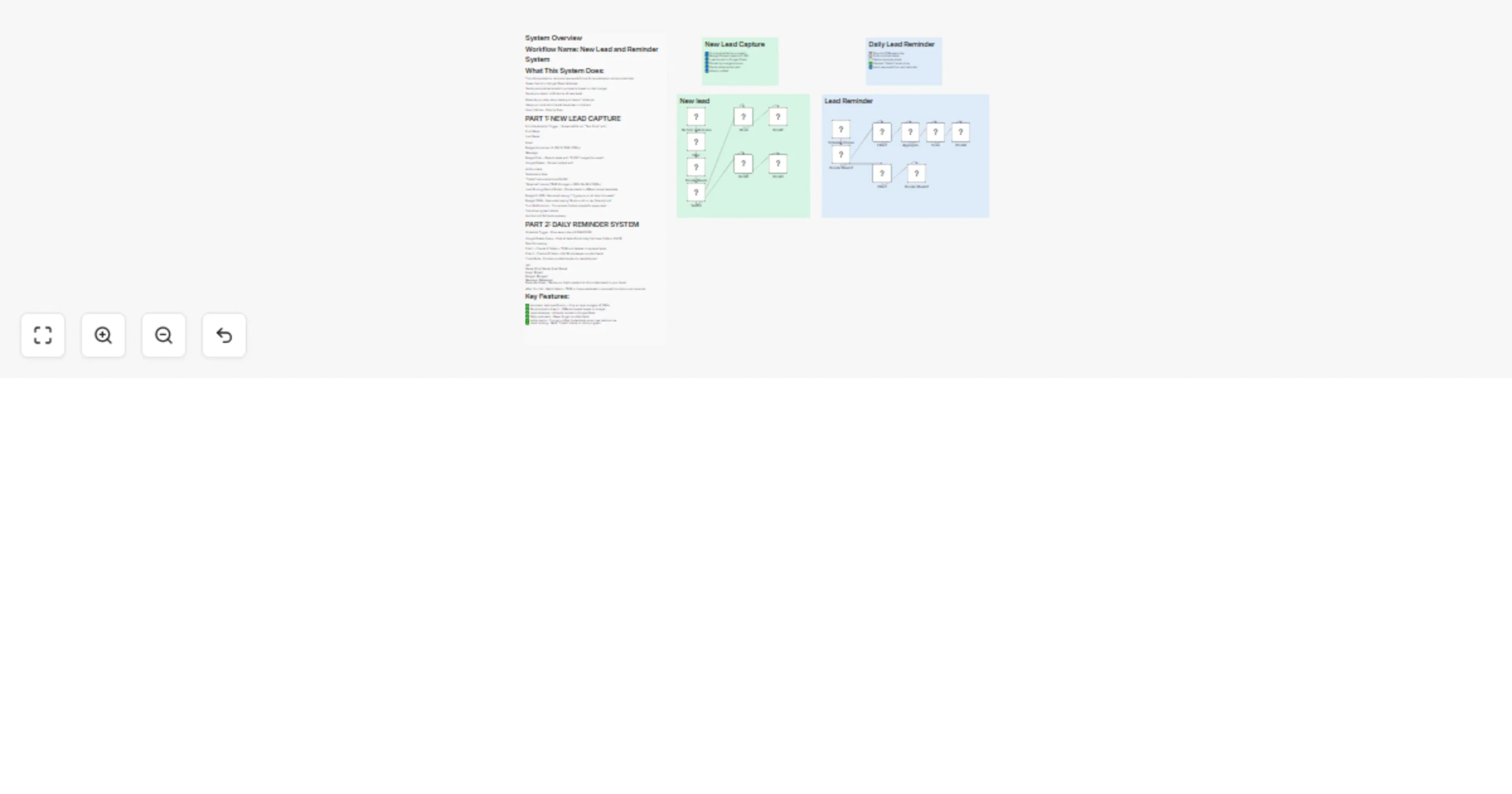
System Overview Workflow Name: New Lead and Reminder System What This System Does: This n8n automation captures new leads from a form submission and automatically: Saves them to a Google Sheet data...
n8n-nodes-base.formtrigger, n8n-nodes-base.googlesheets, n8n-nodes-base.filter, n8n-nodes-base.switch, n8n-nodes-base.gmail, n8n-nodes-base.aggregate, n8n-nodes-base.code, n8n-nodes-base.scheduletrigger
This workflow is cataloged by N8N Workflows and links back to its original n8n.io source page by Deniz.
Original n8n.io sourceThis n8n automation captures new leads from a form submission and automatically:
Saves them to a Google Sheet database
Sends personalized emails to prospects based on their budget
Sends you admin notifications of new leads
Reminds you daily about leads you haven't called yet
Helps you track which leads have been contacted
How It Works - Step by Step:
Form Submission Trigger - Someone fills out "Test Form" with:
First Name
Last Name
Budget (dropdown: 0-100, 0-1000, 1000+)
Message
Budget Filter - Rejects leads with "0-100" budget (too small)
Google Sheets - Stores the lead with:
All form data
Submission date
"Called" status (starts as FALSE)
"Rejected" status (TRUE if budget < 1000, FALSE if 1000+)
Lead Routing (Switch Node) - Routes leads to different email templates:
Budget 0-1000: Gets email saying "I'll give you a call later this week"
Budget 1000+: Gets email saying "Book a call on my Calendly link"
Your Notifications - You receive 2 admin emails for every lead:
One showing lead details
Another with full lead summary
Schedule Trigger - Runs every day at 8 PM (20:00)
Google Sheets Query - Pulls all leads from today that have Called = FALSE
Data Processing:
Filter1 - Checks if Called = TRUE and deletes completed leads
Filter2 - Checks if Called = FALSE and keeps uncalled leads
Code Node - Formats uncalled leads into readable text:
text Name: [First Name] [Last Name] Email: [Email] Budget: [Budget] Message: [Message] Reminder Email - Sends you the formatted list of uncalled leads to your Gmail
After You Call - Mark Called = TRUE in the spreadsheet to remove from tomorrow's reminder
✅ Automatic lead qualification - Only accepts budgets of 1000+ ✅ Personalized outreach - Different emails based on budget ✅ Lead database - All leads tracked in Google Sheet ✅ Daily reminders - Never forget uncalled leads ✅ Admin alerts - You get notified immediately when new leads arrive ✅ Lead tracking - Mark "Called" status to track progress
This catalog entry is organized from the workflow JSON. The node-level section below shows the executable blocks available for review before importing the template.
| Workflow | Capture leads from forms to Google Sheets and send Gmail reminders |
|---|---|
| Complexity | advanced |
| Nodes | 21 |
| Categories | Lead Generation |
| Author | Deniz |
| Published | 10 Nov 2025 |
Use the JSON export at /data/workflows/10705/10705.json as the source template for this automation.
Open n8n, import the downloaded JSON, and review each node before activating the workflow.
Replace placeholder credentials, API keys, webhook URLs, account IDs, and environment-specific values with your own settings.
Run the workflow manually or in a staging workspace, inspect node output, and confirm downstream systems receive the expected data.
Enable the workflow only after testing, then monitor executions, errors, and rate limits during the first production runs.
Review imported nodes carefully before activation. This catalog entry is intended to help you inspect the workflow structure, understand required services, and find related templates faster.
Node names, credentials, schedules, webhook paths, and external service limits may need adjustment for your workspace.
System Overview Workflow Name: New Lead and Reminder System What This System Does: This n8n automation captures new leads from a form submission and automatically: Saves them to a Google Sheet data...
Review the workflow JSON, configure any required credentials in n8n, and test the automation in a safe workspace before using it in production.
Yes. Use the block-by-block analysis and the downloadable JSON to inspect each node, then adjust credentials, prompts, schedules, filters, or destinations for your Lead Generation use case.