Block 1 - Overview
- Type / Role
- n8n-nodes-base.stickyNote - stickyNote
- Config choices
- Version 1


 Early Deal
Store leads in a SQL Server database via REST API with automatic scoring and Slack notifications. This workflow receives leads from web forms, validates email addresses, normalizes data from multip...
n8n-nodes-base.stickynote, n8n-nodes-base.webhook, n8n-nodes-base.code, n8n-nodes-base.if, n8n-nodes-base.respondtowebhook, n8n-nodes-base.httprequest, n8n-nodes-base.switch, n8n-nodes-base.slack
This workflow is cataloged by N8N Workflows and links back to its original n8n.io source page by Manu.
Original n8n.io sourceStore leads in a SQL Server database via REST API with automatic scoring and Slack notifications.
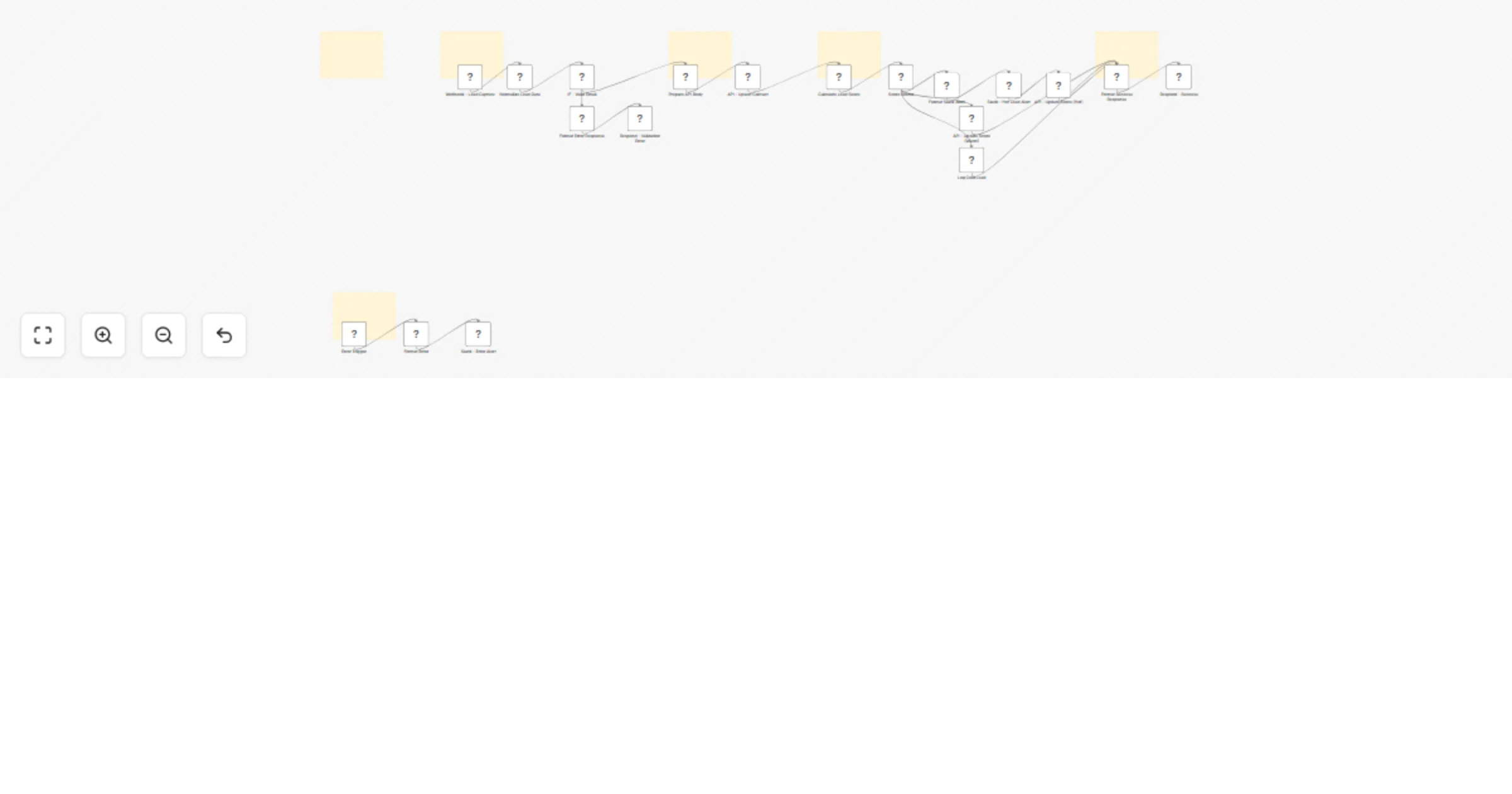
This workflow receives leads from web forms, validates email addresses, normalizes data from multiple formats (Typeform, Webflow, custom forms), and stores contacts in SQL Server via REST API. It calculates a lead score from 0-100 based on data completeness and engagement signals, then routes high-scoring leads (70+) to Slack for immediate follow-up.
WORKFLOW PATHS: Valid lead: Webhook receives data → Normalize and validate → Store in SQL Server → Calculate score → Send Slack alert if hot → Return success response with contact ID Invalid email: Webhook receives data → Validation fails → Return 400 error response Workflow error: Any node fails → Error trigger → Send Slack alert with details
SETUP REQUIREMENTS: HTTP Header Auth credential with API key and base URL Slack credential for notifications (optional) SQL Server database with provided schema (3 tables, 6 stored procedures) Webhook URL added to your forms
CUSTOMIZATION: Lead scoring algorithm is editable in the "Calculate Lead Score" code node. Adjust points for email (10), full name (10), phone (10), company (10), high-value source (30), medium source (15), detailed message (15), and repeat visitor (15).
Slack message format is customizable in the "Format Slack Alert" code node.
This workflow is designed for teams that need to capture leads from multiple sources, store data in their own database, automatically qualify leads, and alert sales teams when high-quality leads arrive.
This catalog entry is organized from the workflow JSON. The node-level section below shows the executable blocks available for review before importing the template.
Showing the first 24 of 25 workflow blocks. Download the JSON for the full node graph.
| Workflow | Capture and score leads with SQL Server and Slack alerts |
|---|---|
| Complexity | advanced |
| Nodes | 25 |
| Categories | Lead Generation, AI Summarization |
| Author | Manu |
| Published | 28 Jan 2026 |
Use the JSON export at /data/workflows/13074/13074.json as the source template for this automation.
Open n8n, import the downloaded JSON, and review each node before activating the workflow.
Replace placeholder credentials, API keys, webhook URLs, account IDs, and environment-specific values with your own settings.
Run the workflow manually or in a staging workspace, inspect node output, and confirm downstream systems receive the expected data.
Enable the workflow only after testing, then monitor executions, errors, and rate limits during the first production runs.
Review imported nodes carefully before activation. This catalog entry is intended to help you inspect the workflow structure, understand required services, and find related templates faster.
Node names, credentials, schedules, webhook paths, and external service limits may need adjustment for your workspace.
Store leads in a SQL Server database via REST API with automatic scoring and Slack notifications. This workflow receives leads from web forms, validates email addresses, normalizes data from multip...
Review the workflow JSON, configure any required credentials in n8n, and test the automation in a safe workspace before using it in production.
Yes. Use the block-by-block analysis and the downloadable JSON to inspect each node, then adjust credentials, prompts, schedules, filters, or destinations for your Lead Generation, AI Summarization use case.