Block 1 - Wait
- Type / Role
- n8n-nodes-base.wait - wait
- Config choices
- Version 1.1


 Early Deal
This workflow is provided as-is. Please review and test before using in production.
Bulk TikTok Video Download Without Watermark to Google Drive This workflow automates the process of downloading TikTok videos and uploading them to Google Drive. It reads TikTok URLs from a Goog...
n8n-nodes-base.wait, n8n-nodes-base.manualtrigger, n8n-nodes-base.splitinbatches, n8n-nodes-base.googlesheets, n8n-nodes-base.googledrive, n8n-nodes-base.httprequest, n8n-nodes-base.stickynote
This workflow is cataloged by N8N Workflows and links back to its original n8n.io source page by Sk developer .
Original n8n.io sourceThis workflow automates the process of downloading TikTok videos and uploading them to Google Drive. It reads TikTok URLs from a Google Sheet, downloads the video using the TikTok Video Downloader — a tool for downloading TikTok videos without watermark in HD quality — uploads it to Drive, makes it public, and updates the same sheet with the Drive link.
Make sure your sheet has at least these columns:
| url | drive_link (to be auto-filled) |
|---|---|
| https://www.tiktok.com/@user1... | (blank initially) |
| https://www.tiktok.com/@user2... | (blank initially) |
> The workflow reads from url and fills in drive_link after upload.
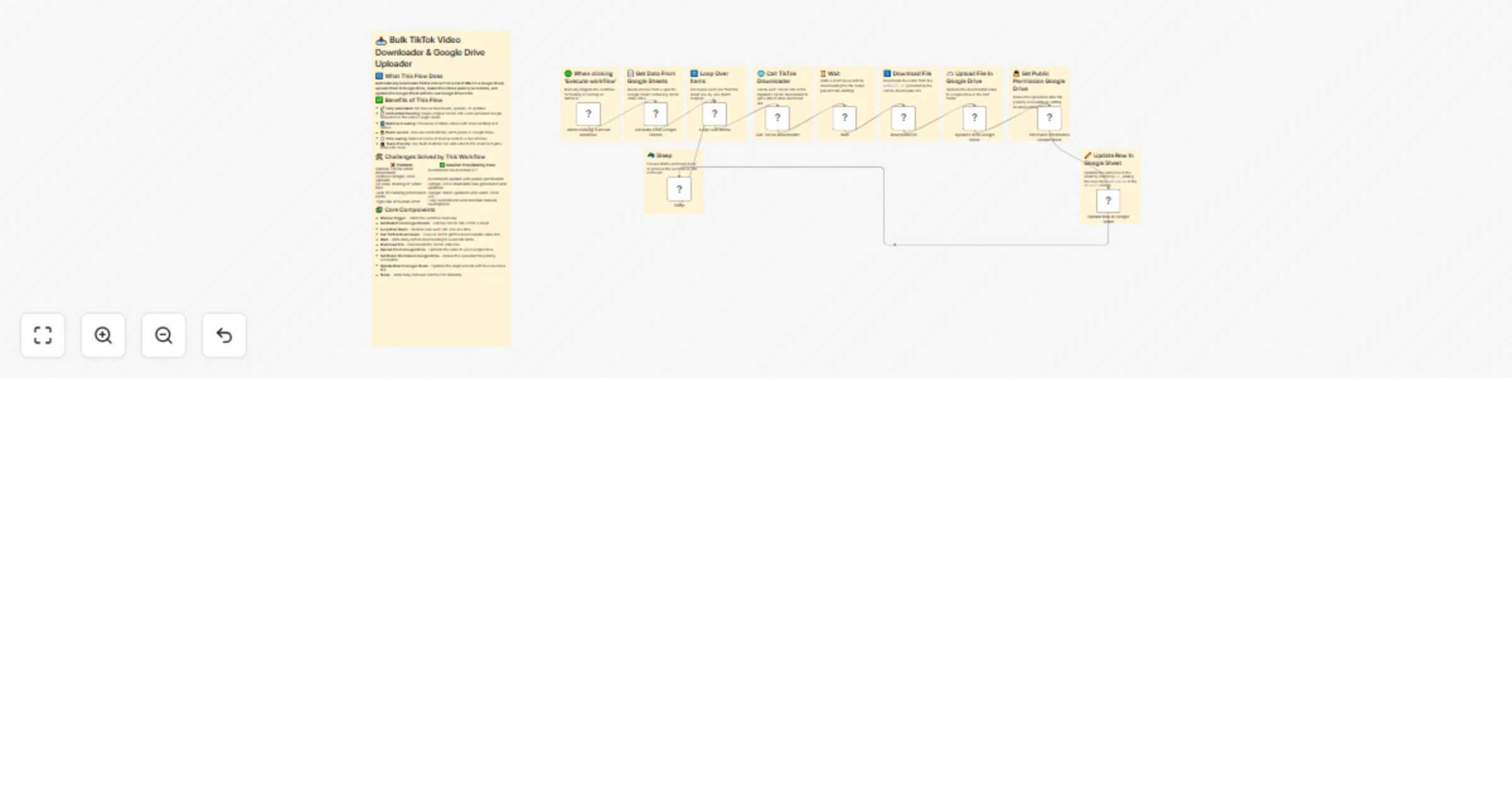
| Node Name | Type | Purpose |
|---|---|---|
| When clicking ‘Execute’ | Manual Trigger | Starts the workflow manually |
| Get Data From Google Sheets | Google Sheets | Fetches rows (TikTok URLs) |
| Loop Over Items | Split In Batches | Iterates over each row |
| Call TikTok Downloader | HTTP Request | Gets video download link from TikTok Video Downloader |
| Wait | Wait | Optional delay to prevent overload |
| Download File | HTTP Request | Downloads HD video using media link |
| Upload File In Google Drive | Google Drive | Uploads the video to Google Drive |
| Set Public Permission | Google Drive | Makes the uploaded file publicly accessible |
| Update Row In Google Sheet | Google Sheets | Adds Drive link to the same row |
| Sleep | Wait | Small delay between each iteration |
url column containing TikTok video URLs| ❗ Challenge | ✅ Solution |
|---|---|
| TikTok video URLs often have watermarks and low quality | Used TikTok Video Downloader API for HD + no watermark download links |
| No easy way to bulk download and organize TikToks | Automated fetching, downloading, and uploading using n8n + Google Drive |
| Manual video saving and re-uploading to Drive is time-consuming | Eliminated all manual steps with a fully automated workflow |
| Tracking which videos are already processed | Automatically updates the Google Sheet row with the final Drive link |
| Drive files are private by default | Automatically sets public sharing permission on uploaded videos |
| Risk of API rate limits or throttling | Added Wait nodes and batch processing to avoid overload |
| 🌟 Benefit | 💬 Description |
|---|---|
| 🚀 Saves Time | Fully automates a previously manual workflow |
| 🎥 High Quality Content | Videos downloaded are HD + watermark-free — ready for reuse or archives |
| 🔁 Reusable Setup | Can process unlimited TikTok URLs via the Google Sheet |
| 📊 Organized Output | Keeps track of source URL and uploaded Drive link in a single sheet |
| 🔐 Secure but Shareable | Drive links are auto-shared publicly while remaining under your control |
| 🔄 Scalable | Can be run daily, weekly, or triggered by new rows — completely scalable |
| 💸 Cost-Effective | No need for paid tools or manual freelancers — runs on n8n + free APIs |
This catalog entry is organized from the workflow JSON. The node-level section below shows the executable blocks available for review before importing the template.
| Workflow | Bulk TikTok video download without watermark to Google Drive with tracking |
|---|---|
| Complexity | advanced |
| Nodes | 21 |
| Categories | File Management |
| Author | Sk developer |
| Published | 19 Jul 2025 |
Use the JSON export at /data/workflows/6171/6171.json as the source template for this automation.
Open n8n, import the downloaded JSON, and review each node before activating the workflow.
Replace placeholder credentials, API keys, webhook URLs, account IDs, and environment-specific values with your own settings.
Run the workflow manually or in a staging workspace, inspect node output, and confirm downstream systems receive the expected data.
Enable the workflow only after testing, then monitor executions, errors, and rate limits during the first production runs.
Review imported nodes carefully before activation. This catalog entry is intended to help you inspect the workflow structure, understand required services, and find related templates faster.
Node names, credentials, schedules, webhook paths, and external service limits may need adjustment for your workspace.
Bulk TikTok Video Download Without Watermark to Google Drive This workflow automates the process of downloading TikTok videos and uploading them to Google Drive. It reads TikTok URLs from a Goog...
Review the workflow JSON, configure any required credentials in n8n, and test the automation in a safe workspace before using it in production.
Yes. Use the block-by-block analysis and the downloadable JSON to inspect each node, then adjust credentials, prompts, schedules, filters, or destinations for your File Management use case.