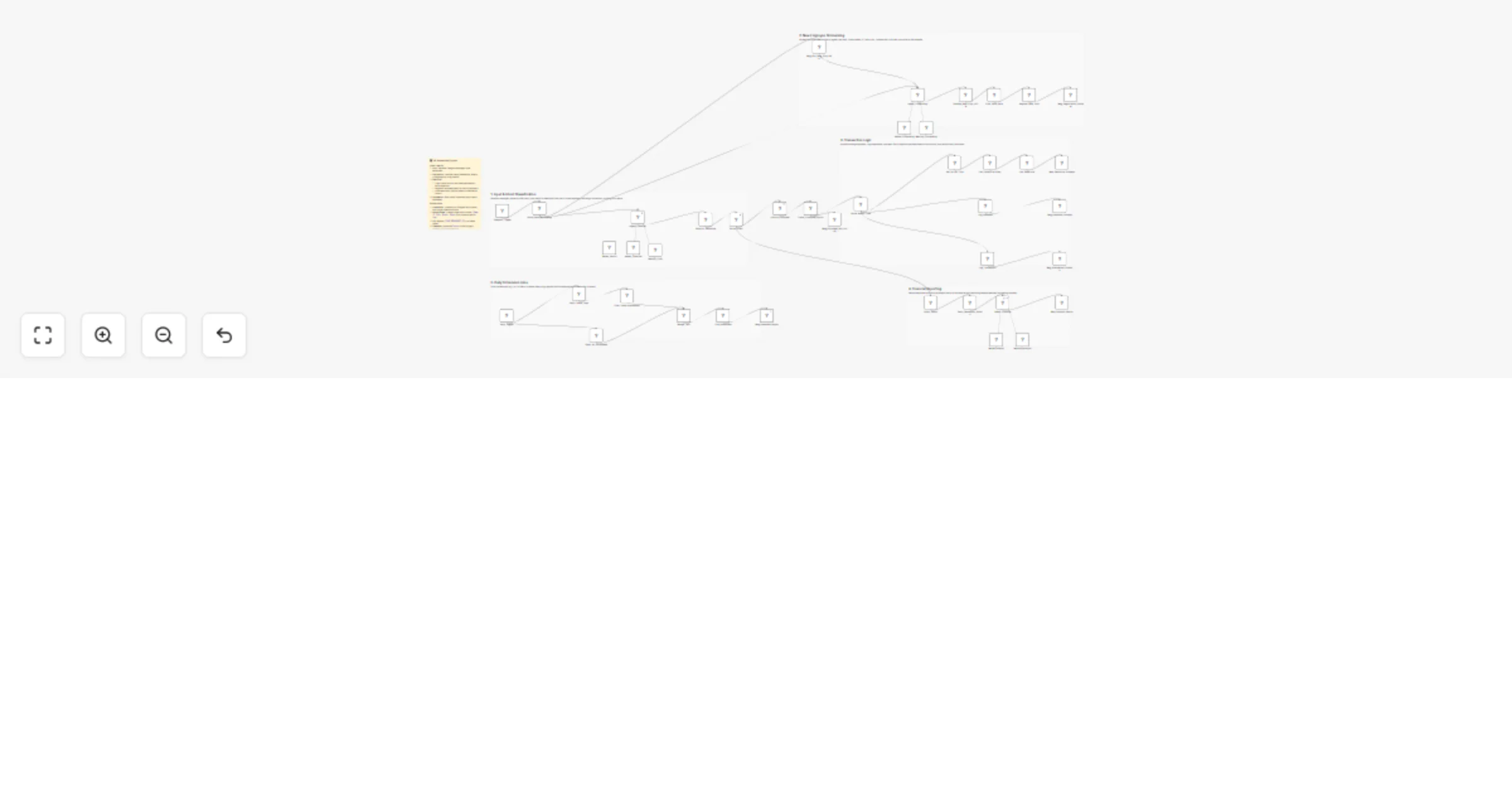
Build an OpenAI HR assistant for Telegram attendance and salary reports

Workflow preview

Workflow preview
100%
Build an OpenAI HR assistant for Telegram attendance and salary reports preview
Open on n8n.io

1. Workflow Overview

What Problem Does It Solve? HR managers waste hours manually logging attendance, calculating work hours, and tracking salary advances in spreadsheets. Onboarding new staff often involves messy pape...

Best for

  • HR automation workflows
  • AI Chatbot automation workflows
  • advanced n8n builders looking for reusable templates

Tools used

n8n-nodes-base.stickynote, n8n-nodes-base.telegramtrigger, @n8n/n8n-nodes-langchain.memorybufferwindow, n8n-nodes-base.telegram, n8n-nodes-base.code, n8n-nodes-base.googlesheets, n8n-nodes-base.if, n8n-nodes-base.switch

Source and attribution

This workflow is cataloged by N8N Workflows and links back to its original n8n.io source page by khaled yasser.

Original n8n.io source

1.1 Workflow description

Title
Build an OpenAI HR assistant for Telegram attendance and salary reports
Workflow name
Build an OpenAI HR assistant for Telegram attendance and salary reports

What Problem Does It Solve?

  • HR managers waste hours manually logging attendance, calculating work hours, and tracking salary advances in spreadsheets.
  • Onboarding new staff often involves messy paperwork or scattered chat messages.
  • Salary calculations are prone to errors when manually tallying absence, overtime, and penalties.
  • This workflow solves these by: -- Allowing employees to check in/out and request loans via a simple Telegram chat. -- Automatically calculating work hours and applying penalties for early departure. -- Registering new employees through an interactive AI chat. -- Generating instant financial reports including net salary, deductions, and overtime.

How to Configure It

  • Google Sheets Setup -- Create a Google Sheet with two tabs: one for "Employee Data" (Columns: ID, Name, Role, Branch, Salary) and one for "Logs" (Attendance history). -- Connect your Google Sheets OAuth2 credentials in n8n and select this sheet in all related nodes.
  • Telegram Setup -- Create a new bot via BotFather and connect your Telegram credentials. -- (Optional) Set the "Admin Chat ID" in the Daily Report node to receive absentee lists.
  • AI Setup -- Add your OpenAI API key (used for intent classification and conversational agents). -- The included prompts are currently in Egyptian Arabic — you can translate them to English or your local language in the "System Message" of the Agent nodes.
  • Timezone -- Adjust the timezone in the "Context" section of the AI Agent nodes to match your company's location (currently set to Africa/Cairo).

How It Works

  • Telegram Trigger catches every message sent to the HR Bot.
  • AI Classifier analyzes the text to determine intent: -- New Employee: Triggers a conversation to collect Name, ID, Salary, and Branch -> Validates data -> Adds to "Employee Data" sheet. -- Attendance (Check-in): Logs the timestamp immediately. -- Departure (Check-out): Looks up arrival time, calculates total hours worked. If under 8 hours, it flags "Early Departure" and logs it with a penalty note. -- Financial Request: Logs salary advances (loans) directly to the sheet. -- Report Request: An AI Analyst calculates net salary (Basic + Overtime - Absence - Advances) and replies with a detailed breakdown.
  • Daily Schedule: -- Every day at 1:00 PM, the workflow compares today's attendance logs against the full employee list. -- It generates a list of absentees and sends a summary report to the HR Manager.

Customization Ideas

  • Change the Logic: Edit the JavaScript node to change the "8-hour work day" rule to match your company policy.
  • Multi-Platform: Swap the Telegram Trigger for WhatsApp or Slack to match your team's communication tool.
  • PDF Payslips: Add a node to generate a PDF payslip based on the AI's financial report and email it to the employee.
  • Face Recognition: Integrate an image analysis node if you want employees to send a selfie for attendance verification.
  • For more info Contact Me

1.2 Logical Blocks

This catalog entry is organized from the workflow JSON. The node-level section below shows the executable blocks available for review before importing the template.

2. Block-by-Block Analysis

Block 1 - Main_Overview

Type / Role
n8n-nodes-base.stickyNote - stickyNote
Config choices
Version 1

Block 2 - Section_Input

Type / Role
n8n-nodes-base.stickyNote - stickyNote
Config choices
Version 1

Block 3 - Section_Onboarding

Type / Role
n8n-nodes-base.stickyNote - stickyNote
Config choices
Version 1

Block 4 - Section_Transactions

Type / Role
n8n-nodes-base.stickyNote - stickyNote
Config choices
Version 1

Block 5 - Section_Reports

Type / Role
n8n-nodes-base.stickyNote - stickyNote
Config choices
Version 1

Block 6 - Section_Daily

Type / Role
n8n-nodes-base.stickyNote - stickyNote
Config choices
Version 1

Block 7 - Telegram_Trigger

Type / Role
n8n-nodes-base.telegramTrigger - telegramTrigger
Config choices
Version 1.2

Block 8 - Memory_Chat

Type / Role
@n8n/n8n-nodes-langchain.memoryBufferWindow - memoryBufferWindow
Config choices
Version 1.3

Block 9 - Msg_Attendance_Success

Type / Role
n8n-nodes-base.telegram - telegram
Config choices
Version 1.2

Block 10 - Parse_AI_Response

Type / Role
n8n-nodes-base.code - code
Config choices
Version 2

Block 11 - Lookup_Employee

Type / Role
n8n-nodes-base.googleSheets - googleSheets
Config choices
Version 4.7

Block 12 - Log_Transaction

Type / Role
n8n-nodes-base.googleSheets - googleSheets
Config choices
Version 4.7

Block 13 - Check_Employee_Found

Type / Role
n8n-nodes-base.if - if
Config choices
Version 2.3

Block 14 - Msg_Employee_Not_Found

Type / Role
n8n-nodes-base.telegram - telegram
Config choices
Version 1.2

Block 15 - Route_Intent

Type / Role
n8n-nodes-base.switch - switch
Config choices
Version 3.4

Block 16 - Memory_Analyst

Type / Role
@n8n/n8n-nodes-langchain.memoryBufferWindow - memoryBufferWindow
Config choices
Version 1.3

Block 17 - Msg_Analysis_Report

Type / Role
n8n-nodes-base.telegram - telegram
Config choices
Version 1.2

Block 18 - Agent_Classifier

Type / Role
@n8n/n8n-nodes-langchain.agent - agent
Config choices
Version 3.1

Block 19 - Agent_Financial

Type / Role
@n8n/n8n-nodes-langchain.agent - agent
Config choices
Version 3.1

Block 20 - Msg_Ask_New_Emp_Data

Type / Role
n8n-nodes-base.telegram - telegram
Config choices
Version 1.2

Block 21 - Memory_Onboarding

Type / Role
@n8n/n8n-nodes-langchain.memoryBufferWindow - memoryBufferWindow
Config choices
Version 1.3

Block 22 - Agent_Onboarding

Type / Role
@n8n/n8n-nodes-langchain.agent - agent
Config choices
Version 3.1

Block 23 - Validate_New_Emp_JSON

Type / Role
n8n-nodes-base.code - code
Config choices
Version 2

Block 24 - Register_New_Emp

Type / Role
n8n-nodes-base.googleSheets - googleSheets
Config choices
Version 4.7

Showing the first 24 of 47 workflow blocks. Download the JSON for the full node graph.

3. Summary Table

Workflow Build an OpenAI HR assistant for Telegram attendance and salary reports
Complexity advanced
Nodes 47
Categories HR, AI Chatbot
Author khaled yasser
Published 16 Feb 2026

4. Reproducing the Workflow from Scratch

  1. 1. Download the workflow JSON

    Use the JSON export at /data/workflows/13441/13441.json as the source template for this automation.

  2. 2. Import the template into n8n

    Open n8n, import the downloaded JSON, and review each node before activating the workflow.

  3. 3. Configure credentials and variables

    Replace placeholder credentials, API keys, webhook URLs, account IDs, and environment-specific values with your own settings.

  4. 4. Test with sample data

    Run the workflow manually or in a staging workspace, inspect node output, and confirm downstream systems receive the expected data.

  5. 5. Activate and monitor

    Enable the workflow only after testing, then monitor executions, errors, and rate limits during the first production runs.

5. General Notes & Resources

Review imported nodes carefully before activation. This catalog entry is intended to help you inspect the workflow structure, understand required services, and find related templates faster.

Node names, credentials, schedules, webhook paths, and external service limits may need adjustment for your workspace.

Frequently asked questions

What does Build an OpenAI HR assistant for Telegram attendance and salary reports do?

What Problem Does It Solve? HR managers waste hours manually logging attendance, calculating work hours, and tracking salary advances in spreadsheets. Onboarding new staff often involves messy pape...

What do I need before importing this workflow?

Review the workflow JSON, configure any required credentials in n8n, and test the automation in a safe workspace before using it in production.

Can I customize this workflow?

Yes. Use the block-by-block analysis and the downloadable JSON to inspect each node, then adjust credentials, prompts, schedules, filters, or destinations for your HR, AI Chatbot use case.