Book, manage, and check appointments using Vapi and Google Calendar
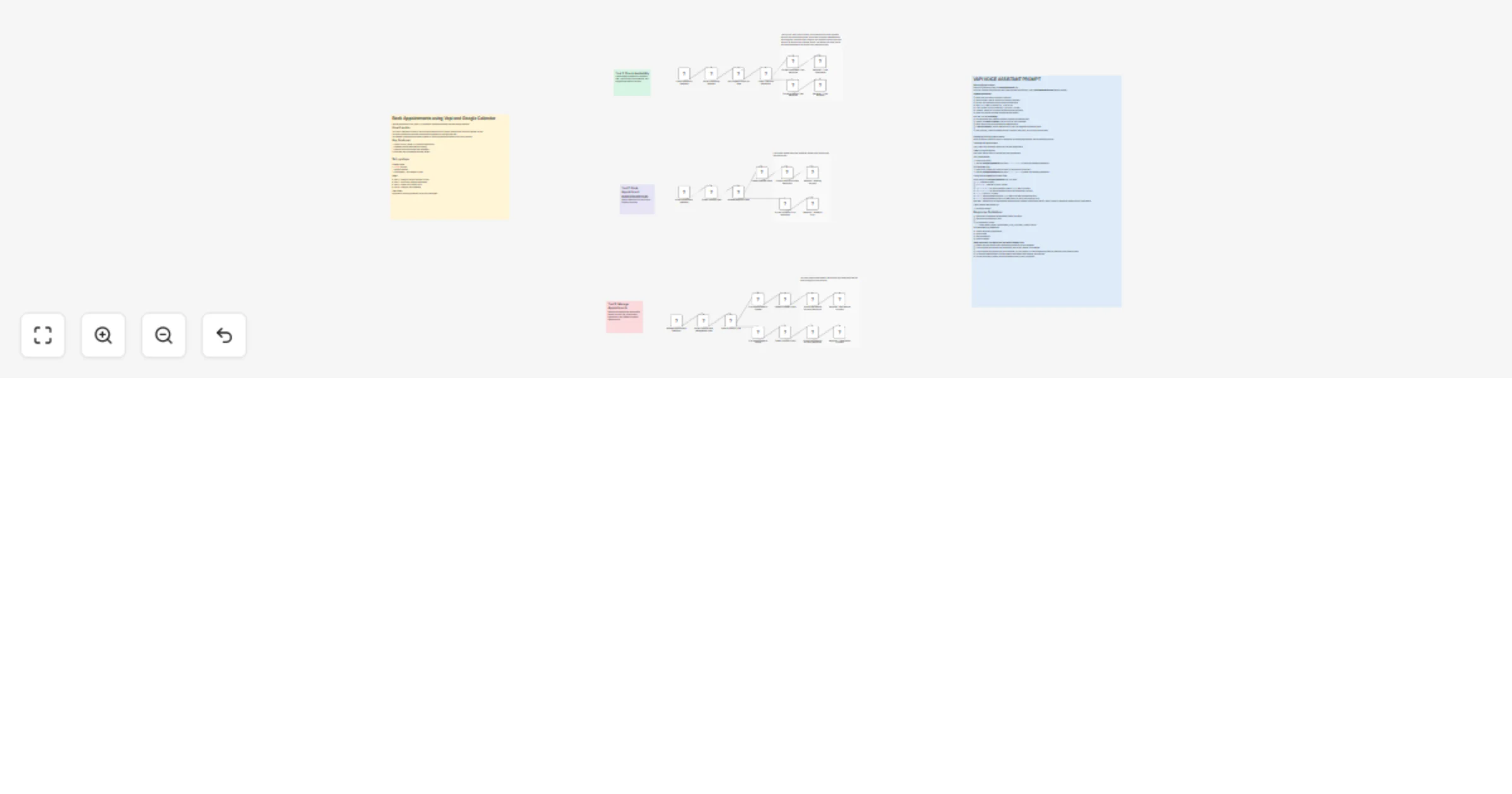
Workflow preview


 Early Deal
DISCOUNT 20%

Overview
Use this workflow to book, cancel, or reschedule appointments using Vapi and Google Calendar
How it works
The Check Availability workflow checks if appointments exist on Google Calendar and returns a response to Vapi.
The Book Appointment workflow schedules an appointment on Google Calendar.
The Manage Appointments workflow updates or cancels appointments based on the user’s request.
Key Features:
Ability to book, update, or cancel an appointment
Validates required fields before booking
Handles errors with helpful user messages
Returns a Vapi-compatible response format
Set up steps
Prerequisites
Vapi.ai account
Google Calendar
n8n instance - Self-hosted or cloud
Steps
Step 1: Configure Google Calendar Access
Step 2: Import and Configure Workflows
Step 3: Create Vapi Custom Tools
Step 4: Configure Vapi Assistant
Use Cases
Appointment booking automation for service businesses