Back up and restore n8n workflows with GitHub sync
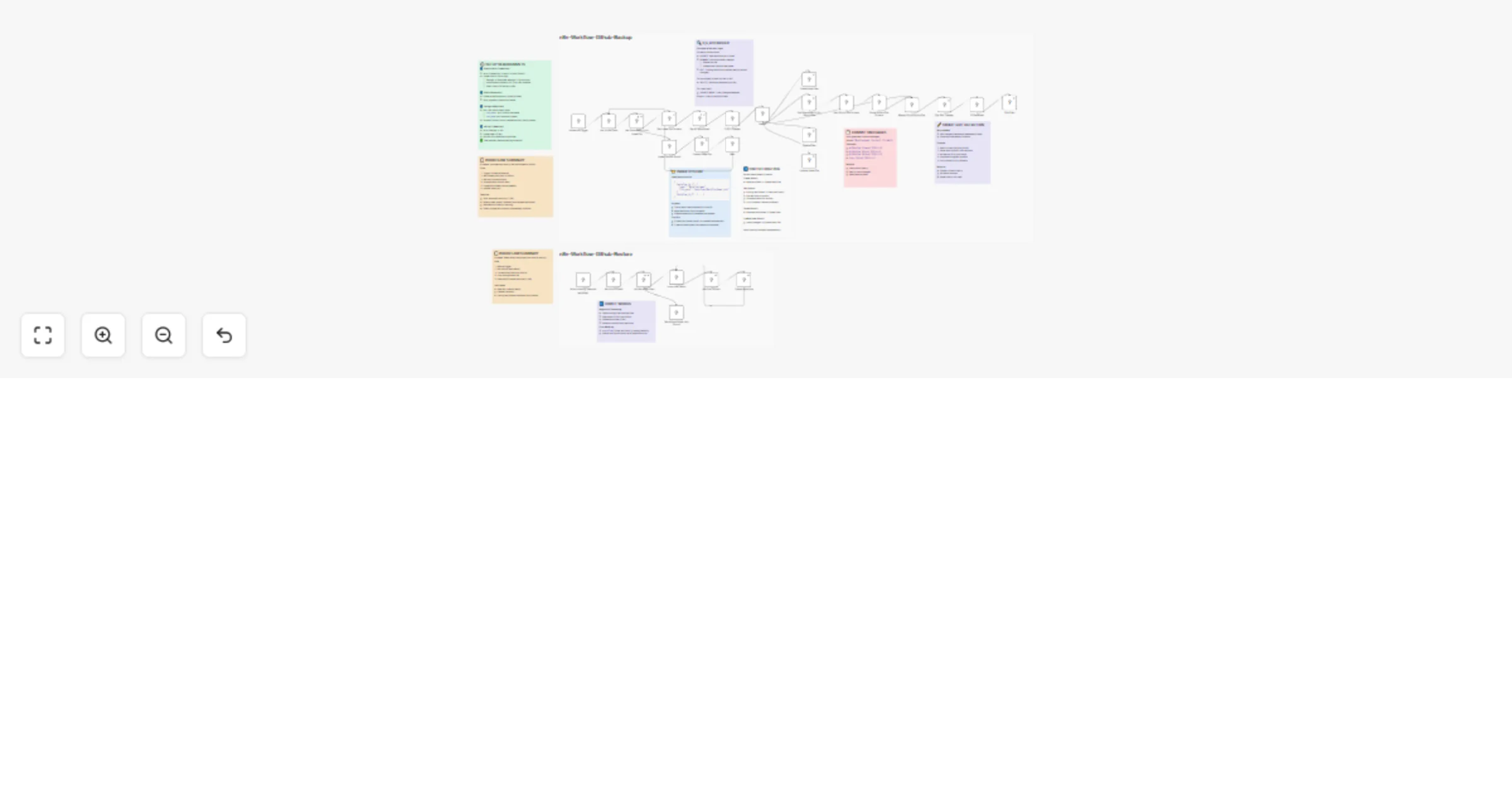
Workflow preview


 Early Deal
DISCOUNT 20%

Overview
n8n Workflows GitHub Manager
> A comprehensive n8n workflow that provides complete bidirectional sync between your n8n instance and GitHub - automatically backs up all your workflows with intelligent change detection AND restores them when needed.
This workflow combines two powerful features in one:
- Backup: Automatically detects new, edited, renamed, and deleted workflows in your n8n instance, then syncs them to GitHub with smart commit messages and an index tracking system.
- Restore: Easily restore all workflows from your GitHub repository back to n8n - perfect for disaster recovery, new instance setup, or environment cloning.
How It Works
🔄 Backup Mode (Automatic)
- Trigger: Runs automatically every day at 7 PM UTC (or manually when triggered via the Schedule Trigger).
- Get/Create Index: Attempts to fetch
index.jsonfrom your GitHub repository.
- If found → Downloads and parses it.
- If not found → Creates a new empty index file and waits 3 seconds for GitHub to process.
- Fetch All Workflows: Retrieves all workflows from your n8n instance via the n8n API.
- Smart Comparison: The "C,E,D Checker" (Create, Edit, Delete) analyzes differences:
- CREATE → New workflow not in index.
- RENAME → Workflow name changed (deletes old file, creates new one).
- EDIT → Existing workflow (flagged for content comparison).
- DELETE → Workflow removed from n8n but still in GitHub.
- INDEX UPDATE → Triggered if any changes detected.
- Route Actions: Switch node routes each action to the appropriate branch:
- Create Branch → Creates new workflow files in GitHub.
- Edit Branch → Performs smart edit detection:
- Fetches current file from GitHub.
- Compares GitHub version vs. n8n version (normalized JSON).
- Only commits if content actually changed (avoids timestamp-only updates).
- Delete Branch → Removes workflow files from GitHub.
- Update Index Branch → Updates
index.jsonwith latest mappings.
- Commit Messages: Auto-generated with format:
[Workflow Name] (Action) YYYY-MM-DD
⬇️ Restore Mode (Manual)
- Trigger: Manually execute via the "When clicking 'Execute workflow'" manual trigger.
- Set GitHub Details: Configure your repository owner and name.
- List Workflow Files: Fetches all workflow JSON files from the
workflows/folder in your GitHub repository.
- If folder not found → Workflow stops gracefully (ensure backup ran at least once first).
- Loop Through Files: Sequentially processes each workflow file:
- Downloads the JSON content from GitHub.
- Creates the workflow in your n8n instance via the n8n API.
- Sequential Processing: Handles one workflow at a time to prevent conflicts and respect rate limits.
- Result: All workflows from GitHub are restored to your n8n instance.
Requirements
GitHub OAuth2 Credentials:
Go to GitHub Developer Settings → OAuth Apps → New OAuth App.
Set Authorization callback URL to your n8n instance URL (e.g.,
https://your-n8n.com/rest/oauth2-credential/callback).Copy Client ID and Client Secret.
Add as OAuth2 credential in n8n (Credentials → New → GitHub OAuth2).
GitHub Repository:
Create a new repository (public or private).
Note your username (repo owner) and repository name.
n8n API Credentials:
In your n8n instance → Settings → API → Create new API key.
Add as n8n API credential in the workflow.
How to Use
Initial Setup
- Import the Workflow:
- Copy the provided JSON file.
- In your n8n instance → click Import Workflow → paste or upload the JSON.
- Create GitHub Repository:
- Go to GitHub → Create a new repository (e.g.,
n8n-workflows-manager). - Leave it empty (no README, no .gitignore).
- Set Up GitHub OAuth2:
- In n8n → Credentials → New → GitHub OAuth2.
- Fill in:
- Client ID → from GitHub OAuth App.
- Client Secret → from GitHub OAuth App.
- Click Connect my account and authorize.
- Set Up n8n API Credentials:
- In n8n → Settings → API → Create new API key.
- Copy the key.
- In workflow → Credentials → New → n8n API → paste the key.
- Set Base URL to your n8n instance (e.g.,
https://your-n8n.com).
- Configure Repository Details:
- Find both "Set Github Data" nodes in the workflow (one for backup, one for restore).
- Edit the assignments in each:
repo_owner: Replace"your-github-username"with your GitHub username.repo_name: Replace"your-github-repository-name"with your repository name.
- Connect Credentials to Nodes:
- Open each GitHub node (there are 8 total):
- Backup section: Create Index File, Get Download Url for Index File, Create New Files, Update Index File, Get Download Url for Github File, Delete Files, Edit Files
- Restore section: List Workflow Files
- Set Credential for GitHub OAuth2 to the one you created.
- Open the n8n API nodes (Get All Workflows, Create Workflow) → Set Credential for n8n API to the one you created.
Using Backup Mode
- Test Backup:
- Click the "Schedule Trigger" node at the top of the workflow.
- Click "Test workflow".
- Monitor execution → All nodes in the backup section should turn green.
- Check your GitHub repository → Should see
index.jsonandworkflows/folder with your workflows.
- Activate for Auto Backup:
- Once tested successfully, toggle the workflow to Active.
- It will now run automatically every day at 7 PM UTC.
Using Restore Mode
- Test Restore (only after you have backups in GitHub):
- Click the "When clicking 'Execute workflow'" manual trigger node at the bottom.
- Click "Test workflow".
- Monitor execution → All nodes in the restore section should turn green.
- Check your n8n workflows list → All workflows from GitHub should now be present.
- When to Use Restore:
- Setting up a new n8n instance.
- Recovering after data loss.
- Cloning workflows to another environment.
- Rolling back to a previous state (manually download older commits from GitHub first).
Important Notes
- Smart Edit Detection: Uses normalized JSON comparison to avoid unnecessary commits when only timestamps change.
- Credentials: Credential IDs are included but not actual secrets. You must reconnect credentials after restore.
- Restored Workflows: Created as new workflows with new IDs in inactive state by default.
- File Structure:
index.jsontracks all workflows;workflows/folder contains individual workflow files. - Security: Use a private repository if workflows contain sensitive data. Credential secrets are never backed up.
Customization
- Change Schedule: Edit "Schedule Trigger" node → modify
triggerAtHour(default: 19 = 7 PM UTC) - File Path: Modify
filePathin GitHub nodes to change storage location - Notifications: Add email/notification nodes to get alerts on backup completion
- Selective Restore: Add IF nodes to filter which workflows to restore
- Multiple Repos: Duplicate workflow for separate prod/dev backups
Author: Muhammad Anas Farooq