Automated job extraction & publishing with RAG, Jina AI and OpenAI to WordPress

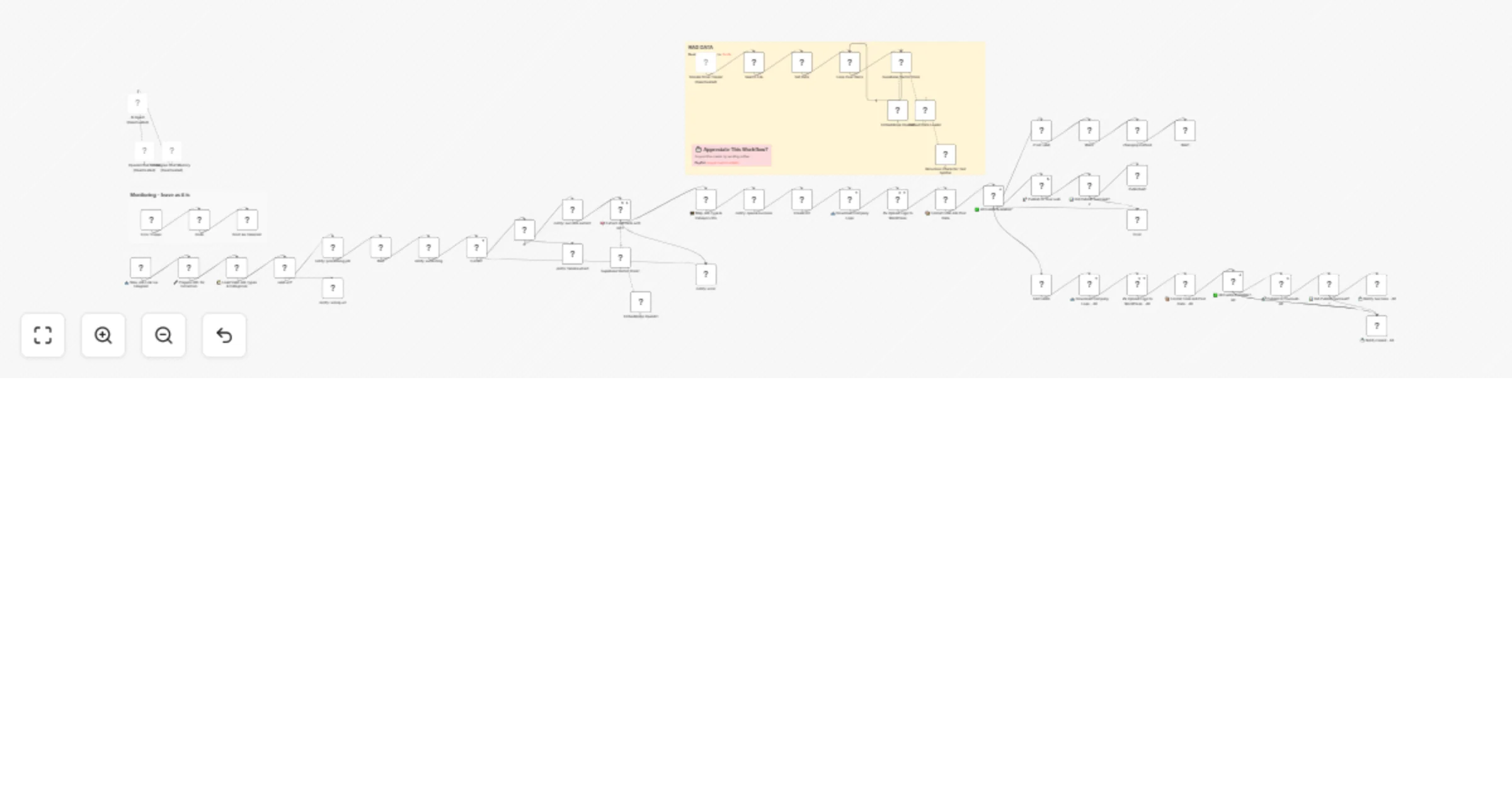
Workflow preview

Workflow preview
100%
Automated job extraction & publishing with RAG, Jina AI and OpenAI to WordPress preview
Open on n8n.io

Important notice

This workflow is provided as-is. Please review and test before using in production.

1. Workflow Overview

Auto repost job with RAG is a workflow designed to automatically extract, process, and publish job listings from monitored sources using Google Drive, OpenAI, Supabase, and WordPress. This integrat...

Best for

  • HR automation workflows
  • AI RAG automation workflows
  • advanced n8n builders looking for reusable templates

Tools used

n8n-nodes-base.googledrive, @n8n/n8n-nodes-langchain.vectorstoresupabase, @n8n/n8n-nodes-langchain.embeddingsopenai, @n8n/n8n-nodes-langchain.documentdefaultdataloader, @n8n/n8n-nodes-langchain.textsplitterrecursivecharactertextsplitter, n8n-nodes-base.splitinbatches, @n8n/n8n-nodes-langchain.agent, @n8n/n8n-nodes-langchain.lmchatopenai

Source and attribution

This workflow is cataloged by N8N Workflows and links back to its original n8n.io source page by Khairul Muhtadin.

Original n8n.io source

1.1 Workflow description

Title
Automated job extraction & publishing with RAG, Jina AI and OpenAI to WordPress
Workflow name
Automated job extraction & publishing with RAG, Jina AI and OpenAI to WordPress

Auto repost job with RAG is a workflow designed to automatically extract, process, and publish job listings from monitored sources using Google Drive, OpenAI, Supabase, and WordPress. This integration streamlines job reposting by intelligently extracting relevant job data, mapping categories and types accurately, managing media assets, and publishing posts seamlessly.

💡 Why Use Auto repost job with RAG?

Automated Publishing: Slash manual entry time by automating job post extraction and publication, freeing hours every week.

Error-Resistant Workflow: Avoid incomplete job posts with smart validation checks to ensure all necessary fields are ready before publishing.

Consistent Content Quality: Maintain formatting, SEO, and style consistency backed by AI-driven article regeneration adhering strictly to your guidelines.

Competitive Edge: Get fresh jobs live faster than your competitors without lifting more than a finger—because robots don't take coffee breaks!

⚡ Perfect For

Recruiters & HR Teams: Accelerate your job posting funnel with error-free automation.

Content Managers: Keep your job boards fresh with AI-enriched standardized listings.

Digital Marketers: Automate content flows to boost SEO and engagement without the headache.

🔧 How It Works

⏱ Trigger: Job link inputs via Telegram.

📎 Process: Auto-download of job documents, data extraction using Jina AI and OpenAI's GPT-4 model to parse content and metadata.

🤖 Smart Logic: AI agent regenerates articles based on strict RAG dataset rules; category & job type IDs mapped to match WordPress taxonomy; fallback attempts with default images for missing logos.

💌 Output: Job posts formatted and published to WordPress; success or failure updates sent back via Telegram notifications.

🗂 Storage: Uses Supabase vector store for document embedding and retrieval related to formatting rules and job data.

🔐 Quick Setup

  1. Import the provided JSON workflow into your n8n instances
  2. Add credentials: Google Drive OAuth, OpenAI API, Supabase API, Telegram API, WordPress API
  3. Customize: Set your Google Drive folder ID, WordPress endpoints, and Telegram chat IDs
  4. Update: Confirm default logo URLs and fallback settings as needed
  5. Test: Submit a new job link via Telegram or add a file to the watched Drive folder

🧩 You'll Need

  • Active n8n instances
  • Google Drive Account with OAuth2 credentials
  • OpenAI API access for GPT-4 processing
  • Supabase account configured for vector storage
  • WordPress API credentials for job listing publishing
  • Telegram Bot for notifications and job link inputs

🛠️ Level Up Ideas

  • Integrate Slack, Gmail or Teams notifications for teams visibility
  • Add a sentiment analysis step to prioritize certain jobs
  • Automate social media posting of new job listings for wider reach

Made by: Khmuhtadin
Tags: automation, job-posting, AI, OpenAI, Google Drive, WordPress
Category: content automation
Need custom work? Contact me

1.2 Logical Blocks

This catalog entry is organized from the workflow JSON. The node-level section below shows the executable blocks available for review before importing the template.

2. Block-by-Block Analysis

Block 1 - Search File

Type / Role
n8n-nodes-base.googleDrive - googleDrive
Config choices
Version 3

Block 2 - Get Data

Type / Role
n8n-nodes-base.googleDrive - googleDrive
Config choices
Version 3

Block 3 - Supabase Vector Store

Type / Role
@n8n/n8n-nodes-langchain.vectorStoreSupabase - vectorStoreSupabase
Config choices
Version 1.1

Block 4 - Embeddings OpenAI

Type / Role
@n8n/n8n-nodes-langchain.embeddingsOpenAi - embeddingsOpenAi
Config choices
Version 1.2

Block 5 - Default Data Loader

Type / Role
@n8n/n8n-nodes-langchain.documentDefaultDataLoader - documentDefaultDataLoader
Config choices
Version 1

Block 6 - Recursive Character Text Splitter

Type / Role
@n8n/n8n-nodes-langchain.textSplitterRecursiveCharacterTextSplitter - textSplitterRecursiveCharacterTextSplitter
Config choices
Version 1

Block 7 - Loop Over Items

Type / Role
n8n-nodes-base.splitInBatches - splitInBatches
Config choices
Version 3

Block 8 - AI Agent

Type / Role
@n8n/n8n-nodes-langchain.agent - agent
Config choices
Version 2

Block 9 - OpenAI Chat Model

Type / Role
@n8n/n8n-nodes-langchain.lmChatOpenAi - lmChatOpenAi
Config choices
Version 1.2

Block 10 - Supabase Vector Store1

Type / Role
@n8n/n8n-nodes-langchain.vectorStoreSupabase - vectorStoreSupabase
Config choices
Version 1.1

Block 11 - Embeddings OpenAI1

Type / Role
@n8n/n8n-nodes-langchain.embeddingsOpenAi - embeddingsOpenAi
Config choices
Version 1.2

Block 12 - Google Drive Trigger

Type / Role
n8n-nodes-base.googleDriveTrigger - googleDriveTrigger
Config choices
Version 1

Block 13 - 📥 New Job Link via Telegram

Type / Role
n8n-nodes-base.telegramTrigger - telegramTrigger
Config choices
Version 1.2

Block 14 - 🔧 Prepare URL for Extraction

Type / Role
n8n-nodes-base.set - set
Config choices
Version 3.4

Block 15 - 🧮 Map Job Type & Category IDs

Type / Role
n8n-nodes-base.code - code
Config choices
Version 2

Block 16 - 📥 Download Company Logo

Type / Role
n8n-nodes-base.httpRequest - httpRequest
Config choices
Version 4.2

Block 17 - ☁️ Upload Logo to WordPress

Type / Role
n8n-nodes-base.httpRequest - httpRequest
Config choices
Version 4.2

Block 18 - 📦 Format Final Job Post Data

Type / Role
n8n-nodes-base.set - set
Config choices
Version 3.4

Block 19 - ✅ All Fields Available?

Type / Role
n8n-nodes-base.if - if
Config choices
Version 2.2

Block 20 - if not valid

Type / Role
n8n-nodes-base.telegram - telegram
Config choices
Version 1.2

Block 21 - notify: processing job

Type / Role
n8n-nodes-base.telegram - telegram
Config choices
Version 1.2

Block 22 - notify: extracting

Type / Role
n8n-nodes-base.telegram - telegram
Config choices
Version 1.2

Block 23 - If

Type / Role
n8n-nodes-base.if - if
Config choices
Version 2.2

Block 24 - notify: success extract

Type / Role
n8n-nodes-base.telegram - telegram
Config choices
Version 1.2

Showing the first 24 of 57 workflow blocks. Download the JSON for the full node graph.

3. Summary Table

Workflow Automated job extraction & publishing with RAG, Jina AI and OpenAI to WordPress
Complexity advanced
Nodes 57
Categories HR, AI RAG
Author Khairul Muhtadin
Published 23 Jul 2025

4. Reproducing the Workflow from Scratch

  1. 1. Download the workflow JSON

    Use the JSON export at /data/workflows/6299/6299.json as the source template for this automation.

  2. 2. Import the template into n8n

    Open n8n, import the downloaded JSON, and review each node before activating the workflow.

  3. 3. Configure credentials and variables

    Replace placeholder credentials, API keys, webhook URLs, account IDs, and environment-specific values with your own settings.

  4. 4. Test with sample data

    Run the workflow manually or in a staging workspace, inspect node output, and confirm downstream systems receive the expected data.

  5. 5. Activate and monitor

    Enable the workflow only after testing, then monitor executions, errors, and rate limits during the first production runs.

5. General Notes & Resources

Review imported nodes carefully before activation. This catalog entry is intended to help you inspect the workflow structure, understand required services, and find related templates faster.

Node names, credentials, schedules, webhook paths, and external service limits may need adjustment for your workspace.

Frequently asked questions

What does Automated job extraction & publishing with RAG, Jina AI and OpenAI to WordPress do?

Auto repost job with RAG is a workflow designed to automatically extract, process, and publish job listings from monitored sources using Google Drive, OpenAI, Supabase, and WordPress. This integrat...

What do I need before importing this workflow?

Review the workflow JSON, configure any required credentials in n8n, and test the automation in a safe workspace before using it in production.

Can I customize this workflow?

Yes. Use the block-by-block analysis and the downloadable JSON to inspect each node, then adjust credentials, prompts, schedules, filters, or destinations for your HR, AI RAG use case.