Block 1 - Sticky Note - Branding
- Type / Role
- n8n-nodes-base.stickyNote - stickyNote
- Config choices
- Version 1


 Early Deal
This workflow is provided as-is. Please review and test before using in production.
HR Date Management Automation Complete Setup Guide How It Works This n8n workflow transforms your HR department from reactive to proactive by automatically monitoring 5 critical employee timelin...
n8n-nodes-base.stickynote, n8n-nodes-base.manualtrigger, n8n-nodes-base.code, n8n-nodes-base.gmail, n8n-nodes-base.slack, n8n-nodes-base.googlecalendar, n8n-nodes-base.set, n8n-nodes-base.googlesheets
This workflow is cataloged by N8N Workflows and links back to its original n8n.io source page by David Olusola.
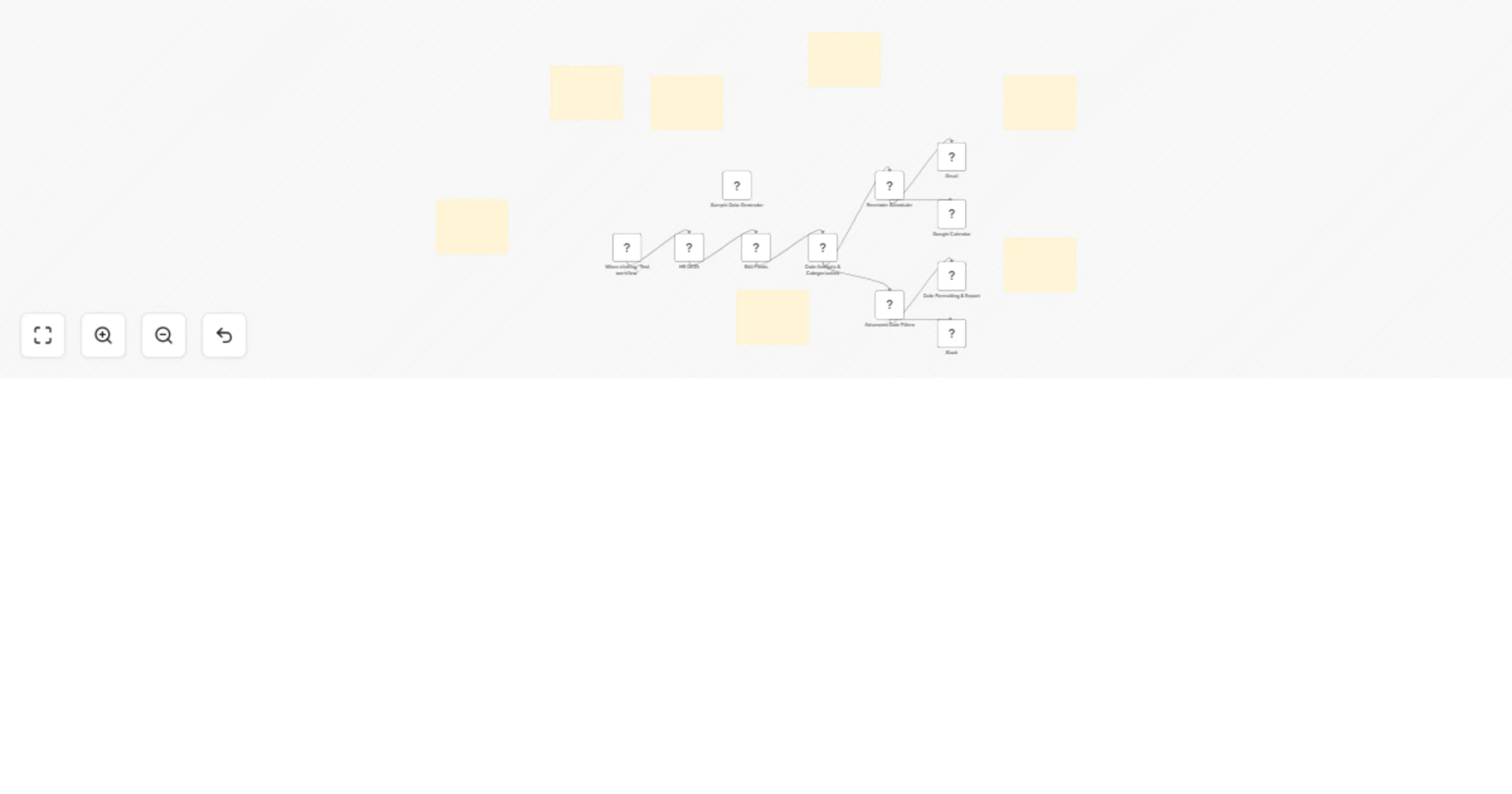
Original n8n.io sourceThis n8n workflow transforms your HR department from reactive to proactive by automatically monitoring 5 critical employee timelines and generating smart alerts before deadlines hit.
Javascript_Hr.json fileWhat you’ll see:
Create a Google Sheet with these columns:
| Employee ID | Name | Email | Department | Hire Date | Contract End | Certification Expiry | Last Review | Probation End | Vacation Days | Status |
Sample data format:
| 1 | John Smith | [email protected] | IT | 2024-01-15 | 2025-12-31 | 2025-03-20 | 2024-06-15 | 2024-07-15 | 20 | active |
Add a “Set” node after Google Sheets to standardize field names:
// Map your sheet columns to workflow format
{
  "id": "{{ $json['Employee ID'] }}",
  "name": "{{ $json['Name'] }}",
  "email": "{{ $json['Email'] }}",
  "department": "{{ $json['Department'] }}",
  "hiredOn": "{{ $json['Hire Date'] }}",
  "contractEndDate": "{{ $json['Contract End'] }}",
  "certificationExpiry": "{{ $json['Certification Expiry'] }}",
  "lastReviewDate": "{{ $json['Last Review'] }}",
  "probationEndDate": "{{ $json['Probation End'] }}",
  "vacationDays": "{{ $json['Vacation Days'] }}",
  "status": "{{ $json['Status'] }}"
}
yourcompany.bamboohr.com)https://api.bamboohr.com/api/gateway.php/[SUBDOMAIN]/v1/employees/directoryAccept: application/jsonAdd a “Code” node to transform the API response:
// Transform BambooHR response to workflow format
const employees = [];

for (const employee of $input.all()) {
  const emp = employee.json;

  employees.push({
    id: emp.id,
    name: `${emp.firstName} ${emp.lastName}`,
    email: emp.workEmail,
    department: emp.department,
    hiredOn: emp.hireDate,
    contractEndDate: emp.terminationDate || "2025-12-31", // Default if not set
    certificationExpiry: emp.customCertDate || "2025-12-31",
    lastReviewDate: emp.customReviewDate || null,
    probationEndDate: emp.customProbationDate || null,
    vacationDays: emp.paidTimeOff || 20,
    status: emp.employeeStatus || "active"
  });
}

return employees.map(emp => ({ json: emp }));
Create a CSV with the same structure as the Google Sheets format.
// Dynamic email content based on reminder type
const reminder = $json;

const emailTemplates = {
  contract_renewal: {
    subject: `🚨 Contract Renewal Required - ${reminder.employeeName}`,
    body: `
      Hi HR Team,

      ${reminder.employeeName}'s contract expires on ${reminder.dueDate}.

      Days remaining: ${Math.ceil((new Date(reminder.dueDate) - new Date()) / (1000*60*60*24))}

      Please initiate renewal process immediately.

      Best regards,
      HR Automation System
    `
  },
  certification_renewal: {
    subject: `📜 Certification Renewal Reminder - ${reminder.employeeName}`,
    body: `
      Hi ${reminder.employeeName},

      Your certification expires on ${reminder.dueDate}.

      Please renew your certification to maintain compliance.

      Contact HR if you need assistance.

      Best regards,
      HR Team
    `
  }
};

const template = emailTemplates[reminder.type];
return {
  to: reminder.recipientEmail,
  subject: template.subject,
  body: template.body
};
// Send summary to #hr-alerts channel
const summary = $json.summary;

const message = `
🏢 *Daily HR Report*

👥 Total Employees: ${summary.totalEmployees}
🆕 New Hires: ${summary.newHires}
⚠️ High Priority Actions: ${summary.highPriority}
📋 Contracts Expiring: ${summary.contractsExpiring}
🎓 Certifications Expiring: ${summary.certificationsExpiring}

Generated: ${new Date().toLocaleDateString()}
`;

return {
  channel: '#hr-alerts',
  text: message
};
// Create calendar events for upcoming deadlines
const reminder = $json;

const eventTitles = {
  contract_renewal: `Contract Renewal - ${reminder.employeeName}`,
  certification_renewal: `Certification Renewal - ${reminder.employeeName}`,
  performance_review: `Performance Review - ${reminder.employeeName}`,
  probation_review: `Probation Review - ${reminder.employeeName}`
};

return {
  calendarId: '[email protected]',
  summary: eventTitles[reminder.type],
  description: reminder.message,
  start: {
    dateTime: reminder.dueDate,
    timeZone: 'America/New_York'
  },
  end: {
    dateTime: reminder.dueDate,
    timeZone: 'America/New_York'
  },
  attendees: [
    { email: '[email protected]' },
    { email: reminder.recipientEmail }
  ]
};
0 9 * * 1-5 (9 AM, Monday-Friday)0 9 * * 1 (9 AM every Monday)In the “Date Analysis & Categorization” node:
// Modify these values to change alert timing
const isContractExpiringSoon = daysUntilContractEnd <= 90; // Change from 90 days
const isCertificationExpiringSoon = daysUntilCertificationExpiry <= 60; // Change from 60 days
const needsReview = daysSinceLastReview >= 365; // Change from 365 days
// Add new categories in the analysis node
const isContractor = employee.employeeType === 'contractor';
const isRemoteWorker = employee.location === 'remote';
const isHighRisk = employee.performanceRating === 'needs_improvement';
Modify the “Date Formatting & Export” node to add your preferred formats:
// Add custom date format
const formatters = {
  custom: (date) => {
    const options = {
      year: 'numeric',
      month: 'long',
      day: 'numeric',
      weekday: 'long'
    };
    return date.toLocaleDateString('en-US', options);
  }
};
// Add date validation in the analysis node
const parseDate = (dateStr) => {
  const date = new Date(dateStr);
  if (isNaN(date.getTime())) {
    console.error(`Invalid date: ${dateStr}`);
    return null;
  }
  return date;
};
// Add data validation
const validateEmployee = (employee) => {
  const required = ['name', 'email', 'hiredOn'];
  const missing = required.filter(field => !employee[field]);

  if (missing.length > 0) {
    console.error(`Missing required fields for ${employee.name}: ${missing.join(', ')}`);
    return false;
  }
  return true;
};
// Add company filtering in the analysis node
const processEmployeesByCompany = (employees, companyId) => {
  return employees.filter(emp => emp.companyId === companyId);
};
// Advanced notification logic
const shouldNotify = (employee, eventType) => {
  const rules = {
    contract_renewal: employee.department !== 'intern',
    certification_renewal: employee.role === 'certified_professional',
    performance_review: employee.status === 'active'
  };

  return rules[eventType] || false;
};
// Connect to time tracking APIs
const calculateWorkingDays = (startDate, endDate) => {
  // Implementation for working days calculation
  // Excluding weekends and holidays
};
This workflow transforms your HR department from reactive to proactive, preventing costly compliance issues while improving employee experience. The modular design allows you to start simple and add complexity as needed.
This catalog entry is organized from the workflow JSON. The node-level section below shows the executable blocks available for review before importing the template.
| Workflow | Automate employee date tracking & reminders for HR with JavaScript |
|---|---|
| Complexity | advanced |
| Nodes | 18 |
| Categories | HR |
| Author | David Olusola |
| Published | 07 Jul 2025 |
Use the JSON export at /data/workflows/5735/5735.json as the source template for this automation.
Open n8n, import the downloaded JSON, and review each node before activating the workflow.
Replace placeholder credentials, API keys, webhook URLs, account IDs, and environment-specific values with your own settings.
Run the workflow manually or in a staging workspace, inspect node output, and confirm downstream systems receive the expected data.
Enable the workflow only after testing, then monitor executions, errors, and rate limits during the first production runs.
Review imported nodes carefully before activation. This catalog entry is intended to help you inspect the workflow structure, understand required services, and find related templates faster.
Node names, credentials, schedules, webhook paths, and external service limits may need adjustment for your workspace.
HR Date Management Automation Complete Setup Guide How It Works This n8n workflow transforms your HR department from reactive to proactive by automatically monitoring 5 critical employee timelin...
Review the workflow JSON, configure any required credentials in n8n, and test the automation in a safe workspace before using it in production.
Yes. Use the block-by-block analysis and the downloadable JSON to inspect each node, then adjust credentials, prompts, schedules, filters, or destinations for your HR use case.