Auto-post trending X tweets with Gemini AI images, FLUX and Buffer
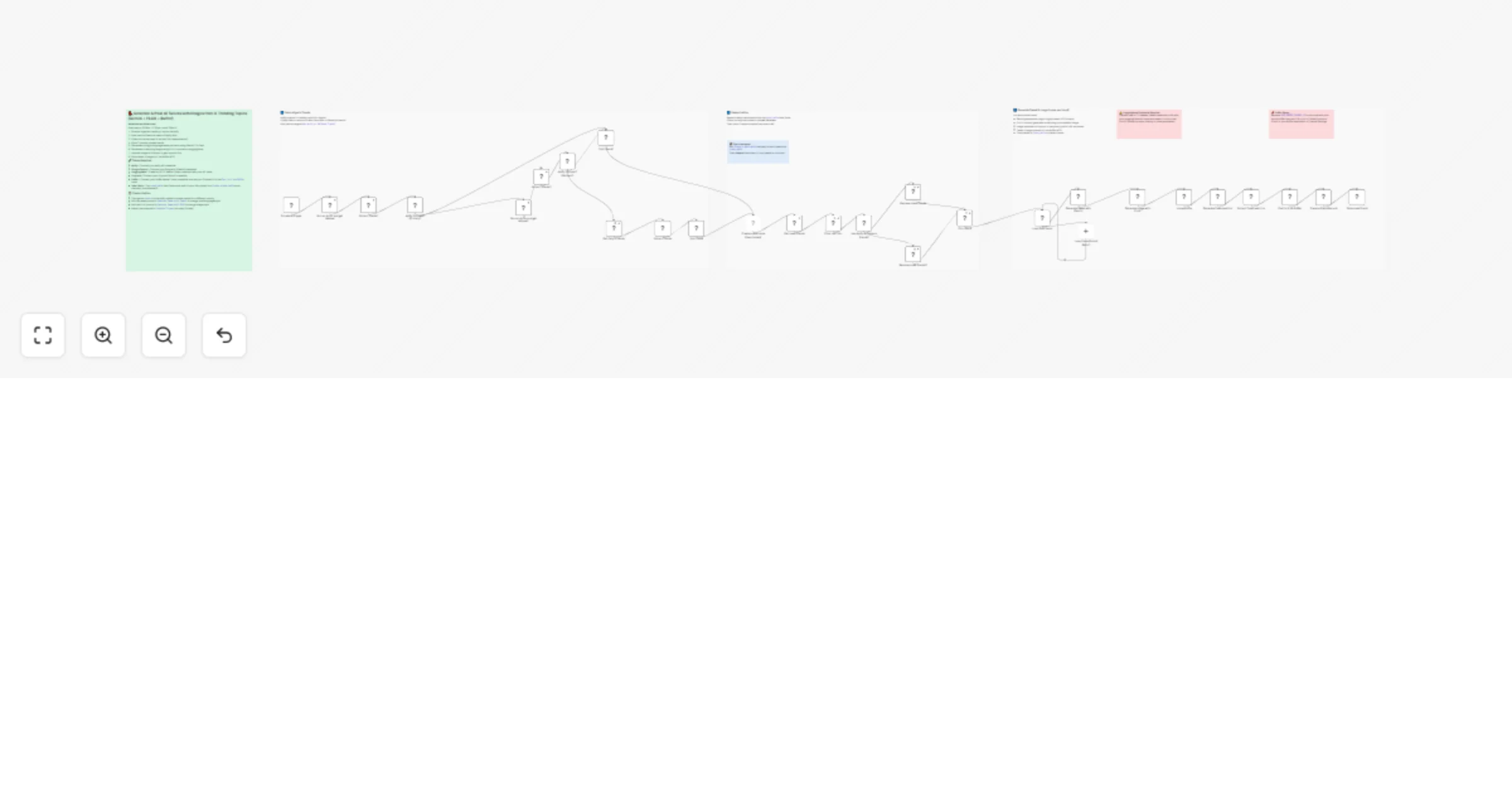
Workflow preview

$20/month : Unlimited workflows
2500 executions/month

THE #1 IN WEB SCRAPING
Scrape any website without limits
HOSTINGER  Early Deal
DISCOUNT 20% Try free
Early DealDISCOUNT 20%
Self-hosted n8n
Unlimited workflows - from $4.99/mo

#1 hub for scraping, AI & automation
6000+ actors - $5 credits/mo
Overview
This n8n workflow automatically scrapes X (Twitter) trending topics for any country, generates a pidgin-style tweet and a matching AI image for each trend, then schedules and posts them to X via Buffer — all on a custom schedule.
Perfect for social media managers, content creators, and personal brands who want to stay relevant on X without manually tracking trends or writing posts every day.
Good to know
- The workflow runs 3 times daily by default (8:30am, 12:30pm, 4:30pm). You can adjust the schedule in the Schedule Trigger node to suit your timezone.
- Trends already used in the last 24 hours are automatically skipped to avoid repetition.
- If the primary Apify scraper fails, the workflow falls back to Gemini AI search to fetch trends — so it rarely runs dry.
- FLUX.1-schnell on HuggingFace is a free-tier model but has rate limits. For higher volume, consider upgrading your HuggingFace plan.
How it works
- A Schedule Trigger fires 3 times a day and kicks off the Apify Twitter Trending Topics Scraper for your chosen country (default: Nigeria).
- If Apify fails or returns no data, Gemini AI searches for current trending topics as a fallback.
- Already-used trends are fetched from an n8n Data Table and filtered out so the same trend is never posted twice within 24 hours.
- 2 unused trends are randomly picked and passed into a loop.
- For each trend, Gemini 2.5 Flash generates a short, engaging pidgin-English tweet (≤275 characters) grounded in live context via Google Search.
- FLUX.1-schnell on HuggingFace generates a photorealistic image matching the trend topic.
- The image is uploaded to Dropbox and a temporary public URL is extracted.
- The tweet and image are posted to X via Buffer MCP on automatic scheduling.
- The used trend is saved back to the Data Table with a timestamp to prevent reuse.
How to use
- Change the
countryfield in both Apify nodes to scrape trends for your own country. - Edit the tweet prompt in the
Generate Tweet with Gemininode to match your personal tone, language, or brand voice. - Edit the FLUX image prompt in the
Generate Image with FLUXnode to change the visual style of generated images. - Run the
Create a data tablenode once manually to set up the trend history table, then disable it. - Replace
YOUR_BUFFER_CHANNEL_IDin thePost to X via Buffernode with your actual Buffer channel ID.
Requirements
- Apify account with the Twitter Trending Topics Scraper actor
- Google Gemini API credential
- HuggingFace account with an API token (HTTP Bearer Token credential)
- Dropbox account (OAuth2)
- Buffer account connected to your X profile
Customising this workflow
- Swap Nigeria for any country supported by the Apify actor to target a different audience.
- Replace the pidgin-English tweet prompt with any language or tone — formal English, Yoruba slang, Spanish, etc.
- Replace Dropbox with Google Drive or S3 if you prefer a different image storage provider.
- Increase the number of picked trends from 2 to more in the
Pick Trendnode to post more tweets per run.