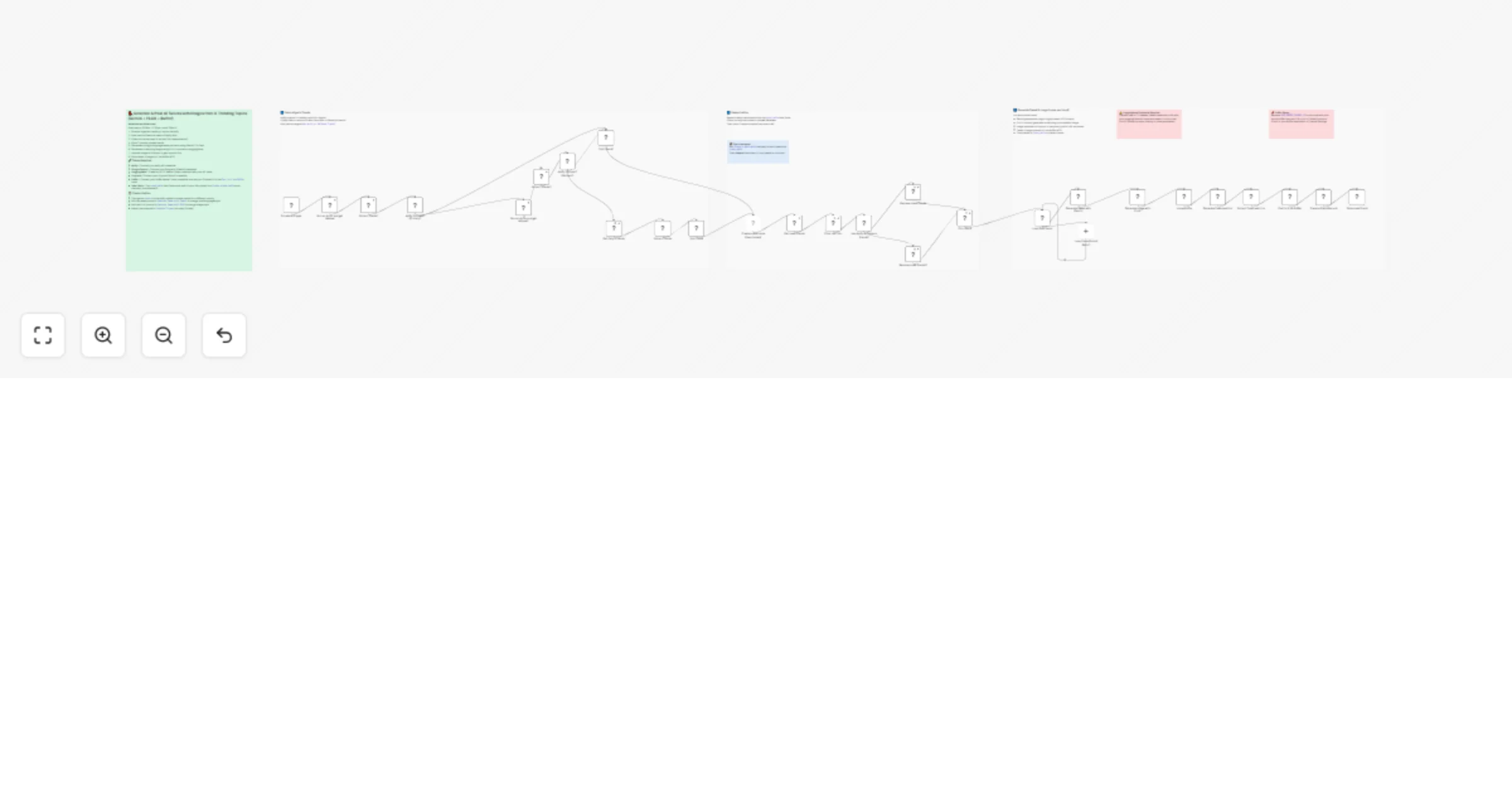
Auto-post trending X tweets with Gemini AI images, FLUX and Buffer

Workflow preview

Workflow preview
100%
Auto-post trending X tweets with Gemini AI images, FLUX and Buffer preview
Open on n8n.io

1. Workflow Overview

This n8n workflow automatically scrapes X (Twitter) trending topics for any country, generates a pidgin style tweet and a matching AI image for each trend, then schedules and posts them to X via Bu...

Best for

  • Social Media automation workflows
  • Multimodal AI automation workflows
  • advanced n8n builders looking for reusable templates

Tools used

n8n-nodes-base.scheduletrigger, @n8n/n8n-nodes-langchain.googlegemini, n8n-nodes-base.datatable, n8n-nodes-base.code, n8n-nodes-base.splitinbatches, n8n-nodes-base.noop, @apify/n8n-nodes-apify.apify, n8n-nodes-base.if

Source and attribution

This workflow is cataloged by N8N Workflows and links back to its original n8n.io source page by Afigo Sam.

Original n8n.io source

1.1 Workflow description

Title
Auto-post trending X tweets with Gemini AI images, FLUX and Buffer
Workflow name
Auto-post trending X tweets with Gemini AI images, FLUX and Buffer

This n8n workflow automatically scrapes X (Twitter) trending topics for any country, generates a pidgin-style tweet and a matching AI image for each trend, then schedules and posts them to X via Buffer — all on a custom schedule.

Perfect for social media managers, content creators, and personal brands who want to stay relevant on X without manually tracking trends or writing posts every day.

Good to know

  • The workflow runs 3 times daily by default (8:30am, 12:30pm, 4:30pm). You can adjust the schedule in the Schedule Trigger node to suit your timezone.
  • Trends already used in the last 24 hours are automatically skipped to avoid repetition.
  • If the primary Apify scraper fails, the workflow falls back to Gemini AI search to fetch trends — so it rarely runs dry.
  • FLUX.1-schnell on HuggingFace is a free-tier model but has rate limits. For higher volume, consider upgrading your HuggingFace plan.

How it works

  • A Schedule Trigger fires 3 times a day and kicks off the Apify Twitter Trending Topics Scraper for your chosen country (default: Nigeria).
  • If Apify fails or returns no data, Gemini AI searches for current trending topics as a fallback.
  • Already-used trends are fetched from an n8n Data Table and filtered out so the same trend is never posted twice within 24 hours.
  • 2 unused trends are randomly picked and passed into a loop.
  • For each trend, Gemini 2.5 Flash generates a short, engaging pidgin-English tweet (≤275 characters) grounded in live context via Google Search.
  • FLUX.1-schnell on HuggingFace generates a photorealistic image matching the trend topic.
  • The image is uploaded to Dropbox and a temporary public URL is extracted.
  • The tweet and image are posted to X via Buffer MCP on automatic scheduling.
  • The used trend is saved back to the Data Table with a timestamp to prevent reuse.

How to use

  • Change the country field in both Apify nodes to scrape trends for your own country.
  • Edit the tweet prompt in the Generate Tweet with Gemini node to match your personal tone, language, or brand voice.
  • Edit the FLUX image prompt in the Generate Image with FLUX node to change the visual style of generated images.
  • Run the Create a data table node once manually to set up the trend history table, then disable it.
  • Replace YOUR_BUFFER_CHANNEL_ID in the Post to X via Buffer node with your actual Buffer channel ID.

Requirements

  • Apify account with the Twitter Trending Topics Scraper actor
  • Google Gemini API credential
  • HuggingFace account with an API token (HTTP Bearer Token credential)
  • Dropbox account (OAuth2)
  • Buffer account connected to your X profile

Customising this workflow

  • Swap Nigeria for any country supported by the Apify actor to target a different audience.
  • Replace the pidgin-English tweet prompt with any language or tone — formal English, Yoruba slang, Spanish, etc.
  • Replace Dropbox with Google Drive or S3 if you prefer a different image storage provider.
  • Increase the number of picked trends from 2 to more in the Pick Trend node to post more tweets per run.

1.2 Logical Blocks

This catalog entry is organized from the workflow JSON. The node-level section below shows the executable blocks available for review before importing the template.

2. Block-by-Block Analysis

Block 1 - Schedule Trigger

Type / Role
n8n-nodes-base.scheduleTrigger - scheduleTrigger
Config choices
Version 1.3

Block 2 - Get Daily x trends

Type / Role
@n8n/n8n-nodes-langchain.googleGemini - googleGemini
Config choices
Version 1.1

Block 3 - Create a data table

Type / Role
n8n-nodes-base.dataTable - dataTable
Config choices
Version 1.1

Block 4 - Filter Last 24h

Type / Role
n8n-nodes-base.code - code
Config choices
Version 2

Block 5 - Remove Used Trends

Type / Role
n8n-nodes-base.code - code
Config choices
Version 2

Block 6 - Pick Trend

Type / Role
n8n-nodes-base.code - code
Config choices
Version 2

Block 7 - Get Used Trends

Type / Role
n8n-nodes-base.dataTable - dataTable
Config choices
Version 1.1

Block 8 - Split Trend

Type / Role
n8n-nodes-base.code - code
Config choices
Version 2

Block 9 - Prepare Trend Record

Type / Role
n8n-nodes-base.code - code
Config choices
Version 2

Block 10 - Loop Over Items

Type / Role
n8n-nodes-base.splitInBatches - splitInBatches
Config choices
Version 3

Block 11 - Loop Done (End of Batch)

Type / Role
n8n-nodes-base.noOp - noOp
Config choices
Version 1

Block 12 - Run an Actor and get dataset

Type / Role
@apify/n8n-nodes-apify.apify - apify
Config choices
Version 1

Block 13 - Extract Trends1

Type / Role
n8n-nodes-base.code - code
Config choices
Version 2

Block 14 - Split Trend1

Type / Role
n8n-nodes-base.code - code
Config choices
Version 2

Block 15 - Apify Success? (Primary)

Type / Role
n8n-nodes-base.if - if
Config choices
Version 2.3

Block 16 - Extract Trends

Type / Role
n8n-nodes-base.code - code
Config choices
Version 2

Block 17 - Generate Image with FLUX

Type / Role
n8n-nodes-base.httpRequest - httpRequest
Config choices
Version 4.4

Block 18 - Upload a file

Type / Role
n8n-nodes-base.dropbox - dropbox
Config choices
Version 1

Block 19 - Generate Tweet with Gemini

Type / Role
@n8n/n8n-nodes-langchain.googleGemini - googleGemini
Config choices
Version 1.1

Block 20 - Post to X via Buffer

Type / Role
@n8n/n8n-nodes-langchain.mcpClient - mcpClient
Config choices
Version 1

Block 21 - Generate Download link

Type / Role
n8n-nodes-base.httpRequest - httpRequest
Config choices
Version 4.4

Block 22 - Extract Download Link

Type / Role
n8n-nodes-base.set - set
Config choices
Version 3.4

Block 23 - Has Apify or Fallback Trends?

Type / Role
n8n-nodes-base.if - if
Config choices
Version 2.3

Block 24 - Remove Used Trends2

Type / Role
n8n-nodes-base.code - code
Config choices
Version 2

Showing the first 24 of 35 workflow blocks. Download the JSON for the full node graph.

3. Summary Table

Workflow Auto-post trending X tweets with Gemini AI images, FLUX and Buffer
Complexity advanced
Nodes 35
Categories Social Media, Multimodal AI
Author Afigo Sam
Published 06 Apr 2026

4. Reproducing the Workflow from Scratch

  1. 1. Download the workflow JSON

    Use the JSON export at /data/workflows/14768/14768.json as the source template for this automation.

  2. 2. Import the template into n8n

    Open n8n, import the downloaded JSON, and review each node before activating the workflow.

  3. 3. Configure credentials and variables

    Replace placeholder credentials, API keys, webhook URLs, account IDs, and environment-specific values with your own settings.

  4. 4. Test with sample data

    Run the workflow manually or in a staging workspace, inspect node output, and confirm downstream systems receive the expected data.

  5. 5. Activate and monitor

    Enable the workflow only after testing, then monitor executions, errors, and rate limits during the first production runs.

5. General Notes & Resources

Review imported nodes carefully before activation. This catalog entry is intended to help you inspect the workflow structure, understand required services, and find related templates faster.

Node names, credentials, schedules, webhook paths, and external service limits may need adjustment for your workspace.

Frequently asked questions

What does Auto-post trending X tweets with Gemini AI images, FLUX and Buffer do?

This n8n workflow automatically scrapes X (Twitter) trending topics for any country, generates a pidgin style tweet and a matching AI image for each trend, then schedules and posts them to X via Bu...

What do I need before importing this workflow?

Review the workflow JSON, configure any required credentials in n8n, and test the automation in a safe workspace before using it in production.

Can I customize this workflow?

Yes. Use the block-by-block analysis and the downloadable JSON to inspect each node, then adjust credentials, prompts, schedules, filters, or destinations for your Social Media, Multimodal AI use case.