Analyze npm packages with Firecrawl, GitHub, npm APIs, Gemini and GPT
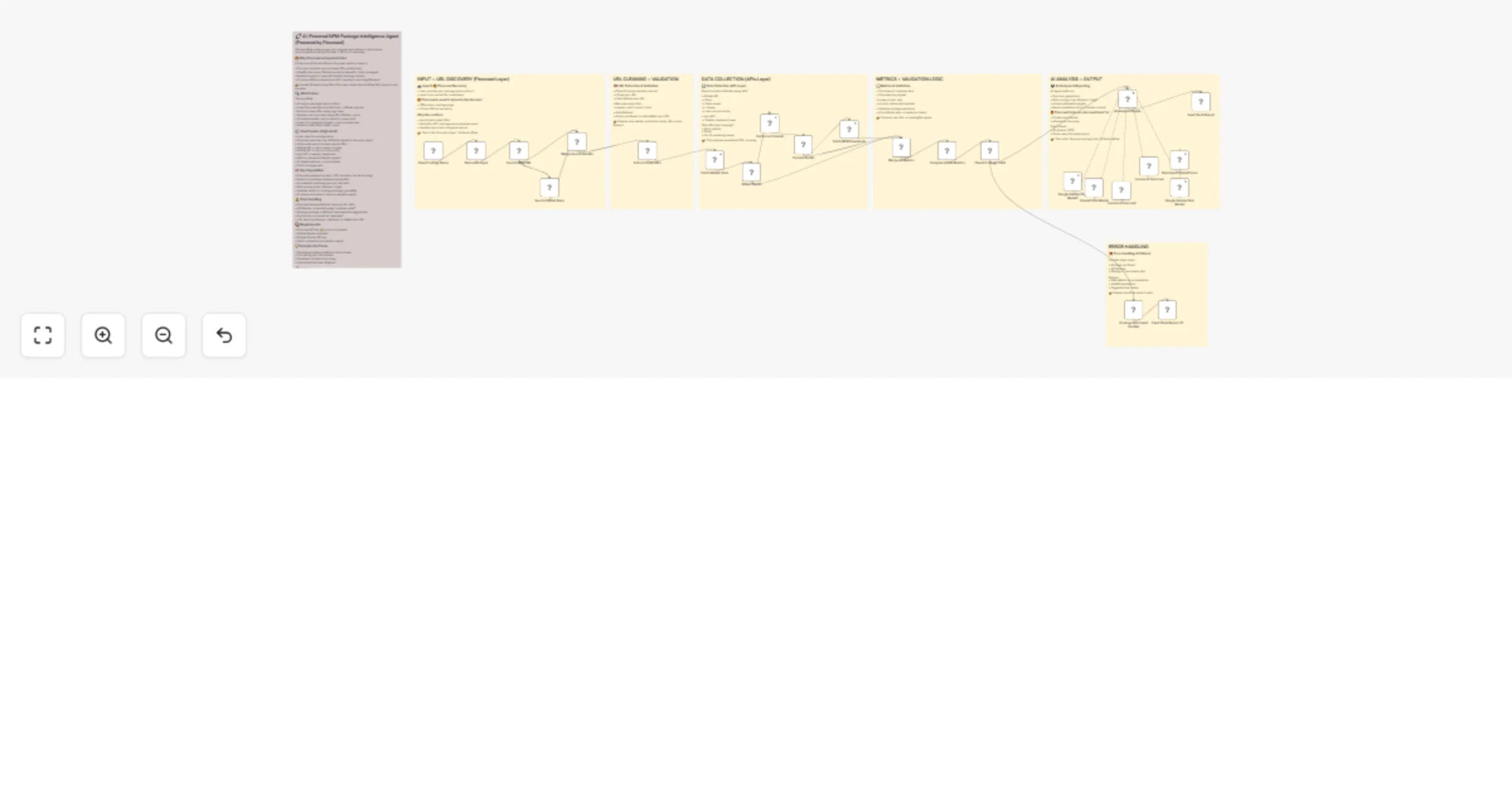
Workflow preview


 Early Deal
DISCOUNT 20%

Overview
This workflow analyzes any npm package and delivers a data-driven recommendation using Firecrawl + APIs + AI reasoning.
🔥 Why Firecrawl is Important Here
At the core of this workflow is Firecrawl, which is used to:
• Discover accurate npm package URLs dynamically • Identify the correct GitHub repository (even for tricky packages) • Enable AI agent to search & validate package context • Provide a fallback when direct API mapping is not straightforward
👉 Instead of hardcoding URLs, Firecrawl makes this workflow fully dynamic and scalable.
🔍 What it does
This workflow:
• Accepts a package name via form • Uses Firecrawl Search to find npm + GitHub sources • Extracts clean URLs using logic layer • Fetches real-time data using APIs (GitHub + npm) • Calculates health metrics (activity, issue ratio) • Uses AI to generate insights + recommendations • Sends a clean Slack-ready report
⚙️ How it works (High-level)
• User submits package name • Firecrawl searches npm & GitHub (dynamic discovery layer) • Code node extracts clean, usable URLs • GitHub API → stars, issues, license • GitHub API → last commit activity • npm API → weekly downloads • Metrics calculated (health signals) • AI Agent analyzes + recommends • Slack message sent
🧠 Key Capabilities
• Firecrawl-powered dynamic URL discovery (no hardcoding) • Real-time package evaluation using APIs • AI-powered reasoning (not just raw data) • Risk scoring (Low / Medium / High) • Handles invalid or missing packages gracefully • Produces structured + human-readable output
⚠️ Error Handling
• Firecrawl ensures fallback discovery for URLs • API failures → handled using "continue on fail" • Missing package → fallback response with suggestions • Partial data → marked as "unknown" • URL detection failures → fallback to default npm URL
📦 Requirements
• Firecrawl API key ⭐ (core component) • GitHub OAuth credential • Google Gemini API key • Slack credential (optional for output)
💡 Example Use Cases
• Package evaluation before production use • Comparing npm alternatives • Developer productivity tooling • Automated tech due diligence
🎯 Output
• Structured JSON (for automation) • Slack-ready formatted report (for humans)