Analyze Facebook comment sentiment with GPT-4, Slack, Sheets & Outlook reports
Workflow preview


 Early Deal
DISCOUNT 20%

Important notice
This workflow is provided as-is. Please review and test before using in production.
Overview
📊 Description
Automatically analyze the sentiment of Facebook posts and their audience comments using GPT-4 to identify trends and potential PR risks. 🧠💬 This workflow fetches recent posts via the Facebook Graph API, performs AI-powered sentiment analysis on both posts and comments, routes negative results to Slack for immediate attention, logs all data into Google Sheets, and sends a beautifully formatted sentiment summary report via Outlook. 📈📧
What This Template Does
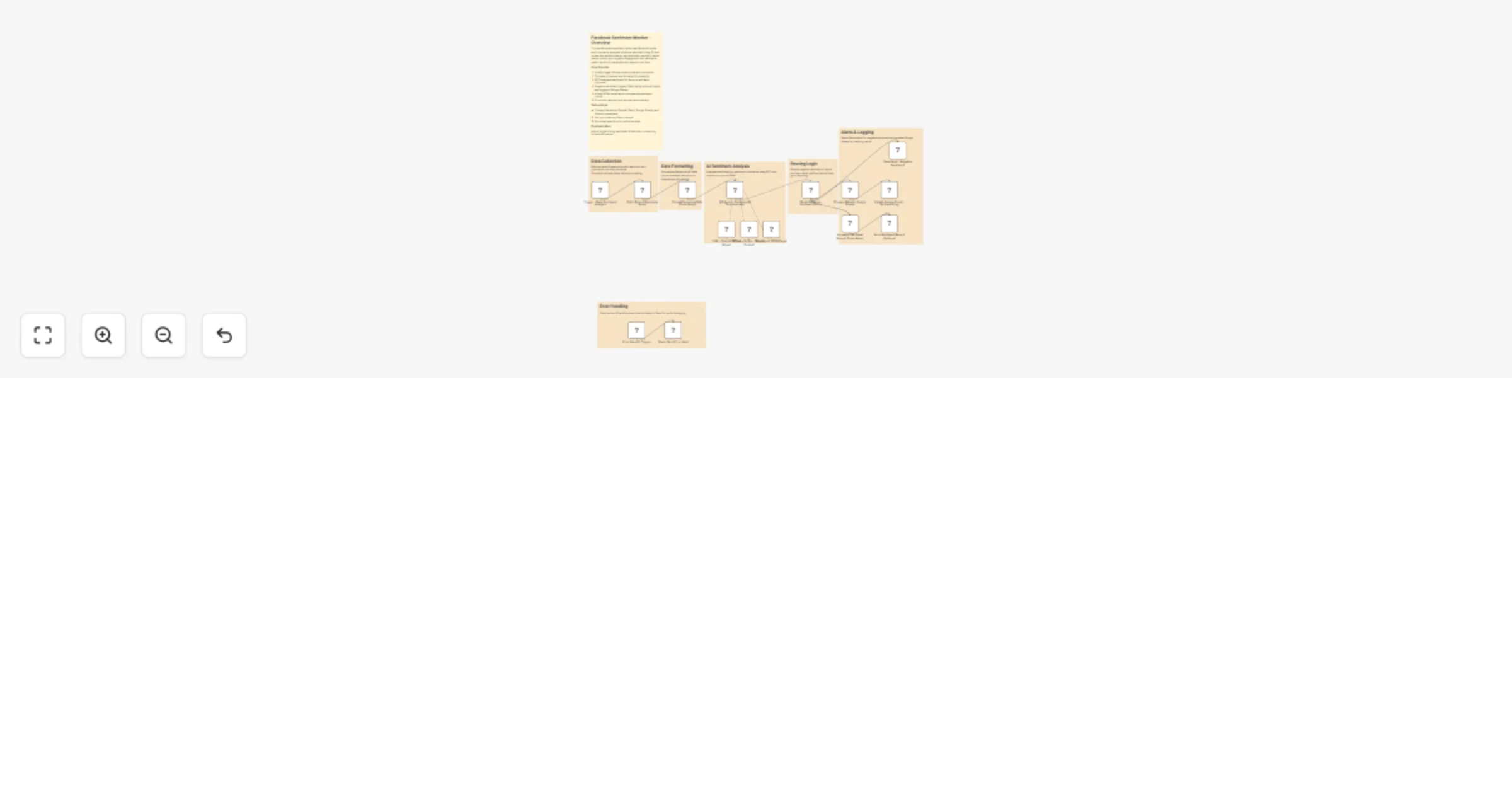
1️⃣ Trigger – Runs daily at 10 AM to fetch the latest Facebook posts. ⏰ 2️⃣ Data Extraction – Pulls post text, reactions, and up to 100 comments per post using Facebook Graph API. 📲 3️⃣ Formatting – Structures and cleans Facebook data for AI analysis. 🧩 4️⃣ AI Sentiment Analysis – GPT-4 evaluates post tone and audience sentiment with confidence scores and explanations. 🤖 5️⃣ Routing – Sends negative sentiment alerts directly to Slack for quick response. ⚠️ 6️⃣ Logging – Records all sentiment metrics in Google Sheets, including positivity ratio and engagement data. 📊 7️⃣ Reporting – Generates a color-coded HTML email report and delivers it via Outlook. 💌 8️⃣ Error Handling – Sends Slack alerts if any node in the workflow fails. 🛡️
Key Benefits
✅ Monitors brand reputation automatically across Facebook comments ✅ Provides structured AI sentiment reports for data-driven decisions ✅ Flags negative audience sentiment for timely intervention ✅ Maintains an always-updated sentiment log in Google Sheets ✅ Delivers professional HTML summary emails to teams
Features
- Automated daily trigger for post sentiment scanning
- Facebook Graph API integration for posts and comments
- GPT-4–powered comment tone and sentiment scoring
- Slack notifications for negative sentiment alerts
- Google Sheets sentiment dashboard logging
- Beautiful HTML report delivery through Microsoft Outlook
- Built-in error detection with Slack fallback alerts
Requirements
- Facebook Graph API credentials with pages_read_engagement access
- OpenAI API key for GPT-4 or GPT-4o
- Slack Bot token with chat:write permission
- Google Sheets OAuth2 credentials with edit rights
- Microsoft Outlook OAuth2 credentials for email delivery
Target Audience
- Social media and marketing teams monitoring brand perception 📣
- PR teams managing engagement or audience sentiment 🧾
- Analysts building data dashboards from engagement metrics 📊
- Agencies offering automated reporting for client pages 🧑💼
Step-by-Step Setup Instructions
1️⃣ Connect Facebook Graph API credentials and set your page ID. 2️⃣ Add OpenAI credentials for GPT-4 sentiment analysis. 3️⃣ Configure Slack and provide your channel ID for alerts. 4️⃣ Set Google Sheets credentials and specify sheet ID and name. 5️⃣ Connect Microsoft Outlook for email report delivery. 6️⃣ Adjust the daily schedule (default 10 AM) as needed. 7️⃣ Run once manually to verify setup, then enable automation. ✅