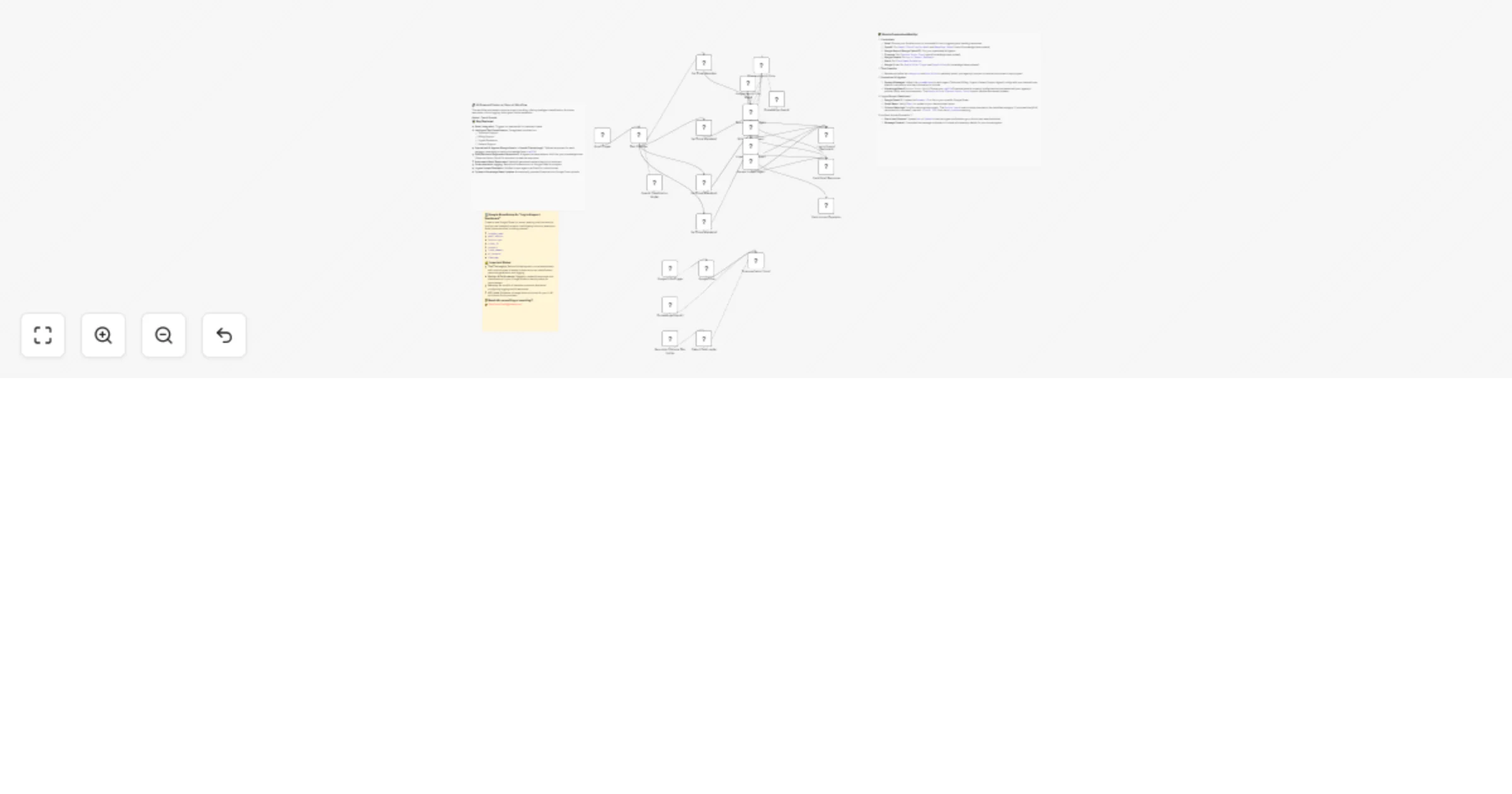
AI email support system: Gmail, Gemini, GPT-4, Slack & Google Sheets workflow

Workflow preview

Workflow preview
100%
AI email support system: Gmail, Gemini, GPT-4, Slack & Google Sheets workflow preview
Open on n8n.io

Important notice

This workflow is provided as-is. Please review and test before using in production.

1. Workflow Overview

Transform Your Customer Support with AI Automation! Unlock unparalleled efficiency and elevate customer satisfaction with our AI Powered Customer Support: Email, Knowledge Base & Human Escalatio...

Best for

  • Ticket Management automation workflows
  • AI RAG automation workflows
  • advanced n8n builders looking for reusable templates

Tools used

@n8n/n8n-nodes-langchain.lmchatopenai, @n8n/n8n-nodes-langchain.agent, n8n-nodes-base.gmail, n8n-nodes-base.googlesheets, n8n-nodes-base.slack, @n8n/n8n-nodes-langchain.textclassifier, n8n-nodes-base.gmailtrigger, @n8n/n8n-nodes-langchain.lmchatgooglegemini

Source and attribution

This workflow is cataloged by N8N Workflows and links back to its original n8n.io source page by David Olusola.

Original n8n.io source

1.1 Workflow description

Title
AI email support system: Gmail, Gemini, GPT-4, Slack & Google Sheets workflow
Workflow name
AI email support system: Gmail, Gemini, GPT-4, Slack & Google Sheets workflow

🚀 Transform Your Customer Support with AI Automation!

Unlock unparalleled efficiency and elevate customer satisfaction with our AI-Powered Customer Support: Email, Knowledge Base & Human Escalation Automation template. This sophisticated n8n workflow is engineered to streamline your support operations, ensuring every customer interaction is intelligent, consistent, and handled with speed.


✨ How It Works: Your Automated Support Powerhouse

Witness the magic as customer inquiries are seamlessly transformed into resolved tickets, often without human intervention:

  • 1. Effortless Email Intake: Your journey to automated excellence begins the moment a customer email lands in your Gmail inbox. Our workflow instantly captures new inquiries, ensuring no request ever falls through the cracks.
  • 2. Intelligent Inquiry Classification: Say goodbye to manual triage! An advanced AI text classifier immediately analyzes incoming emails, intelligently categorizing each inquiry into precise buckets like Technical Support, Billing Support, Urgent Escalation, or General Support. This ensures every query is sent to the right specialist—virtual or human—from the start.
  • 3. AI-Driven, Context-Rich Responses: The classified inquiry is routed to a specialized AI agent (powered by Google Gemini), which taps into your comprehensive Pinecone knowledge base. This Retrieval-Augmented Generation (RAG) ensures every response is not only fast and accurate but also deeply informed by your company's specific policies and documentation, providing personalized and expert answers.
  • 4. Instant Communication & Meticulous Logging: Once generated, the AI's professional response is automatically sent back to the customer via Gmail. Simultaneously, every detail of the interaction – from the classified service type to the full AI response and a unique ticket ID – is meticulously logged in your Google Sheet. This creates an invaluable, searchable record for unparalleled insights and accountability.
  • 5. Seamless Urgent Human Escalation: For critical or complex issues requiring a human touch, the workflow instantly escalates the ticket. Your team is notified via Slack with all pertinent details, ensuring urgent matters are always prioritized and resolved swiftly, maintaining high customer satisfaction even in challenging situations.
  • 6. Self-Updating Knowledge Base: Keep your AI agents perpetually smart! Our workflow effortlessly maintains your Pinecone knowledge base by automatically processing and ingesting new documents uploaded to a designated Google Drive folder. This ensures your AI always has the most current information, without any manual data entry from your side.

🛠️ Effortless Setup: Go Live in Under an Hour!

Getting started with this powerful automation is surprisingly simple. You can typically have your core setup ready and operational in just 30-60 minutes, freeing you to focus on strategic growth rather than tedious setup.

  • 1. Connect Your Services: Quickly link your existing accounts for Gmail, OpenAI, Google Gemini, Pinecone, Google Sheets, Slack, and Google Drive using n8n's intuitive credential management.
  • 2. Prepare Your Data Hub: Link the workflow to your Google Sheet with pre-defined columns for seamless logging of all support interactions.
  • 3. Empower Your AI with Knowledge: Simply upload your company's FAQs, policies, and documentation into a specified Google Drive folder. Our workflow handles the rest, automatically building and enriching your Pinecone knowledge base.
  • 4. Activate & Automate: With your credentials connected and data sources in place, activate the workflow in n8n, and watch your customer support transform!

For comprehensive, step-by-step guidance on advanced customization, API key configuration, and fine-tuning every aspect to your unique business needs, refer to the detailed Sticky Notes embedded directly within the n8n workflow. They are your personal setup assistant!

1.2 Logical Blocks

This catalog entry is organized from the workflow JSON. The node-level section below shows the executable blocks available for review before importing the template.

2. Block-by-Block Analysis

Block 1 - OpenAI Classification Model

Type / Role
@n8n/n8n-nodes-langchain.lmChatOpenAi - lmChatOpenAi
Config choices
Version 1.2

Block 2 - Technical Support Agent

Type / Role
@n8n/n8n-nodes-langchain.agent - agent
Config choices
Version 2.1

Block 3 - Billing Support Agent

Type / Role
@n8n/n8n-nodes-langchain.agent - agent
Config choices
Version 2.1

Block 4 - Urgent Escalation Agent

Type / Role
@n8n/n8n-nodes-langchain.agent - agent
Config choices
Version 2.1

Block 5 - General Support Agent

Type / Role
@n8n/n8n-nodes-langchain.agent - agent
Config choices
Version 2.1

Block 6 - Send Gmail Response

Type / Role
n8n-nodes-base.gmail - gmail
Config choices
Version 2.1

Block 7 - Log to Support Dashboard

Type / Role
n8n-nodes-base.googleSheets - googleSheets
Config choices
Version 4.4

Block 8 - Slack Human Escalation

Type / Role
n8n-nodes-base.slack - slack
Config choices
Version 2.2

Block 9 - Text Classifier

Type / Role
@n8n/n8n-nodes-langchain.textClassifier - textClassifier
Config choices
Version 1.1

Block 10 - Gmail Trigger

Type / Role
n8n-nodes-base.gmailTrigger - gmailTrigger
Config choices
Version 1.2

Block 11 - Google Gemini Chat Model

Type / Role
@n8n/n8n-nodes-langchain.lmChatGoogleGemini - lmChatGoogleGemini
Config choices
Version 1

Block 12 - Pinecone Vector Store

Type / Role
@n8n/n8n-nodes-langchain.vectorStorePinecone - vectorStorePinecone
Config choices
Version 1.3

Block 13 - Embeddings OpenAI

Type / Role
@n8n/n8n-nodes-langchain.embeddingsOpenAi - embeddingsOpenAi
Config choices
Version 1.2

Block 14 - Google Drive Trigger

Type / Role
n8n-nodes-base.googleDriveTrigger - googleDriveTrigger
Config choices
Version 1

Block 15 - Google Drive

Type / Role
n8n-nodes-base.googleDrive - googleDrive
Config choices
Version 3

Block 16 - Default Data Loader

Type / Role
@n8n/n8n-nodes-langchain.documentDefaultDataLoader - documentDefaultDataLoader
Config choices
Version 1

Block 17 - Recursive Character Text Splitter

Type / Role
@n8n/n8n-nodes-langchain.textSplitterRecursiveCharacterTextSplitter - textSplitterRecursiveCharacterTextSplitter
Config choices
Version 1

Block 18 - Pinecone Vector Store1

Type / Role
@n8n/n8n-nodes-langchain.vectorStorePinecone - vectorStorePinecone
Config choices
Version 1.1

Block 19 - Embeddings OpenAI1

Type / Role
@n8n/n8n-nodes-langchain.embeddingsOpenAi - embeddingsOpenAi
Config choices
Version 1.2

Block 20 - Set Ticket Metadata

Type / Role
n8n-nodes-base.set - set
Config choices
Version 2

Block 21 - Set Ticket Metadata1

Type / Role
n8n-nodes-base.set - set
Config choices
Version 2

Block 22 - Set Ticket Metadata2

Type / Role
n8n-nodes-base.set - set
Config choices
Version 2

Block 23 - Set Ticket Metadata3

Type / Role
n8n-nodes-base.set - set
Config choices
Version 2

Block 24 - Sticky Note

Type / Role
n8n-nodes-base.stickyNote - stickyNote
Config choices
Version 1

Showing the first 24 of 26 workflow blocks. Download the JSON for the full node graph.

3. Summary Table

Workflow AI email support system: Gmail, Gemini, GPT-4, Slack & Google Sheets workflow
Complexity advanced
Nodes 26
Categories Ticket Management, AI RAG
Author David Olusola
Published 22 Jul 2025

4. Reproducing the Workflow from Scratch

  1. 1. Download the workflow JSON

    Use the JSON export at /data/workflows/6288/6288.json as the source template for this automation.

  2. 2. Import the template into n8n

    Open n8n, import the downloaded JSON, and review each node before activating the workflow.

  3. 3. Configure credentials and variables

    Replace placeholder credentials, API keys, webhook URLs, account IDs, and environment-specific values with your own settings.

  4. 4. Test with sample data

    Run the workflow manually or in a staging workspace, inspect node output, and confirm downstream systems receive the expected data.

  5. 5. Activate and monitor

    Enable the workflow only after testing, then monitor executions, errors, and rate limits during the first production runs.

5. General Notes & Resources

Review imported nodes carefully before activation. This catalog entry is intended to help you inspect the workflow structure, understand required services, and find related templates faster.

Node names, credentials, schedules, webhook paths, and external service limits may need adjustment for your workspace.

Frequently asked questions

What does AI email support system: Gmail, Gemini, GPT-4, Slack & Google Sheets workflow do?

Transform Your Customer Support with AI Automation! Unlock unparalleled efficiency and elevate customer satisfaction with our AI Powered Customer Support: Email, Knowledge Base & Human Escalatio...

What do I need before importing this workflow?

Review the workflow JSON, configure any required credentials in n8n, and test the automation in a safe workspace before using it in production.

Can I customize this workflow?

Yes. Use the block-by-block analysis and the downloadable JSON to inspect each node, then adjust credentials, prompts, schedules, filters, or destinations for your Ticket Management, AI RAG use case.