Ai data extraction with dynamic prompts and Baserow

Workflow preview

Workflow preview
100%
Ai data extraction with dynamic prompts and Baserow preview
Open on n8n.io

Important notice

This workflow is provided as-is. Please review and test before using in production.

1. Workflow Overview

This n8n template introduces the Dynamic Prompts AI workflow pattern which are incredible for certain types of data extraction tasks where attributes are unknown or need to remain flexible. The gen...

Best for

  • HR automation workflows
  • AI Summarization automation workflows
  • advanced n8n builders looking for reusable templates

Tools used

n8n-nodes-base.webhook, n8n-nodes-base.switch, n8n-nodes-base.httprequest, n8n-nodes-base.code, n8n-nodes-base.set, n8n-nodes-base.extractfromfile, n8n-nodes-base.splitinbatches, n8n-nodes-base.noop

Source and attribution

This workflow is cataloged by N8N Workflows and links back to its original n8n.io source page by Jimleuk.

Original n8n.io source

1.1 Workflow description

Title
Ai data extraction with dynamic prompts and Baserow
Workflow name
Ai data extraction with dynamic prompts and Baserow

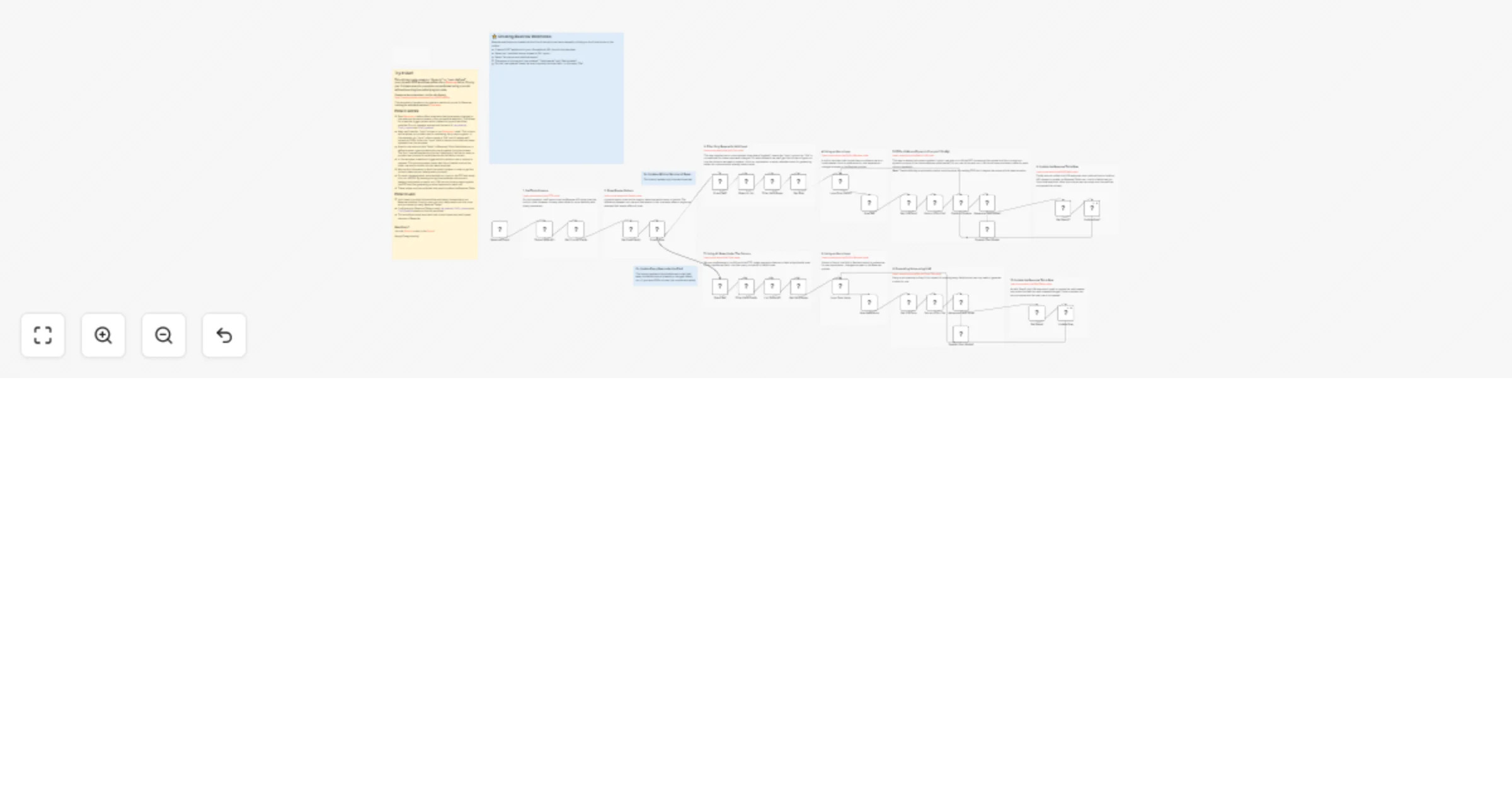
This n8n template introduces the Dynamic Prompts AI workflow pattern which are incredible for certain types of data extraction tasks where attributes are unknown or need to remain flexible.

The general idea behind this pattern is that the prompts for requested attributes to be extracted live outside the template and so can be changed at any time - without needing to edit the template. This seriously cuts down on maintainance requirements and is reusable for any number of tables at little cost.

Check out the n8n Studio Episode here: https://www.youtube.com/watch?v=_fNAD1u8BZw

Community post here: https://community.n8n.io/t/dynamic-prompts-with-n8n-baserow-and-airtable/72052

Looking for the Airtable Version? https://n8n.io/workflows/2771-ai-data-extraction-with-dynamic-prompts-and-airtable/

How it works

  • Given we have an "input" field for context and a number of fields for the data we want to extract, this template will run in the background to react to any changes to either the "input" or fields and automatically update the rows accordingly.
  • The key is that Baserow fields have a special property called the "field description". In this pattern, we use this property to allow the user to store a simple prompt describing the data that should exist in the column.
  • Our n8n template reads these column descriptions aka "prompts" to use as instructions to perform tasks on the "input".
  • In this template, the "input" is a PDF of a resume/CV and the columns are attributes a HR person would want to extract from it - such as full name, address, last position, years of experience etc.

How to use

  • First publish this template and ensure it's accessible via webhook URL.
  • You then have to complete the "create Baserow webhooks" steps to configure your baserow to send change events to the n8n template. Baserow webhooks are created in the Baserow web interface.

Check the template for more instructions.

Requirements

  • Baserow for Tables/Database
  • OpenAI for LLM and extraction. Feel free to choose another LLM if preferred.

Customising this workflow

  • If you're not using files, you can replace the "input" field with anything you like. For example, the "input" could be single line text.

1.2 Logical Blocks

This catalog entry is organized from the workflow JSON. The node-level section below shows the executable blocks available for review before importing the template.

2. Block-by-Block Analysis

Block 1 - Baserow Event

Type / Role
n8n-nodes-base.webhook - webhook
Config choices
Version 2

Block 2 - Event Type

Type / Role
n8n-nodes-base.switch - switch
Config choices
Version 3.2

Block 3 - Table Fields API

Type / Role
n8n-nodes-base.httpRequest - httpRequest
Config choices
Version 4.2

Block 4 - Get Prompt Fields

Type / Role
n8n-nodes-base.code - code
Config choices
Version 2

Block 5 - Get Event Body

Type / Role
n8n-nodes-base.set - set
Config choices
Version 3.4

Block 6 - List Table API

Type / Role
n8n-nodes-base.httpRequest - httpRequest
Config choices
Version 4.2

Block 7 - Get Valid Rows

Type / Role
n8n-nodes-base.code - code
Config choices
Version 2

Block 8 - Get File Data

Type / Role
n8n-nodes-base.httpRequest - httpRequest
Config choices
Version 4.2

Block 9 - Extract from File

Type / Role
n8n-nodes-base.extractFromFile - extractFromFile
Config choices
Version 1

Block 10 - Update Row

Type / Role
n8n-nodes-base.httpRequest - httpRequest
Config choices
Version 4.2

Block 11 - Get Result

Type / Role
n8n-nodes-base.set - set
Config choices
Version 3.4

Block 12 - Loop Over Items

Type / Role
n8n-nodes-base.splitInBatches - splitInBatches
Config choices
Version 3

Block 13 - Row Reference

Type / Role
n8n-nodes-base.noOp - noOp
Config choices
Version 1

Block 14 - Generate Field Value

Type / Role
@n8n/n8n-nodes-langchain.chainLlm - chainLlm
Config choices
Version 1.5

Block 15 - Get Row

Type / Role
n8n-nodes-base.httpRequest - httpRequest
Config choices
Version 4.2

Block 16 - Rows to List

Type / Role
n8n-nodes-base.splitOut - splitOut
Config choices
Version 1

Block 17 - Fields to Update

Type / Role
n8n-nodes-base.code - code
Config choices
Version 2

Block 18 - Loop Over Items1

Type / Role
n8n-nodes-base.splitInBatches - splitInBatches
Config choices
Version 3

Block 19 - Row Ref

Type / Role
n8n-nodes-base.noOp - noOp
Config choices
Version 1

Block 20 - Get File Data1

Type / Role
n8n-nodes-base.httpRequest - httpRequest
Config choices
Version 4.2

Block 21 - Extract from File1

Type / Role
n8n-nodes-base.extractFromFile - extractFromFile
Config choices
Version 1

Block 22 - Update Row1

Type / Role
n8n-nodes-base.httpRequest - httpRequest
Config choices
Version 4.2

Block 23 - Get Result1

Type / Role
n8n-nodes-base.set - set
Config choices
Version 3.4

Block 24 - Generate Field Value1

Type / Role
@n8n/n8n-nodes-langchain.chainLlm - chainLlm
Config choices
Version 1.5

Showing the first 24 of 45 workflow blocks. Download the JSON for the full node graph.

3. Summary Table

Workflow Ai data extraction with dynamic prompts and Baserow
Complexity advanced
Nodes 45
Categories HR, AI Summarization
Author Jimleuk
Published 23 Jan 2025

4. Reproducing the Workflow from Scratch

  1. 1. Download the workflow JSON

    Use the JSON export at /data/workflows/2780/2780.json as the source template for this automation.

  2. 2. Import the template into n8n

    Open n8n, import the downloaded JSON, and review each node before activating the workflow.

  3. 3. Configure credentials and variables

    Replace placeholder credentials, API keys, webhook URLs, account IDs, and environment-specific values with your own settings.

  4. 4. Test with sample data

    Run the workflow manually or in a staging workspace, inspect node output, and confirm downstream systems receive the expected data.

  5. 5. Activate and monitor

    Enable the workflow only after testing, then monitor executions, errors, and rate limits during the first production runs.

5. General Notes & Resources

Review imported nodes carefully before activation. This catalog entry is intended to help you inspect the workflow structure, understand required services, and find related templates faster.

Node names, credentials, schedules, webhook paths, and external service limits may need adjustment for your workspace.

Frequently asked questions

What does Ai data extraction with dynamic prompts and Baserow do?

This n8n template introduces the Dynamic Prompts AI workflow pattern which are incredible for certain types of data extraction tasks where attributes are unknown or need to remain flexible. The gen...

What do I need before importing this workflow?

Review the workflow JSON, configure any required credentials in n8n, and test the automation in a safe workspace before using it in production.

Can I customize this workflow?

Yes. Use the block-by-block analysis and the downloadable JSON to inspect each node, then adjust credentials, prompts, schedules, filters, or destinations for your HR, AI Summarization use case.