Block 1 - Sticky Note
- Type / Role
- n8n-nodes-base.stickyNote - stickyNote
- Config choices
- Version 1


 Early Deal
This workflow is provided as-is. Please review and test before using in production.
Automated SEO Health Monitoring & Reporting This workflow automatically monitors the SEO health of websites stored in a Google Sheet. It fetches each website’s HTML, analyzes key SEO metrics (title...
n8n-nodes-base.stickynote, n8n-nodes-base.cron, n8n-nodes-base.googlesheets, n8n-nodes-base.set, n8n-nodes-base.httprequest, n8n-nodes-base.code, n8n-nodes-base.if, n8n-nodes-base.gmail
This workflow is cataloged by N8N Workflows and links back to its original n8n.io source page by WeblineIndia.
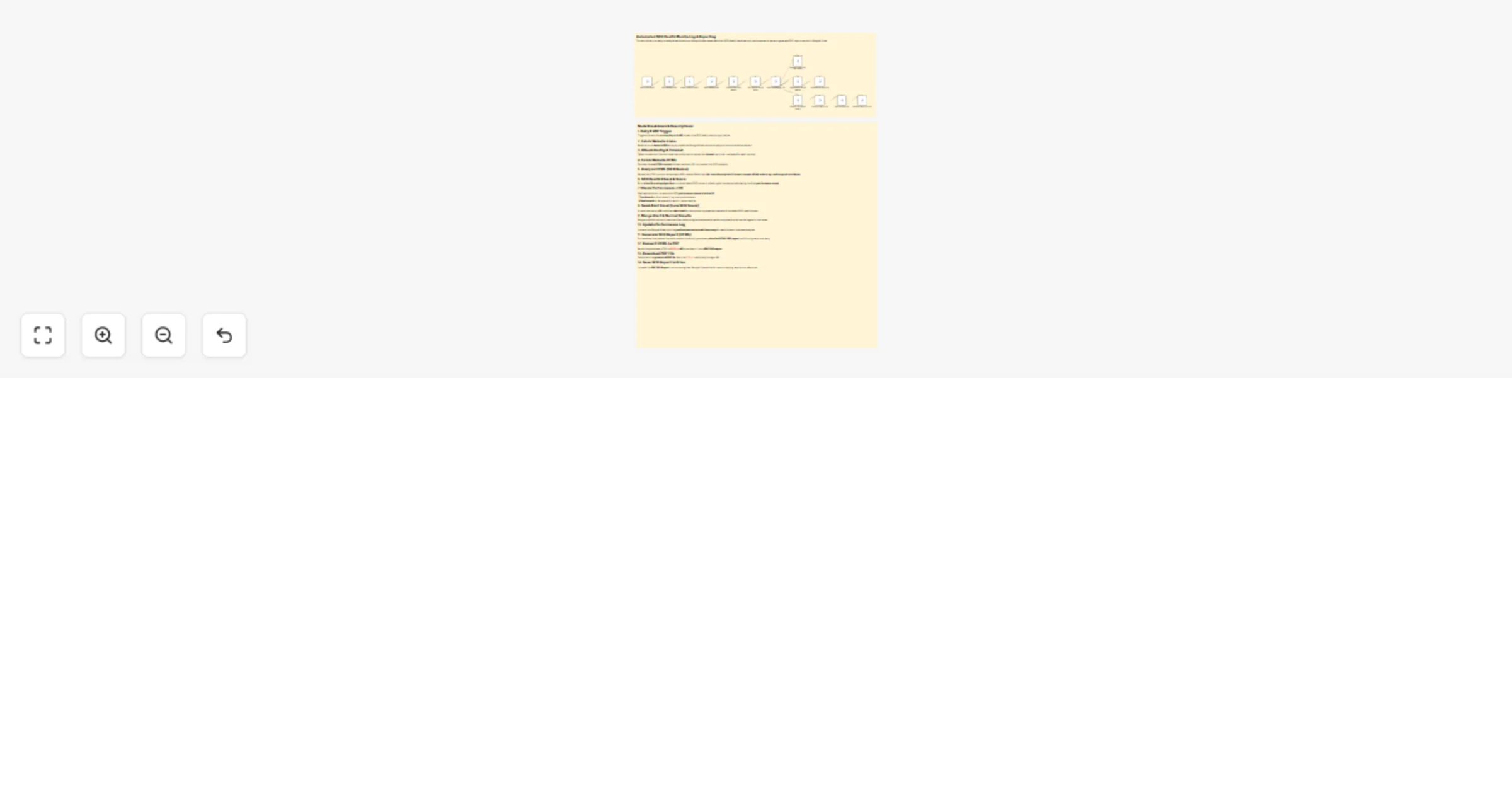
Original n8n.io sourceThis workflow automatically monitors the SEO health of websites stored in a Google Sheet. It fetches each website’s HTML, analyzes key SEO metrics (title, meta description, H1 count, canonical, robots, performance score, etc.) and updates results back into Google Sheets. If performance is poor (<50), it sends an alert email. For healthy sites, it generates a detailed PDF report and stores it in Google Drive.
| Issue | Possible Cause | Solution |
|---|---|---|
| Workflow fails at HTTP Crawl | Website blocks requests / timeout | Increase timeout in Set Config node or add retry logic. |
Always returns https://example.com |
Missing canonical / OG tags in HTML | Enhanced code now infers from JSON-LD or domain detection. Update analyzer. |
| PDF not generated | Invalid API key or wrong endpoint in PDF.co node | Verify PDF.co API key and endpoint URL. |
| Email not sending | Gmail credentials not set or blocked | Reconnect Gmail in n8n credentials manager. |
| Google Sheet not updating | Wrong column mapping in Update Sheet node | Check node mapping: domain column vs performance/date columns. |
| Google Drive upload fails | Missing folder permissions | Ensure correct Drive folder ID and credentials. |
If you’d like assistance setting up, customizing or scaling this workflow for your use case, our n8n automation team at WeblineIndia can help you:
This catalog entry is organized from the workflow JSON. The node-level section below shows the executable blocks available for review before importing the template.
| Workflow | Website SEO health analytics with Google Sheets, PDF reports & Gmail alerts |
|---|---|
| Complexity | advanced |
| Nodes | 16 |
| Categories | Market Research, Multimodal AI |
| Author | WeblineIndia |
| Published | 28 Aug 2025 |
Use the JSON export at /data/workflows/7989/7989.json as the source template for this automation.
Open n8n, import the downloaded JSON, and review each node before activating the workflow.
Replace placeholder credentials, API keys, webhook URLs, account IDs, and environment-specific values with your own settings.
Run the workflow manually or in a staging workspace, inspect node output, and confirm downstream systems receive the expected data.
Enable the workflow only after testing, then monitor executions, errors, and rate limits during the first production runs.
Review imported nodes carefully before activation. This catalog entry is intended to help you inspect the workflow structure, understand required services, and find related templates faster.
Node names, credentials, schedules, webhook paths, and external service limits may need adjustment for your workspace.
Automated SEO Health Monitoring & Reporting This workflow automatically monitors the SEO health of websites stored in a Google Sheet. It fetches each website’s HTML, analyzes key SEO metrics (title...
Review the workflow JSON, configure any required credentials in n8n, and test the automation in a safe workspace before using it in production.
Yes. Use the block-by-block analysis and the downloadable JSON to inspect each node, then adjust credentials, prompts, schedules, filters, or destinations for your Market Research, Multimodal AI use case.