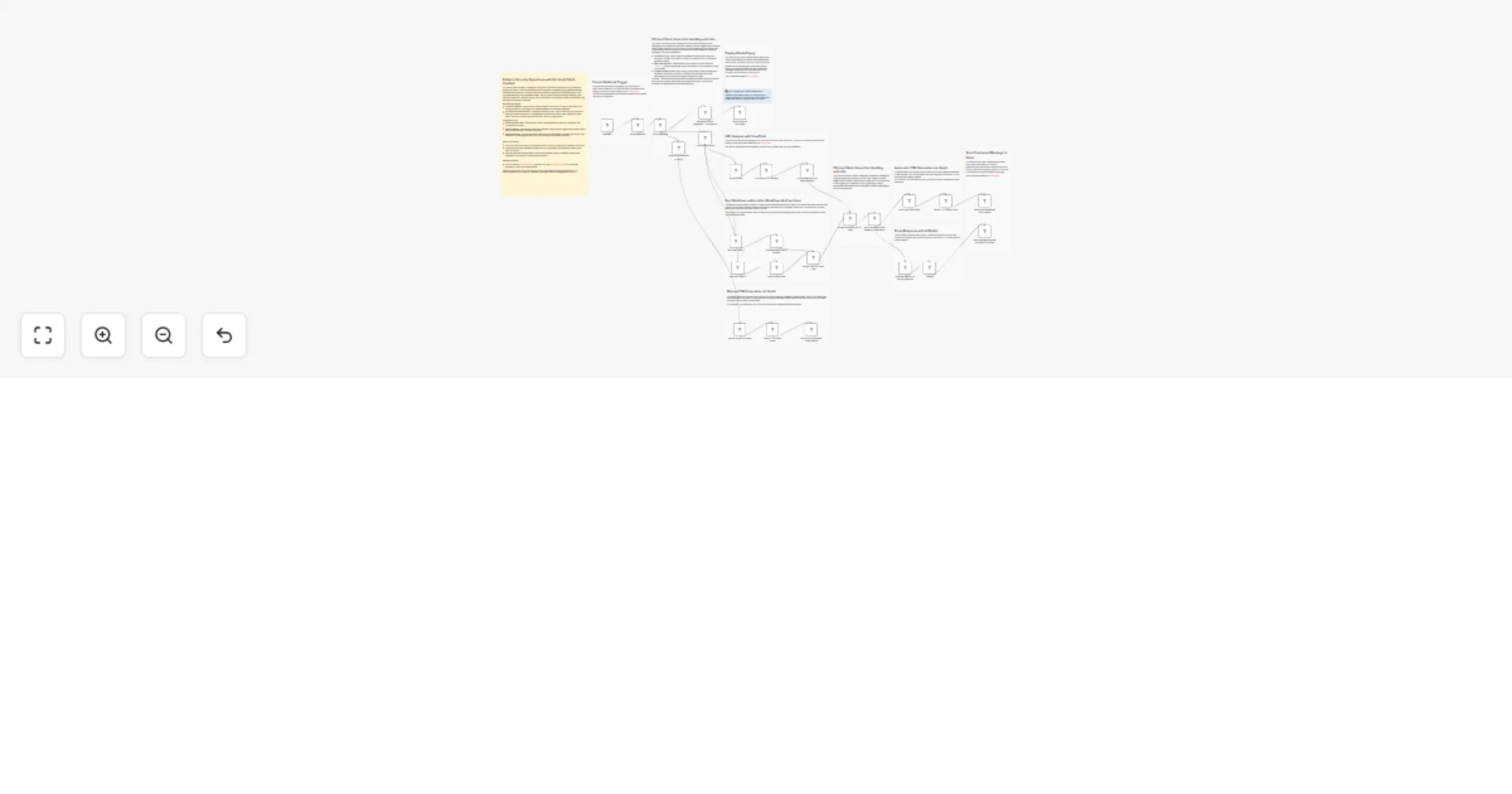
Venafi Cloud Slack cert bot

Workflow preview

Workflow preview
100%
Venafi Cloud Slack cert bot preview
Open on n8n.io

Important notice

This workflow is provided as-is. Please review and test before using in production.

1. Workflow Overview

Enhance Security Operations with the Venafi Slack CertBot! Venafi Presentation Watch Video Our Venafi Slack CertBot is strategically d...

Best for

  • SecOps automation workflows
  • advanced n8n builders looking for reusable templates

Tools used

n8n-nodes-base.venafitlsprotectcloud, n8n-nodes-base.set, n8n-nodes-base.stickynote, n8n-nodes-base.respondtowebhook, n8n-nodes-base.httprequest, n8n-nodes-base.executeworkflow, n8n-nodes-base.if, n8n-nodes-base.noop

Source and attribution

This workflow is cataloged by N8N Workflows and links back to its original n8n.io source page by Angel Menendez.

Original n8n.io source

1.1 Workflow description

Title
Venafi Cloud Slack cert bot
Workflow name
Venafi Cloud Slack cert bot

Enhance Security Operations with the Venafi Slack CertBot!

Venafi Presentation - Watch Video

Our Venafi Slack CertBot is strategically designed to facilitate immediate security operations directly from Slack. This tool allows end users to request Certificate Signing Requests that are automatically approved or passed to the Secops team for manual approval depending on the Virustotal analysis of the requested domain. Not only does this help centralize requests, but it helps an organization maintain the security certifications by allowing automated processes to log and analyze requests in real time.

Workflow Highlights:

  • Interactive Modals: Utilizes Slack modals to gather user inputs for scan configurations and report generation, providing a user-friendly interface for complex operations.
  • Dynamic Workflow Execution: Integrates seamlessly with Venafi to execute CSR generation and if any issues are found, AI can generate a custom report that is then passed to a slack teams channel for manual approval with the press of a single button.

Operational Flow:

  • Parse Webhook Data: Captures and parses incoming data from Slack to understand user commands accurately.
  • Execute Actions: Depending on the user's selection, the workflow triggers other actions within the flow like automatic Virustotal Scanning.
  • Respond to Slack: Ensures that every interaction is acknowledged, maintaining a smooth user experience by managing modal popups and sending appropriate responses.

Setup Instructions:

  • Verify that Slack and Qualys API integrations are correctly configured for seamless interaction.
  • Customize the modal interfaces to align with your organization's operational protocols and security policies.
  • Test the workflow to ensure that it responds accurately to Slack commands and that the integration with Qualys is functioning as expected.

Need Assistance?

Deploy this bot within your Slack environment to significantly enhance the efficiency and responsiveness of your security operations, enabling proactive management of CSR's.

1.2 Logical Blocks

This catalog entry is organized from the workflow JSON. The node-level section below shows the executable blocks available for review before importing the template.

2. Block-by-Block Analysis

Block 1 - Venafi TLS Protect Cloud

Type / Role
n8n-nodes-base.venafiTlsProtectCloud - venafiTlsProtectCloud
Config choices
Version 1

Block 2 - Parse Webhook

Type / Role
n8n-nodes-base.set - set
Config choices
Version 3.3

Block 3 - Sticky Note

Type / Role
n8n-nodes-base.stickyNote - stickyNote
Config choices
Version 1

Block 4 - Sticky Note15

Type / Role
n8n-nodes-base.stickyNote - stickyNote
Config choices
Version 1

Block 5 - Sticky Note11

Type / Role
n8n-nodes-base.stickyNote - stickyNote
Config choices
Version 1

Block 6 - Close Modal Popup

Type / Role
n8n-nodes-base.respondToWebhook - respondToWebhook
Config choices
Version 1.1

Block 7 - Sticky Note8

Type / Role
n8n-nodes-base.stickyNote - stickyNote
Config choices
Version 1

Block 8 - Respond to Slack Webhook - Vulnerability

Type / Role
n8n-nodes-base.respondToWebhook - respondToWebhook
Config choices
Version 1.1

Block 9 - Sticky Note2

Type / Role
n8n-nodes-base.stickyNote - stickyNote
Config choices
Version 1

Block 10 - Venafi Request Certificate

Type / Role
n8n-nodes-base.httpRequest - httpRequest
Config choices
Version 4.2

Block 11 - Extract Fields

Type / Role
n8n-nodes-base.set - set
Config choices
Version 3.4

Block 12 - Get Slack User ID

Type / Role
n8n-nodes-base.set - set
Config choices
Version 3.4

Block 13 - Translate Slack User ID to Email

Type / Role
n8n-nodes-base.executeWorkflow - executeWorkflow
Config choices
Version 1.1

Block 14 - VirusTotal HTTP Request

Type / Role
n8n-nodes-base.httpRequest - httpRequest
Config choices
Version 4.2

Block 15 - Summarize output to save on tokens

Type / Role
n8n-nodes-base.set - set
Config choices
Version 3.4

Block 16 - Auto Issue Certificate Based on 0 Malicious Reports

Type / Role
n8n-nodes-base.if - if
Config choices
Version 2.2

Block 17 - Auto Issue Certificate

Type / Role
n8n-nodes-base.noOp - noOp
Config choices
Version 1

Block 18 - Generate Report For Manual Approval

Type / Role
n8n-nodes-base.noOp - noOp
Config choices
Version 1

Block 19 - Get Slack Team ID

Type / Role
n8n-nodes-base.set - set
Config choices
Version 3.4

Block 20 - Execute Workflow

Type / Role
n8n-nodes-base.executeWorkflow - executeWorkflow
Config choices
Version 1.1

Block 21 - Merge User and Team Data

Type / Role
n8n-nodes-base.merge - merge
Config choices
Version 3

Block 22 - OpenAI

Type / Role
@n8n/n8n-nodes-langchain.openAi - openAi
Config choices
Version 1.5

Block 23 - Sticky Note16

Type / Role
n8n-nodes-base.stickyNote - stickyNote
Config choices
Version 1

Block 24 - Sticky Note1

Type / Role
n8n-nodes-base.stickyNote - stickyNote
Config choices
Version 1

Showing the first 24 of 38 workflow blocks. Download the JSON for the full node graph.

3. Summary Table

Workflow Venafi Cloud Slack cert bot
Complexity advanced
Nodes 38
Categories SecOps
Author Angel Menendez
Published 19 Sept 2024

4. Reproducing the Workflow from Scratch

  1. 1. Download the workflow JSON

    Use the JSON export at /data/workflows/2422/2422.json as the source template for this automation.

  2. 2. Import the template into n8n

    Open n8n, import the downloaded JSON, and review each node before activating the workflow.

  3. 3. Configure credentials and variables

    Replace placeholder credentials, API keys, webhook URLs, account IDs, and environment-specific values with your own settings.

  4. 4. Test with sample data

    Run the workflow manually or in a staging workspace, inspect node output, and confirm downstream systems receive the expected data.

  5. 5. Activate and monitor

    Enable the workflow only after testing, then monitor executions, errors, and rate limits during the first production runs.

5. General Notes & Resources

Review imported nodes carefully before activation. This catalog entry is intended to help you inspect the workflow structure, understand required services, and find related templates faster.

Node names, credentials, schedules, webhook paths, and external service limits may need adjustment for your workspace.

Frequently asked questions

What does Venafi Cloud Slack cert bot do?

Enhance Security Operations with the Venafi Slack CertBot! Venafi Presentation Watch Video Our Venafi Slack CertBot is strategically d...

What do I need before importing this workflow?

Review the workflow JSON, configure any required credentials in n8n, and test the automation in a safe workspace before using it in production.

Can I customize this workflow?

Yes. Use the block-by-block analysis and the downloadable JSON to inspect each node, then adjust credentials, prompts, schedules, filters, or destinations for your SecOps use case.