Turn new Jira tickets into CloudCLI AI coding sessions with Claude Code
Workflow preview

$20/month : Unlimited workflows
2500 executions/month

THE #1 IN WEB SCRAPING
Scrape any website without limits
HOSTINGER  Early Deal
DISCOUNT 20% Try free
Early DealDISCOUNT 20%
Self-hosted n8n
Unlimited workflows - from $4.99/mo

#1 hub for scraping, AI & automation
6000+ actors - $5 credits/mo
Overview
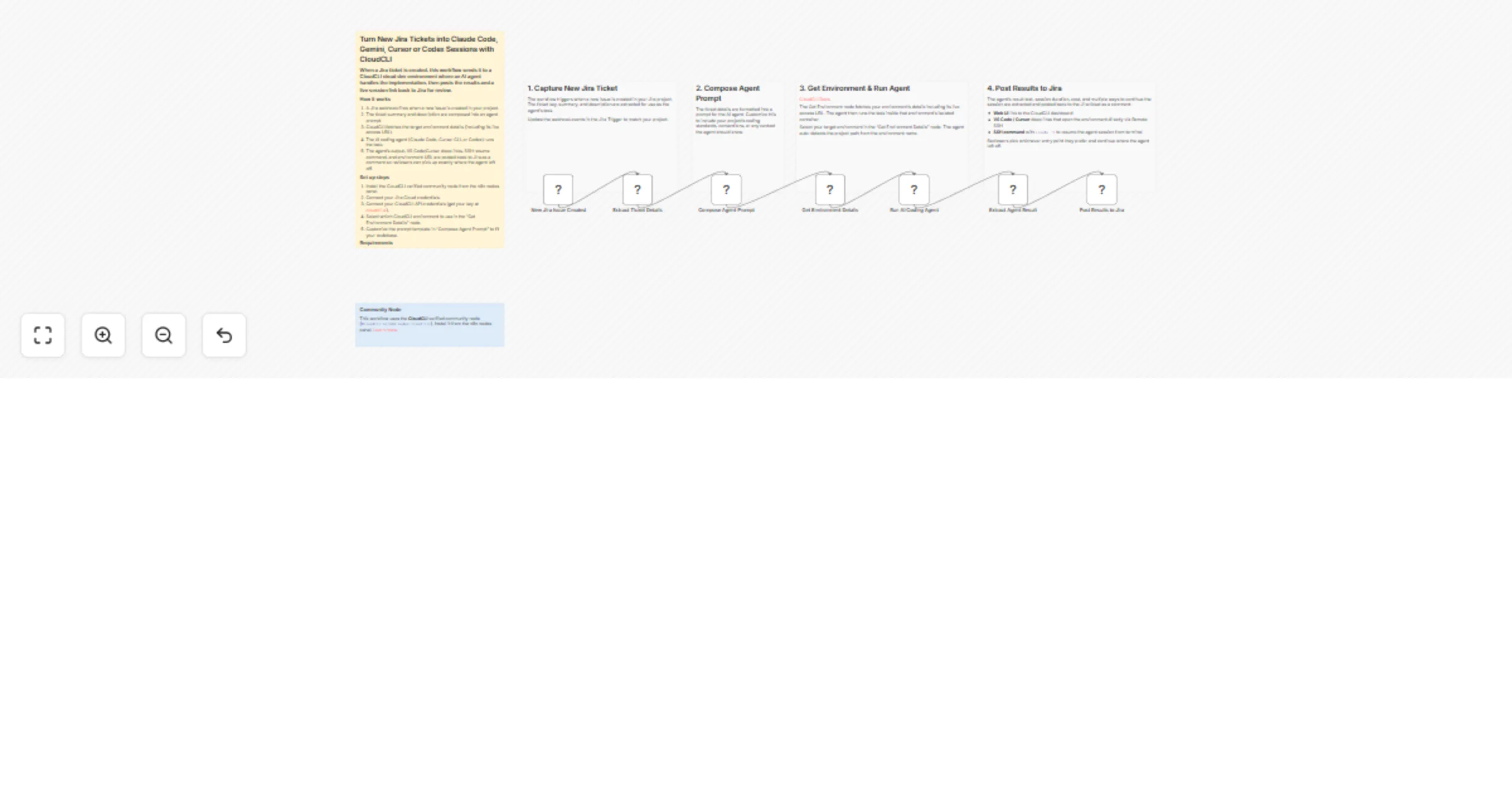
Turn new Jira tickets into automated AI coding sessions. When a ticket is created, this workflow runs an AI coding agent (Claude Code, Cursor CLI, or Codex) on the task inside a CloudCLI cloud dev environment and posts the results and the links to continue the AI coding session from mobile or an IDE, back to Jira.
How it works
- A Jira trigger fires when a new issue is created.
- The ticket summary and description are composed into a prompt for the AI coding agent.
- CloudCLI runs the agent inside an isolated cloud container.
- The agent's output, VS Code and Cursor deep links, and an SSH resume command are posted back to Jira as a comment.
Reviewers can open the environment in their preferred IDE or SSH in and run claude -r to resume the session from terminal.
Set up steps
- Install the CloudCLI verified community node from the n8n nodes panel.
- Connect your Jira Cloud and CloudCLI API credentials.
- Select your target environment in the "Get Environment Details" node.
- Customize the prompt template in "Compose Agent Prompt" to match your codebase.
Requirements
Jira Cloud account CloudCLI account with API key (cloudcli.ai) A running CloudCLI environment with your repo cloned AI provider API key configured in your CloudCLI dashboard (e.g. Anthropic for Claude Code)
How to customize
- Add an IF node to filter by label (e.g.
auto-code) or issue type. - Enable "Create Pull Request" in the agent's options to auto-open a PR.
- Add a Slack node to notify your team when the agent completes.
- Replace the Jira trigger with Linear, GitHub Issues, or Asana.