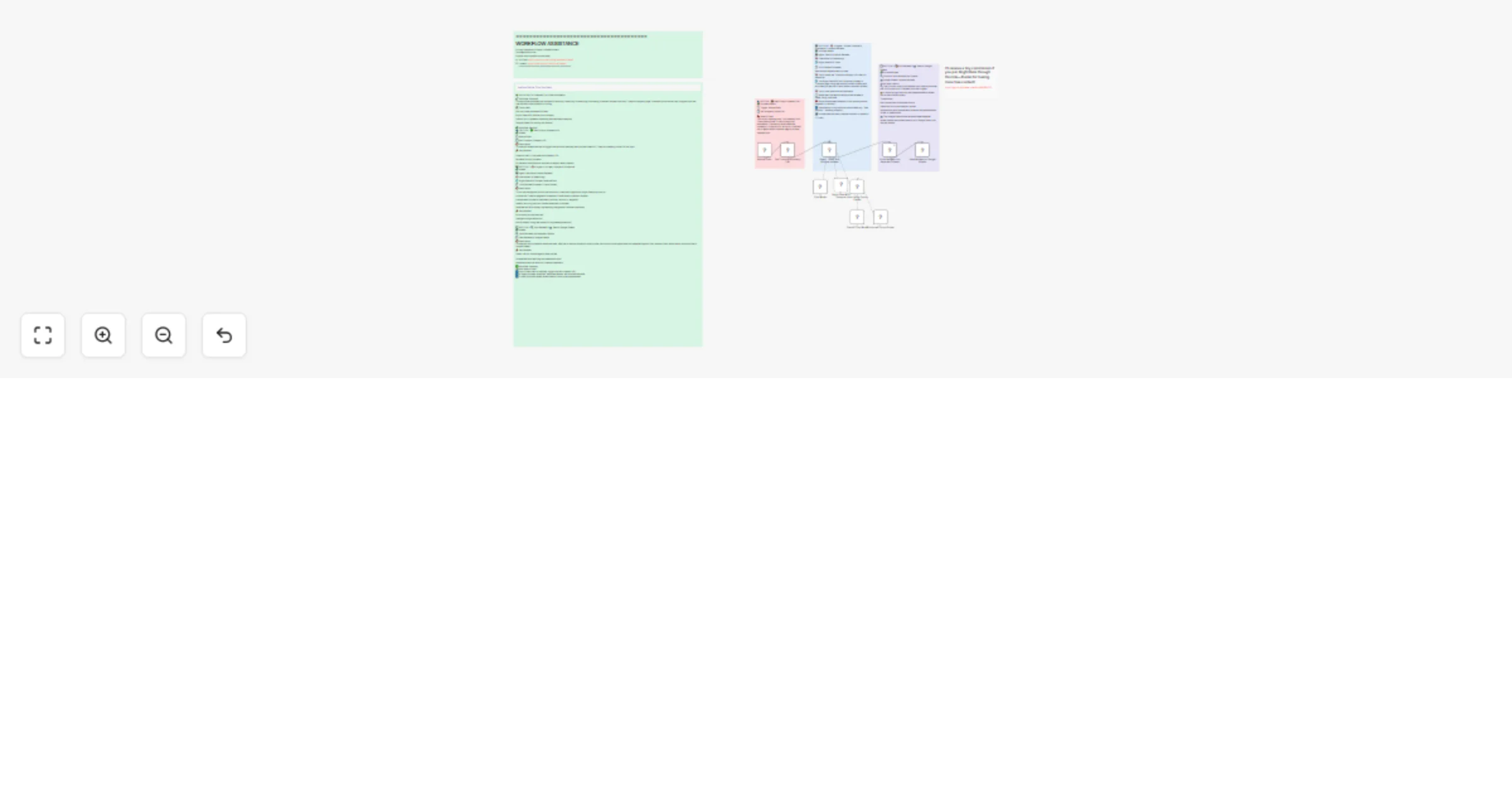
Trustpilot review sentiment analysis with OpenAI & Bright Data to Google Sheets

Workflow preview

Workflow preview
100%
Trustpilot review sentiment analysis with OpenAI & Bright Data to Google Sheets preview
Open on n8n.io

Important notice

This workflow is provided as-is. Please review and test before using in production.

1. Workflow Overview

This workflow automatically scrapes customer reviews from Trustpilot and performs sentiment analysis to extract valuable customer insights. It saves you time by eliminating the need to manually rea...

Best for

  • Market Research automation workflows
  • AI Summarization automation workflows
  • advanced n8n builders looking for reusable templates

Tools used

n8n-nodes-base.set, n8n-nodes-base.manualtrigger, @n8n/n8n-nodes-langchain.agent, @n8n/n8n-nodes-langchain.lmchatopenai, n8n-nodes-mcp.mcpclienttool, n8n-nodes-base.code, n8n-nodes-base.googlesheets, n8n-nodes-base.stickynote

Source and attribution

This workflow is cataloged by N8N Workflows and links back to its original n8n.io source page by Yaron Been.

Original n8n.io source

1.1 Workflow description

Title
Trustpilot review sentiment analysis with OpenAI & Bright Data to Google Sheets
Workflow name
Trustpilot review sentiment analysis with OpenAI & Bright Data to Google Sheets

This workflow automatically scrapes customer reviews from Trustpilot and performs sentiment analysis to extract valuable customer insights. It saves you time by eliminating the need to manually read through reviews and provides structured data on customer feedback, sentiment, and pain points.

Overview

This workflow automatically scrapes the latest customer reviews from any Trustpilot company page and uses AI to analyze each review for sentiment, extract key complaints or praise, and identify recurring customer pain points. It stores all structured review data in Google Sheets for easy analysis and reporting.

Tools Used

  • n8n: The automation platform that orchestrates the workflow
  • Bright Data: For scraping Trustpilot review pages without being blocked
  • OpenAI: AI agent for intelligent review analysis and sentiment extraction
  • Google Sheets: For storing structured review data and analysis results

How to Install

  1. Import the Workflow: Download the .json file and import it into your n8n instance
  2. Configure Bright Data: Add your Bright Data credentials to the MCP Client node
  3. Set Up OpenAI: Configure your OpenAI API credentials
  4. Configure Google Sheets: Connect your Google Sheets account and set up your review tracking spreadsheet
  5. Customize: Enter target Trustpilot company URLs and adjust review analysis parameters

Use Cases

  • Product Teams: Identify customer pain points and feature requests from reviews
  • Customer Support: Monitor customer satisfaction and recurring issues
  • Marketing Teams: Extract positive testimonials and understand customer sentiment
  • Business Intelligence: Track brand reputation and customer feedback trends

Connect with Me

#n8n #automation #trustpilot #reviewscraping #sentimentanalysis #brightdata #webscraping #customerreviews #n8nworkflow #workflow #nocode #reviewautomation #customerinsights #brandmonitoring #reviewanalysis #customerfeedback #reputationmanagement #reviewmonitoring #customersentiment #productfeedback #trustpilotscraping #reviewdata #customerexperience #businessintelligence #feedbackanalysis #reviewtracking #customervoice #aianalysis #reviewmining #customerinsights

1.2 Logical Blocks

This catalog entry is organized from the workflow JSON. The node-level section below shows the executable blocks available for review before importing the template.

2. Block-by-Block Analysis

Block 1 - Set Trustpilot company URL

Type / Role
n8n-nodes-base.set - set
Config choices
Version 3.4

Block 2 - Manual Start

Type / Role
n8n-nodes-base.manualTrigger - manualTrigger
Config choices
Version 1

Block 3 - Agent : Fetch and analyze reviews

Type / Role
@n8n/n8n-nodes-langchain.agent - agent
Config choices
Version 2

Block 4 - Chat Model

Type / Role
@n8n/n8n-nodes-langchain.lmChatOpenAi - lmChatOpenAi
Config choices
Version 1.2

Block 5 - Bright Data MCP Scrapper

Type / Role
n8n-nodes-mcp.mcpClientTool - mcpClientTool
Config choices
Version 1

Block 6 - Splits Reviews into separate Objects

Type / Role
n8n-nodes-base.code - code
Config choices
Version 2

Block 7 - Save Reviews to Google Sheets

Type / Role
n8n-nodes-base.googleSheets - googleSheets
Config choices
Version 4.6

Block 8 - Sticky Note

Type / Role
n8n-nodes-base.stickyNote - stickyNote
Config choices
Version 1

Block 9 - Sticky Note1

Type / Role
n8n-nodes-base.stickyNote - stickyNote
Config choices
Version 1

Block 10 - Sticky Note2

Type / Role
n8n-nodes-base.stickyNote - stickyNote
Config choices
Version 1

Block 11 - Sticky Note3

Type / Role
n8n-nodes-base.stickyNote - stickyNote
Config choices
Version 1

Block 12 - Sticky Note9

Type / Role
n8n-nodes-base.stickyNote - stickyNote
Config choices
Version 1

Block 13 - Sticky Note5

Type / Role
n8n-nodes-base.stickyNote - stickyNote
Config choices
Version 1

Block 14 - Auto-fixing Output Parser

Type / Role
@n8n/n8n-nodes-langchain.outputParserAutofixing - outputParserAutofixing
Config choices
Version 1

Block 15 - OpenAI Chat Model

Type / Role
@n8n/n8n-nodes-langchain.lmChatOpenAi - lmChatOpenAi
Config choices
Version 1.2

Block 16 - Structured Output Parser

Type / Role
@n8n/n8n-nodes-langchain.outputParserStructured - outputParserStructured
Config choices
Version 1.3

3. Summary Table

Workflow Trustpilot review sentiment analysis with OpenAI & Bright Data to Google Sheets
Complexity advanced
Nodes 16
Categories Market Research, AI Summarization
Author Yaron Been
Published 13 Jul 2025

4. Reproducing the Workflow from Scratch

  1. 1. Download the workflow JSON

    Use the JSON export at /data/workflows/5950/5950.json as the source template for this automation.

  2. 2. Import the template into n8n

    Open n8n, import the downloaded JSON, and review each node before activating the workflow.

  3. 3. Configure credentials and variables

    Replace placeholder credentials, API keys, webhook URLs, account IDs, and environment-specific values with your own settings.

  4. 4. Test with sample data

    Run the workflow manually or in a staging workspace, inspect node output, and confirm downstream systems receive the expected data.

  5. 5. Activate and monitor

    Enable the workflow only after testing, then monitor executions, errors, and rate limits during the first production runs.

5. General Notes & Resources

Review imported nodes carefully before activation. This catalog entry is intended to help you inspect the workflow structure, understand required services, and find related templates faster.

Node names, credentials, schedules, webhook paths, and external service limits may need adjustment for your workspace.

Frequently asked questions

What does Trustpilot review sentiment analysis with OpenAI & Bright Data to Google Sheets do?

This workflow automatically scrapes customer reviews from Trustpilot and performs sentiment analysis to extract valuable customer insights. It saves you time by eliminating the need to manually rea...

What do I need before importing this workflow?

Review the workflow JSON, configure any required credentials in n8n, and test the automation in a safe workspace before using it in production.

Can I customize this workflow?

Yes. Use the block-by-block analysis and the downloadable JSON to inspect each node, then adjust credentials, prompts, schedules, filters, or destinations for your Market Research, AI Summarization use case.