Block 1 - Sticky Note — Overview
- Type / Role
- n8n-nodes-base.stickyNote - stickyNote
- Config choices
- Version 1


 Early Deal
AI Customer Support Triage — Auto Draft Replies with IONOS AI Model Hub This n8n template shows you how to automate customer support email triage with a sovereign AI. By combining Gmail for inbox m...
n8n-nodes-base.stickynote, n8n-nodes-base.gmailtrigger, n8n-nodes-base.filter, n8n-nodes-base.code, @n8n/n8n-nodes-langchain.chainllm, @ionos-cloud/n8n-nodes-ionos-cloud.ionoscloudchatmodel, n8n-nodes-base.switch, n8n-nodes-base.gmail
This workflow is cataloged by N8N Workflows and links back to its original n8n.io source page by Fabrice.
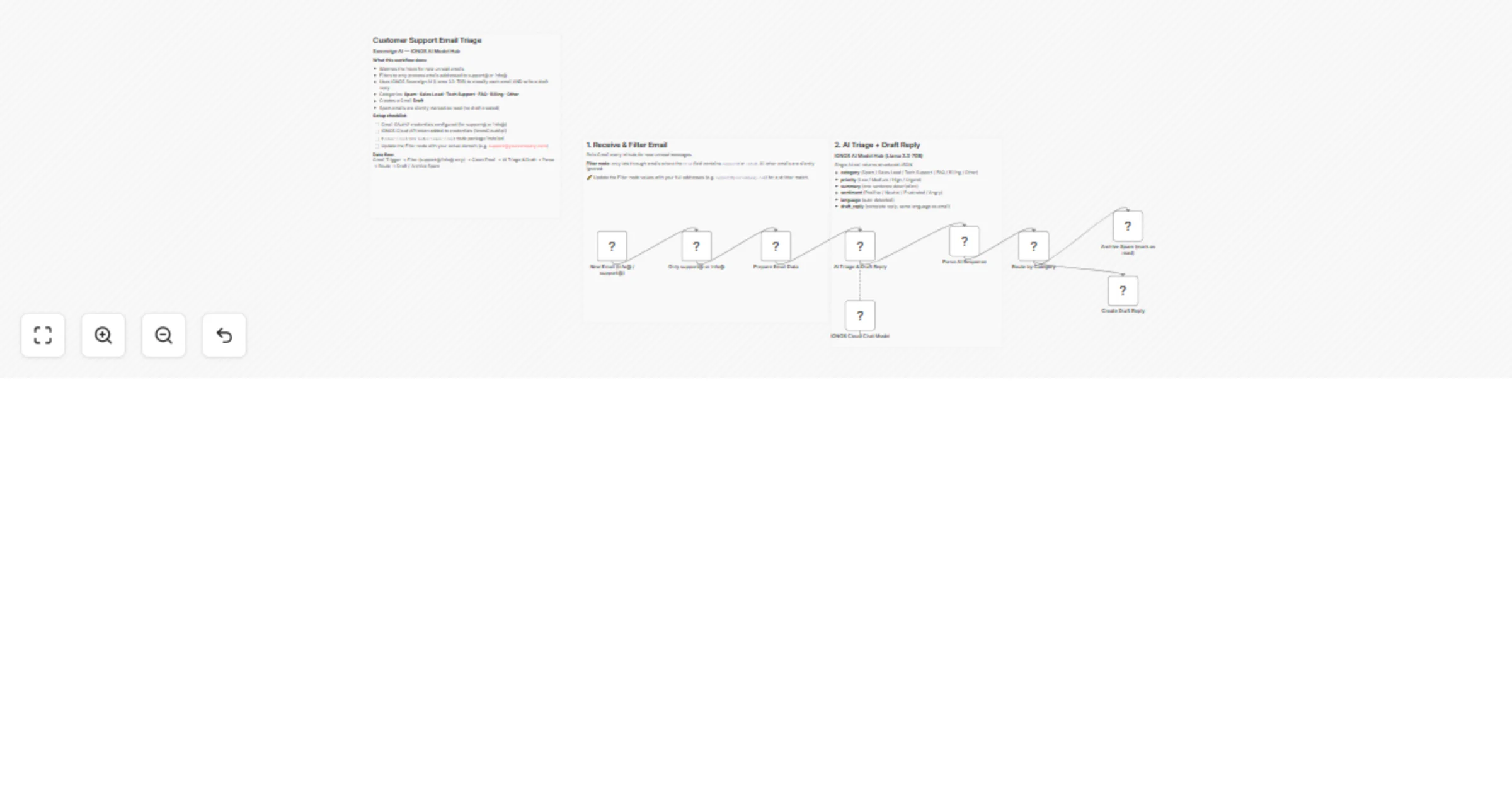
Original n8n.io sourceThis n8n template shows you how to automate customer support email triage with a sovereign AI. By combining Gmail for inbox monitoring and the IONOS AI Model Hub, every customer email is classified and replied to by AI.
A Gmail Trigger polls your inbox every minute for new unread messages. A Filter node immediately discards anything not addressed to your support@ or info@ address, so irrelevant mail never reaches the AI.
The Prepare Email Data code node strips HTML, removes quoted reply chains, and extracts the clean fields — sender, subject, date, recipient, and body — with no prompt logic mixed in.
The Basic LLM Chain node then takes over: it sends the cleaned email to the IONOS AI Model Hub (Mistral Small 24B) with a structured prompt that instructs the model to return a single JSON object containing the category, priority, sentiment, detected language, a one-sentence summary, and a full draft reply written in the same language as the customer's email.
A Parse AI Response code node extracts and validates the JSON, with a graceful fallback if the model output is malformed. A Switch node routes Spam emails to a silent mark-as-read action, while all other categories trigger the Gmail Create Draft node — which saves the AI-written reply directly into your Drafts folder, threaded to the original conversation. Your agent reviews it and clicks Send.
Filtering: The Filter node uses a partial match on support@ and info@. For a stricter match, update the values to your full addresses (e.g. [email protected]).
Model selection: The IONOS AI Model Hub offers several LLMs including Mistral Small 24B, and Nemo. For email triage and reply drafting, Mistral Small 24B the best balance of reasoning quality and response speed.
Language support: The prompt instructs the model to detect the email language and reply in kind — no additional configuration needed for multilingual inboxes.
This catalog entry is organized from the workflow JSON. The node-level section below shows the executable blocks available for review before importing the template.
| Workflow | Triage customer support emails and draft Gmail replies with IONOS AI Model Hub |
|---|---|
| Complexity | intermediate |
| Nodes | 12 |
| Categories | Ticket Management, AI Summarization |
| Author | Fabrice |
| Published | 10 Apr 2026 |
Use the JSON export at /data/workflows/14966/14966.json as the source template for this automation.
Open n8n, import the downloaded JSON, and review each node before activating the workflow.
Replace placeholder credentials, API keys, webhook URLs, account IDs, and environment-specific values with your own settings.
Run the workflow manually or in a staging workspace, inspect node output, and confirm downstream systems receive the expected data.
Enable the workflow only after testing, then monitor executions, errors, and rate limits during the first production runs.
Review imported nodes carefully before activation. This catalog entry is intended to help you inspect the workflow structure, understand required services, and find related templates faster.
Node names, credentials, schedules, webhook paths, and external service limits may need adjustment for your workspace.
AI Customer Support Triage — Auto Draft Replies with IONOS AI Model Hub This n8n template shows you how to automate customer support email triage with a sovereign AI. By combining Gmail for inbox m...
Review the workflow JSON, configure any required credentials in n8n, and test the automation in a safe workspace before using it in production.
Yes. Use the block-by-block analysis and the downloadable JSON to inspect each node, then adjust credentials, prompts, schedules, filters, or destinations for your Ticket Management, AI Summarization use case.