Block 1 - 📋 Workflow Overview
- Type / Role
- n8n-nodes-base.stickyNote - stickyNote
- Config choices
- Version 1


 Early Deal
Description Automate your clinic’s patient intake and scheduling with an intelligent AI Healthcare Appointment Booking Agent built in n8n. This workflow receives patient form submissions, ana...
n8n-nodes-base.stickynote, n8n-nodes-base.webhook, n8n-nodes-base.set, @n8n/n8n-nodes-langchain.agent, @n8n/n8n-nodes-langchain.lmchatazureopenai, n8n-nodes-base.code, n8n-nodes-base.googlesheets, n8n-nodes-base.googlesheetstrigger
This workflow is cataloged by N8N Workflows and links back to its original n8n.io source page by Rahul Joshi.
Original n8n.io sourceAutomate your clinic’s patient intake and scheduling with an intelligent AI Healthcare Appointment Booking Agent built in n8n. 🏥 This workflow receives patient form submissions, analyzes symptoms using AI triage, determines urgency levels, and automatically assigns the most suitable doctor based on specialty. The agent stores structured patient records in Google Sheets and sends automated appointment schedule emails to doctors. 📧 It also follows up with patients after visits by sending personalized feedback requests, creating a complete AI-driven patient management workflow. This automation acts as a virtual clinic coordinator, streamlining healthcare operations while improving response time and patient experience. 🤖
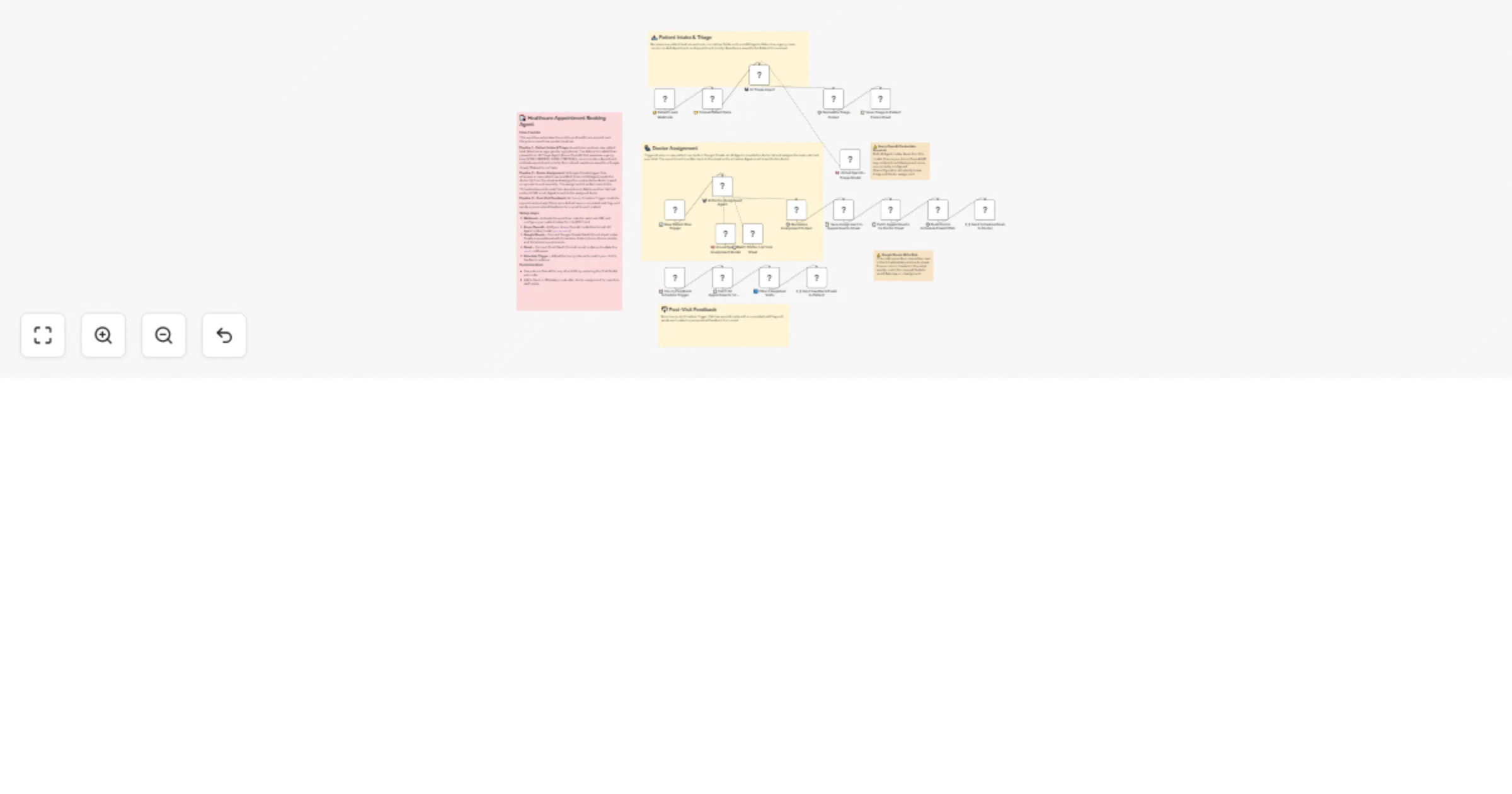
🔔 Capture Patient Leads – A webhook receives patient intake form data including name, age, gender, and symptoms. 🤖 Run AI Medical Triage – An AI agent evaluates symptoms to determine urgency level and recommended medical department. 📝 Store Patient Intake Data – Structured triage results are automatically saved to a Google Sheets patient database. 🧠 Assign the Best Doctor – A second AI agent reads the doctor list and selects the most appropriate specialist. 📅 Create Appointment Records – The assigned doctor and appointment details are written to the scheduling sheet. 📧 Notify Doctors Automatically – Doctors receive an HTML email with their daily appointment schedule. ⏰ Monitor Completed Visits – A scheduled workflow checks completed consultations. 💬 Request Patient Feedback – Patients automatically receive a feedback form email after their visit.
✅ Automates the entire patient intake to appointment workflow ✅ Uses AI agents to perform smart symptom triage and doctor assignment ✅ Eliminates manual scheduling and patient routing ✅ Keeps patient and doctor records organized in Google Sheets ✅ Automatically sends doctor schedule notifications and patient feedback emails ✅ Improves clinic efficiency and response time
🏥 Healthcare clinics and medical practices 🧑⚕️ Hospitals managing patient intake and appointment routing 🤖 Healthcare automation builders using n8n + AI agents 🛠️ Healthtech teams building AI-assisted scheduling systems
This catalog entry is organized from the workflow JSON. The node-level section below shows the executable blocks available for review before importing the template.
Showing the first 24 of 25 workflow blocks. Download the JSON for the full node graph.
| Workflow | Triage and schedule healthcare appointments with Azure OpenAI, Google Sheets and Gmail |
|---|---|
| Complexity | advanced |
| Nodes | 25 |
| Categories | Support Chatbot, AI Chatbot |
| Author | Rahul Joshi |
| Published | 09 Mar 2026 |
Use the JSON export at /data/workflows/13960/13960.json as the source template for this automation.
Open n8n, import the downloaded JSON, and review each node before activating the workflow.
Replace placeholder credentials, API keys, webhook URLs, account IDs, and environment-specific values with your own settings.
Run the workflow manually or in a staging workspace, inspect node output, and confirm downstream systems receive the expected data.
Enable the workflow only after testing, then monitor executions, errors, and rate limits during the first production runs.
Review imported nodes carefully before activation. This catalog entry is intended to help you inspect the workflow structure, understand required services, and find related templates faster.
Node names, credentials, schedules, webhook paths, and external service limits may need adjustment for your workspace.
Description Automate your clinic’s patient intake and scheduling with an intelligent AI Healthcare Appointment Booking Agent built in n8n. This workflow receives patient form submissions, ana...
Review the workflow JSON, configure any required credentials in n8n, and test the automation in a safe workspace before using it in production.
Yes. Use the block-by-block analysis and the downloadable JSON to inspect each node, then adjust credentials, prompts, schedules, filters, or destinations for your Support Chatbot, AI Chatbot use case.