Block 1 - Daily Travel Check
- Type / Role
- n8n-nodes-base.cron - cron
- Config choices
- Version 1


 Early Deal
This workflow is provided as-is. Please review and test before using in production.
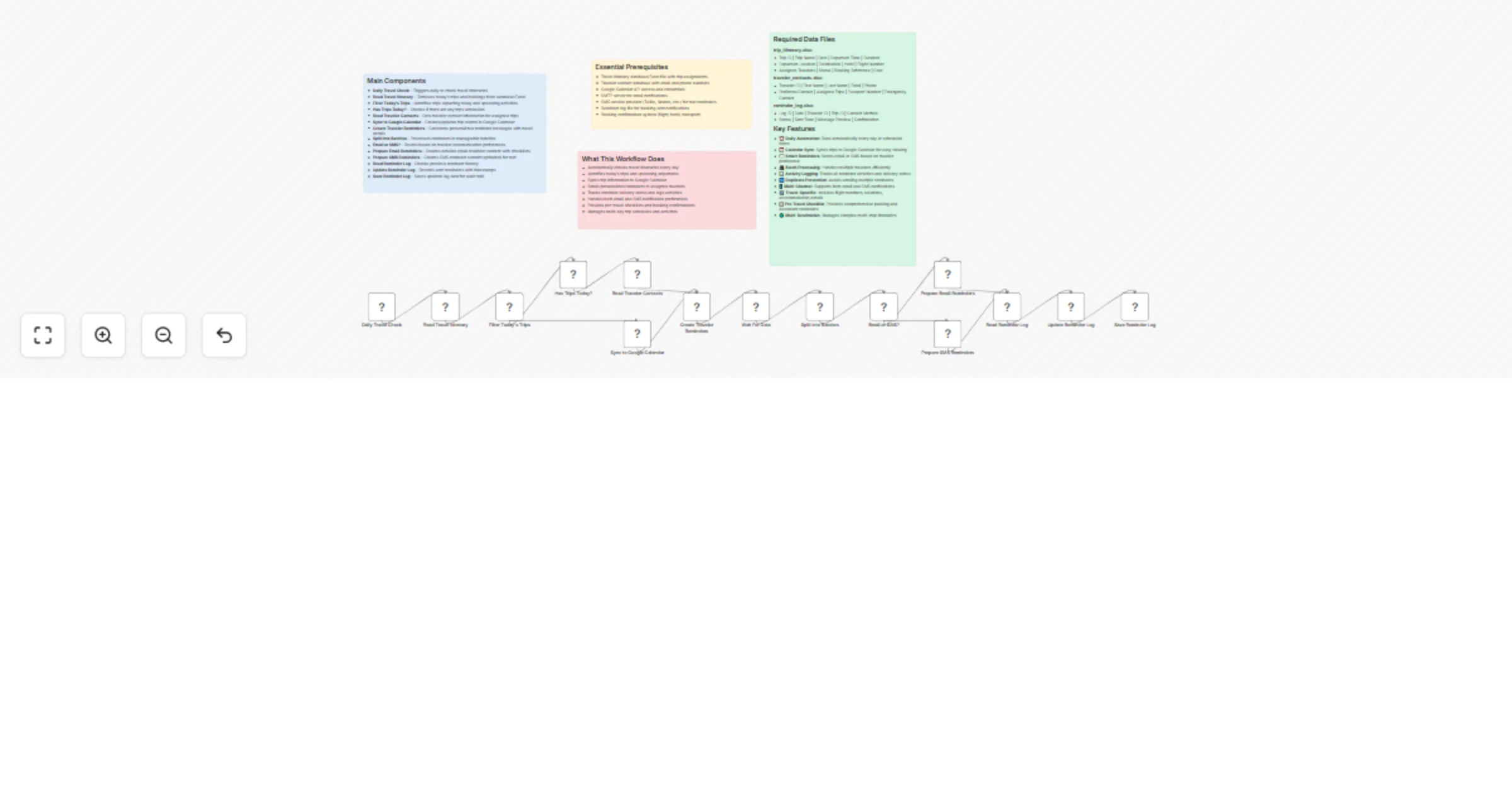
This automated n8n workflow checks daily travel itineraries, syncs upcoming trips to Google Calendar, and sends reminder notifications to travelers via email or SMS. Perfect for travel agencies, to...
n8n-nodes-base.cron, n8n-nodes-base.microsoftexcel, n8n-nodes-base.code, n8n-nodes-base.if, n8n-nodes-base.splitinbatches, n8n-nodes-base.googlecalendar, n8n-nodes-base.wait, n8n-nodes-base.stickynote
This workflow is cataloged by N8N Workflows and links back to its original n8n.io source page by Oneclick AI Squad.
Original n8n.io sourceThis automated n8n workflow checks daily travel itineraries, syncs upcoming trips to Google Calendar, and sends reminder notifications to travelers via email or SMS. Perfect for travel agencies, tour operators, and organizations managing group trips to keep travelers informed about their schedules and bookings.
schedule_file_path: Path to trip itinerary filecontacts_file_path: Path to traveler contacts filereminder_hours: Hours before departure to send reminder (default: 24)google_calendar_id: Google Calendar ID for syncing tripsgoogle_api_credentials: Google Calendar API credentialssmtp_host: Email server settingssmtp_user: Email usernamesmtp_password: Email passwordsms_api_key: SMS service API keysms_phone_number: SMS sender phone numberreminder_log_path: Path to reminder log fileEmail Subject: "✈️ Travel Reminder: [Trip Name] Today at [Time]"
Email Body:
Hello [Traveler Name],

Your trip is happening today! Here are your travel details:

Trip: [Trip Name]
Departure: [Departure Time]
From: [Departure Location]
To: [Destination]
Flight/Transport: [Flight Number]
Hotel: [Hotel Name]
Duration: [X] days

Pre-Travel Checklist:
☑ Passport and travel documents
☑ Travel insurance documents
☑ Hotel confirmations
☑ Medications and toiletries
☑ Weather-appropriate clothing
☑ Phone charger and adapters

⚠️ Please arrive at the departure point 2 hours early!

Have a wonderful trip!
SMS: "✈️ Travel Reminder: '[Trip Name]' departs at [Time] today from [Location]. Arrive 2 hours early! Flight: [Number]"
Tomorrow Evening Preview (SMS): "📅 Tomorrow: '[Trip Name]' departs at [Time] from [Location]. Pack tonight! ([X] days)"
| Issue | Solution |
|---|---|
| Reminders not sending | Check email/SMS credentials and service quotas |
| Calendar sync failing | Verify Google Calendar API permissions |
| Duplicate reminders | Check for overlapping reminder time windows |
| Missing traveler data | Verify contact file formatting and column mapping |
| Batch processing slow | Reduce batch size in Split Into Batches node |
This catalog entry is organized from the workflow JSON. The node-level section below shows the executable blocks available for review before importing the template.
| Workflow | Travel itinerary reminders with Google Calendar, Excel, and SMS/Email alerts |
|---|---|
| Complexity | advanced |
| Nodes | 19 |
| Categories | Support Chatbot, AI Chatbot |
| Author | Oneclick AI Squad |
| Published | 17 Oct 2025 |
Use the JSON export at /data/workflows/9846/9846.json as the source template for this automation.
Open n8n, import the downloaded JSON, and review each node before activating the workflow.
Replace placeholder credentials, API keys, webhook URLs, account IDs, and environment-specific values with your own settings.
Run the workflow manually or in a staging workspace, inspect node output, and confirm downstream systems receive the expected data.
Enable the workflow only after testing, then monitor executions, errors, and rate limits during the first production runs.
Review imported nodes carefully before activation. This catalog entry is intended to help you inspect the workflow structure, understand required services, and find related templates faster.
Node names, credentials, schedules, webhook paths, and external service limits may need adjustment for your workspace.
This automated n8n workflow checks daily travel itineraries, syncs upcoming trips to Google Calendar, and sends reminder notifications to travelers via email or SMS. Perfect for travel agencies, to...
Review the workflow JSON, configure any required credentials in n8n, and test the automation in a safe workspace before using it in production.
Yes. Use the block-by-block analysis and the downloadable JSON to inspect each node, then adjust credentials, prompts, schedules, filters, or destinations for your Support Chatbot, AI Chatbot use case.