Block 1 - Schedule Trigger
- Type / Role
- n8n-nodes-base.scheduleTrigger - scheduleTrigger
- Config choices
- Version 1.2


 Early Deal
Who's it for This workflow is designed for venture capitalists, private equity professionals, investment analysts, and financial researchers who need to track private securities offerings and fundr...
n8n-nodes-base.scheduletrigger, n8n-nodes-base.code, n8n-nodes-base.httprequest, n8n-nodes-base.xml, n8n-nodes-base.removeduplicates, n8n-nodes-base.googlesheets, n8n-nodes-base.if, n8n-nodes-base.splitinbatches
This workflow is cataloged by N8N Workflows and links back to its original n8n.io source page by Naveen Choudhary.
Original n8n.io sourceThis workflow is designed for venture capitalists, private equity professionals, investment analysts, and financial researchers who need to track private securities offerings and fundraising activities in real-time. It's particularly valuable for firms building deal flow pipelines, monitoring competitor fundraising, or conducting private market research.
This automation continuously monitors the SEC's EDGAR database for new Form D filings, which companies file when raising capital through private placements. Every 10 minutes during business hours (Monday-Friday, 6 AM - 9 PM), it checks for new filings, downloads the complete documents, and extracts critical information into a structured Google Sheets database.
The workflow captures comprehensive details including company name and contact information, key executives and their roles, fund classification, target offering amount, current capital raised, total investor count, sale status, filing dates, and regulatory exemptions being utilized (such as Rule 506(b) or 3(c)(7)).
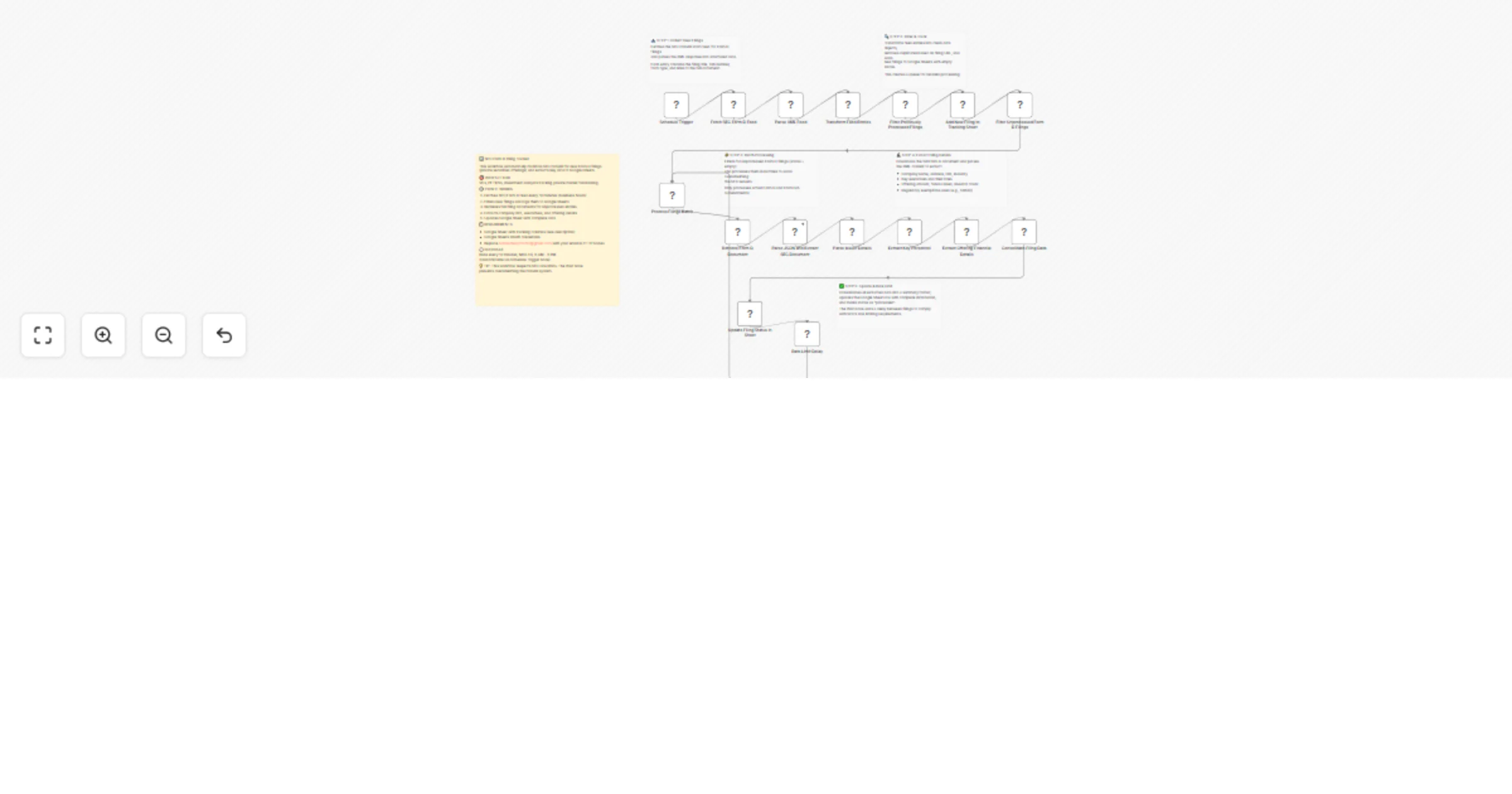
The workflow operates in five main stages:
Stage 1 - Feed Monitoring: A scheduled trigger activates every 10 minutes during business hours, fetching the latest Form D filing feed from the SEC EDGAR system in XML format.
Stage 2 - Initial Processing: The XML feed is parsed to extract basic filing metadata including CIK numbers, company names, form types, and document URLs. The system then filters out any previously processed filings using deduplication logic and adds only new filings to your Google Sheet tracking database.
Stage 3 - Selective Processing: The workflow identifies unprocessed Form D and Form D/A (amendment) filings that need detailed extraction, filtering out other form types and already-processed entries.
Stage 4 - Deep Data Extraction: For each unprocessed filing, the workflow downloads the complete Form D text document, parses the embedded XML structure, and systematically extracts four categories of information: issuer details (company name, address, CIK, jurisdiction, entity type, industry classification), key personnel (executives, directors, promoters with their specific roles), offering information (total offering amount, amount already sold, remaining amount, investor count, accredited investor status), and regulatory details (exemptions claimed, sale status, offering duration).
Stage 5 - Database Update: All extracted data is consolidated into a summary format and used to update the corresponding row in your Google Sheet, marking the filing as "processed". A wait node introduces a brief delay between document retrievals to comply with SEC rate limiting policies.
To use this workflow, you'll need:
A Google Sheet configured with these specific columns: cikNumber, title, formType, filingLinkHtml, filingLinkTxt, updated, companyName, keyExecutive, executiveRole, fundType, targetAmount, amountRaised, investorCount, salesStatus, filingDate, exemptions, status, and comment
Google Sheets OAuth2 credentials connected in n8n to enable read/write access
Compliance with SEC EDGAR requirements: you must update the User-Agent headers in both HTTP Request nodes (replacing the placeholder email with your own valid email address as required by SEC's fair access policy)
Step 1: Create or prepare your Google Sheet with the exact column structure listed in the requirements section. Note your Google Sheet ID from the browser URL.
Step 2: In n8n, configure your Google Sheets OAuth2 credentials through the credentials panel. Test the connection to ensure it's working properly.
Step 3: Open both Google Sheets nodes in the workflow ("Add New Filing to Tracking Sheet" and "Update Filing Status in Sheet"). Update the Document ID field with your Google Sheet ID.
Step 4: Critical compliance step - Open both HTTP Request nodes ("Fetch SEC Form D Feed" and "Retrieve Form D Document"). In the headers section, replace [email protected] with your actual email address. The SEC requires this for their access logs.
Step 5: Test the workflow manually first by clicking "Execute Workflow" to ensure everything connects properly and data flows to your sheet correctly.
Step 6: Once verified, activate the workflow using the toggle switch. It will now run automatically on the configured schedule.
Adjust monitoring frequency: Modify the Schedule Trigger node's cron expression to run more or less frequently. The default */10 6-21 * * 1-5 runs every 10 minutes during business hours on weekdays.
Filter by fund type or size: Add a Filter (IF) node after "Consolidate Filing Data" to only process filings that meet specific criteria (e.g., offerings above $10M, specific fund types like hedge funds or venture capital).
Add real-time notifications: Connect a Slack, Discord, or Email node after "Update Filing Status in Sheet" to receive instant alerts when high-priority filings are detected (based on criteria you define).
Enrich with external data: Add HTTP Request nodes to query APIs like Crunchbase, PitchBook, or LinkedIn to supplement SEC data with additional company intelligence, funding history, or executive backgrounds.
CRM integration: Replace or supplement the Google Sheets nodes with connections to your CRM (Salesforce, HubSpot, Pipedrive) to automatically create deal records or update company profiles when relevant filings appear.
Historical analysis: Add a Set node to calculate metrics like month-over-month filing volume, average raise sizes by industry, or track specific companies' filing patterns over time.
Multi-sheet organization: Use Router nodes to send different filing types to separate sheets (e.g., venture capital funds vs. hedge funds vs. real estate offerings) for easier analysis.
This catalog entry is organized from the workflow JSON. The node-level section below shows the executable blocks available for review before importing the template.
| Workflow | Track SEC Form D filings and send issuer and investor data to Google Sheets |
|---|---|
| Complexity | advanced |
| Nodes | 22 |
| Categories | Market Research |
| Author | Naveen Choudhary |
| Published | 20 Jan 2026 |
Use the JSON export at /data/workflows/12851/12851.json as the source template for this automation.
Open n8n, import the downloaded JSON, and review each node before activating the workflow.
Replace placeholder credentials, API keys, webhook URLs, account IDs, and environment-specific values with your own settings.
Run the workflow manually or in a staging workspace, inspect node output, and confirm downstream systems receive the expected data.
Enable the workflow only after testing, then monitor executions, errors, and rate limits during the first production runs.
Review imported nodes carefully before activation. This catalog entry is intended to help you inspect the workflow structure, understand required services, and find related templates faster.
Node names, credentials, schedules, webhook paths, and external service limits may need adjustment for your workspace.
Who's it for This workflow is designed for venture capitalists, private equity professionals, investment analysts, and financial researchers who need to track private securities offerings and fundr...
Review the workflow JSON, configure any required credentials in n8n, and test the automation in a safe workspace before using it in production.
Yes. Use the block-by-block analysis and the downloadable JSON to inspect each node, then adjust credentials, prompts, schedules, filters, or destinations for your Market Research use case.