Track menstrual cycles and send Gmail phase reminders with GPT-4o and Google Sheets

Workflow preview

Workflow preview
100%
Track menstrual cycles and send Gmail phase reminders with GPT-4o and Google Sheets preview
Open on n8n.io

1. Workflow Overview

Description Most period tracking apps tell you when your period is coming. This workflow goes further — it tracks every phase of every subscriber's unique cycle, sends the right email at exactly...

Best for

  • Personal Productivity automation workflows
  • Multimodal AI automation workflows
  • advanced n8n builders looking for reusable templates

Tools used

n8n-nodes-base.code, n8n-nodes-base.gmail, n8n-nodes-base.scheduletrigger, n8n-nodes-base.googlesheets, n8n-nodes-base.formtrigger, n8n-nodes-base.filter, n8n-nodes-base.if, @n8n/n8n-nodes-langchain.openai

Source and attribution

This workflow is cataloged by N8N Workflows and links back to its original n8n.io source page by Rahul Joshi.

Original n8n.io source

1.1 Workflow description

Title
Track menstrual cycles and send Gmail phase reminders with GPT-4o and Google Sheets
Workflow name
Track menstrual cycles and send Gmail phase reminders with GPT-4o and Google Sheets

📊 Description

Most period tracking apps tell you when your period is coming. This workflow goes further — it tracks every phase of every subscriber's unique cycle, sends the right email at exactly the right time, and delivers GPT-4o powered wellness coaching every week tailored to where each woman is in her cycle. Built for women's health platforms, wellness coaches, femtech creators, and community builders who want to deliver genuinely useful cycle-aware health support at scale without building a custom app.

What This Workflow Does

  • 📝 Subscribers fill in a simple form — name, email, last period date, and cycle length
  • 🧮 Instantly calculates all key cycle dates — next period, ovulation day, fertile window start and end, and PMS window start
  • 📧 Sends a personalized welcome email with their complete cycle overview
  • 🕐 Runs every morning at 8AM checking all active subscribers
  • 🔍 Detects which phase event is happening today for each subscriber
  • 📬 Sends the right phase-specific reminder email on the exact right day:
    • 3 days before period — preparation tips
    • Period start day — comfort and self-care tips
    • Ovulation day — fertility awareness and energy tips
    • PMS window start — mood, energy, and boundary tips
  • 🔒 Duplicate send prevention ensures each email type is only sent once per cycle per subscriber
  • 📝 Updates each subscriber's last email sent record after every send
  • 📊 Logs every delivery to Send Log sheet with date, phase, cycle day, and email type
  • 💜 Every Sunday generates a personalized weekly wellness digest for every subscriber using GPT-4o based on their current cycle phase — with energy, nutrition, movement, and mindset tips

Key Benefits

✅ Fully automated — set up once and runs forever ✅ Every subscriber gets emails timed to their unique cycle not a generic schedule ✅ 4 different phase-specific reminder emails with tailored content and colors ✅ GPT-4o generates unique wellness tips per phase every week — never repetitive ✅ Duplicate send prevention — no subscriber ever gets the same email twice in one cycle ✅ Auto-recalculates cycle dates on period start for continuous tracking ✅ Full send log for tracking delivery history and engagement patterns

How It Works

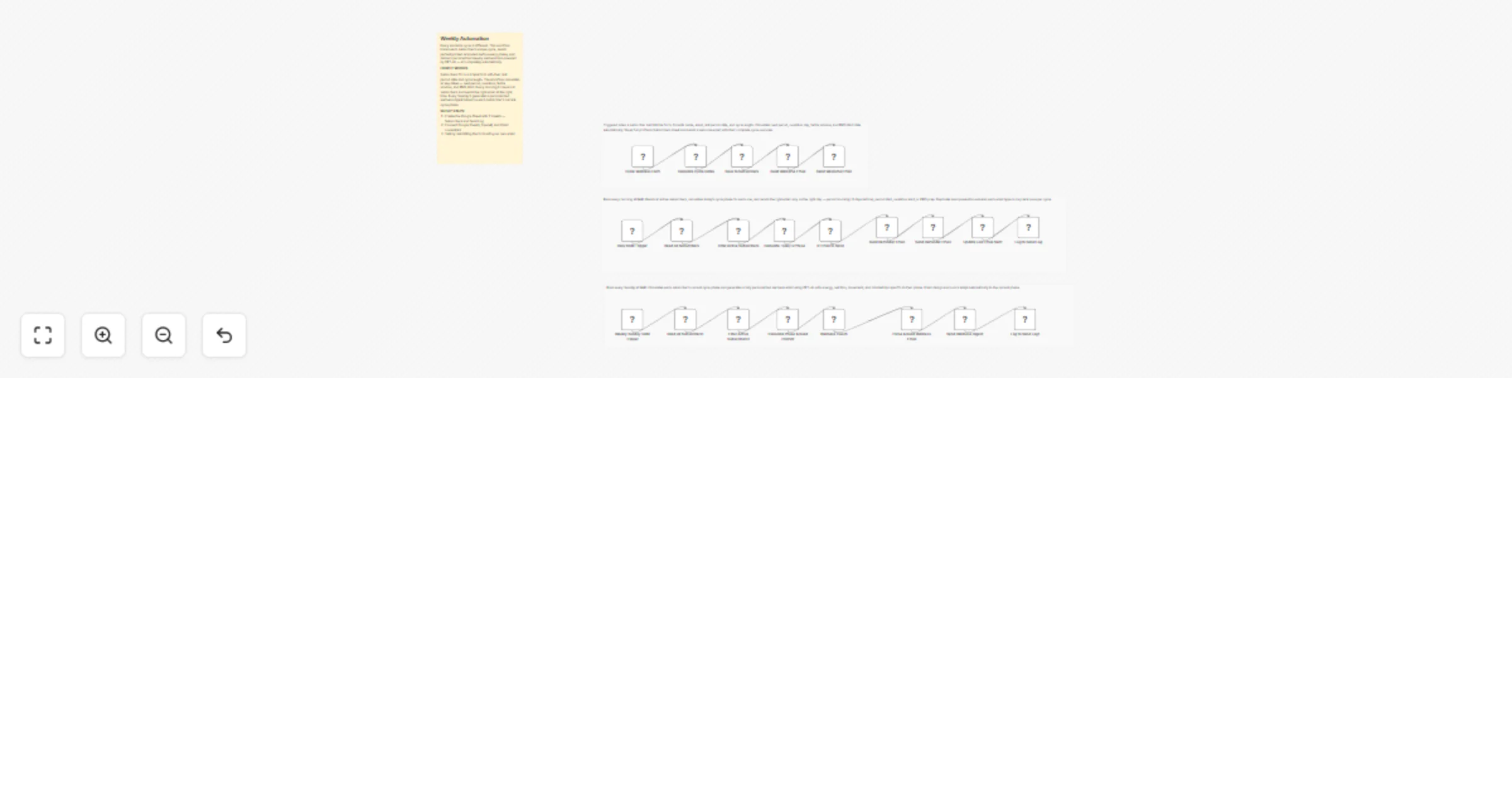
SW1 — Subscriber Intake & Cycle Calculator Subscribers open the form and enter their name, email, last period start date, and average cycle length. The workflow immediately calculates all key dates using standard cycle science — next period is last period plus cycle length, ovulation is next period minus 14 days, fertile window opens 5 days before ovulation and closes 1 day after, and PMS window starts 5 days before the next period. All dates are saved to the Subscribers sheet and a branded welcome email is sent instantly showing the subscriber their complete cycle overview with all dates laid out clearly.

SW2 — Daily Cycle Monitor & Smart Reminders Every morning at 8AM the workflow reads all active subscribers and calculates where each one is in their cycle today. It checks if today matches any of the 4 key trigger dates — 3 days before period, period start, ovulation day, or PMS start. If there is a match it builds the appropriate phase-specific HTML email with tailored tips, colors, and messaging and sends it via Gmail. Before sending it checks the last email sent field to prevent duplicate sends within the same cycle. After every send it updates the subscriber record and logs the delivery to the Send Log sheet.

SW3 — Weekly Wellness Digest Every Sunday at 9AM the workflow reads all active subscribers and calculates each one's current cycle phase — Menstrual, Follicular, Fertile, Ovulation, or PMS. It builds a personalized prompt for each subscriber including their name, phase, cycle day, and days until next period and sends it to GPT-4o. The AI generates phase-specific tips across 5 categories — energy management, nutrition, movement, mindset, and what to expect this week — plus a weekly affirmation. The response is assembled into a branded HTML email where the header color and emoji adapt automatically to the current phase. Every send is logged to the Send Log sheet.

Features

  • n8n Form intake — no external form tool needed
  • Automatic cycle date calculation from last period and cycle length
  • 4 phase-specific trigger emails with unique content per phase
  • Duplicate send prevention per cycle per subscriber
  • Phase detection engine covering all 5 cycle phases
  • GPT-4o weekly wellness coaching per phase
  • Phase-adaptive email colors and emojis
  • 5 wellness categories per digest — energy, nutrition, movement, mindset, what to expect
  • Weekly affirmation generated per phase
  • Full delivery logging to Send Log sheet
  • Active subscriber filtering — easy to pause or deactivate users

Requirements

  • OpenAI API key (GPT-4o access)
  • Google Sheets OAuth2 connection
  • Gmail OAuth2 connection
  • A configured Google Sheet with 2 sheets — Subscribers and Send Log

Setup Steps

  • Create a Google Sheet called "Period Health Tracker" with 2 sheets — Subscribers and Send Log
  • Paste your Sheet ID into all Google Sheets nodes
  • Connect your Google Sheets OAuth2 credentials
  • Add your OpenAI API key to the GPT-4o node
  • Connect your Gmail OAuth2 credentials

Target Audience

🌸 Women's health and wellness platforms delivering cycle-aware content 💼 Femtech creators building automated health tracking without a custom app 🧘 Wellness coaches who want to deliver personalized cycle coaching at scale 🤖 Automation agencies building health and wellness products for women's communities

1.2 Logical Blocks

This catalog entry is organized from the workflow JSON. The node-level section below shows the executable blocks available for review before importing the template.

2. Block-by-Block Analysis

Block 1 - Calculate Cycle Dates

Type / Role
n8n-nodes-base.code - code
Config choices
Version 2

Block 2 - Build Welcome Email

Type / Role
n8n-nodes-base.code - code
Config choices
Version 2

Block 3 - Send Welcome Email

Type / Role
n8n-nodes-base.gmail - gmail
Config choices
Version 2.2

Block 4 - Daily 8AM Trigger

Type / Role
n8n-nodes-base.scheduleTrigger - scheduleTrigger
Config choices
Version 1.3

Block 5 - Build Reminder Email

Type / Role
n8n-nodes-base.code - code
Config choices
Version 2

Block 6 - Send Reminder Email

Type / Role
n8n-nodes-base.gmail - gmail
Config choices
Version 2.2

Block 7 - Log to Send Log

Type / Role
n8n-nodes-base.googleSheets - googleSheets
Config choices
Version 4.7

Block 8 - Weekly Sunday 9AM Trigger

Type / Role
n8n-nodes-base.scheduleTrigger - scheduleTrigger
Config choices
Version 1.3

Block 9 - Send Wellness Digest

Type / Role
n8n-nodes-base.gmail - gmail
Config choices
Version 2.2

Block 10 - Log to Send Log1

Type / Role
n8n-nodes-base.googleSheets - googleSheets
Config choices
Version 4.7

Block 11 - Cycle Wellness Form

Type / Role
n8n-nodes-base.formTrigger - formTrigger
Config choices
Version 2.3

Block 12 - Save to Subscribers

Type / Role
n8n-nodes-base.googleSheets - googleSheets
Config choices
Version 4.7

Block 13 - Read All Subscribers

Type / Role
n8n-nodes-base.googleSheets - googleSheets
Config choices
Version 4.7

Block 14 - Filter Active Subscribers

Type / Role
n8n-nodes-base.filter - filter
Config choices
Version 2.3

Block 15 - Calculate Today's Phase

Type / Role
n8n-nodes-base.code - code
Config choices
Version 2

Block 16 - IF Email to Send

Type / Role
n8n-nodes-base.if - if
Config choices
Version 2.3

Block 17 - Update Last Email Sent

Type / Role
n8n-nodes-base.googleSheets - googleSheets
Config choices
Version 4.7

Block 18 - Read All Subscribers1

Type / Role
n8n-nodes-base.googleSheets - googleSheets
Config choices
Version 4.7

Block 19 - Filter Active Subscribers1

Type / Role
n8n-nodes-base.filter - filter
Config choices
Version 2.3

Block 20 - Calculate Phase & Build Prompt

Type / Role
n8n-nodes-base.code - code
Config choices
Version 2

Block 21 - Wellness Coach

Type / Role
@n8n/n8n-nodes-langchain.openAi - openAi
Config choices
Version 2.1

Block 22 - Parse & Build Wellness Email

Type / Role
n8n-nodes-base.code - code
Config choices
Version 2

Block 23 - Sticky Note

Type / Role
n8n-nodes-base.stickyNote - stickyNote
Config choices
Version 1

Block 24 - Sticky Note1

Type / Role
n8n-nodes-base.stickyNote - stickyNote
Config choices
Version 1

Showing the first 24 of 26 workflow blocks. Download the JSON for the full node graph.

3. Summary Table

Workflow Track menstrual cycles and send Gmail phase reminders with GPT-4o and Google Sheets
Complexity advanced
Nodes 26
Categories Personal Productivity, Multimodal AI
Author Rahul Joshi
Published 13 Mar 2026

4. Reproducing the Workflow from Scratch

  1. 1. Download the workflow JSON

    Use the JSON export at /data/workflows/14019/14019.json as the source template for this automation.

  2. 2. Import the template into n8n

    Open n8n, import the downloaded JSON, and review each node before activating the workflow.

  3. 3. Configure credentials and variables

    Replace placeholder credentials, API keys, webhook URLs, account IDs, and environment-specific values with your own settings.

  4. 4. Test with sample data

    Run the workflow manually or in a staging workspace, inspect node output, and confirm downstream systems receive the expected data.

  5. 5. Activate and monitor

    Enable the workflow only after testing, then monitor executions, errors, and rate limits during the first production runs.

5. General Notes & Resources

Review imported nodes carefully before activation. This catalog entry is intended to help you inspect the workflow structure, understand required services, and find related templates faster.

Node names, credentials, schedules, webhook paths, and external service limits may need adjustment for your workspace.

Frequently asked questions

What does Track menstrual cycles and send Gmail phase reminders with GPT-4o and Google Sheets do?

Description Most period tracking apps tell you when your period is coming. This workflow goes further — it tracks every phase of every subscriber's unique cycle, sends the right email at exactly...

What do I need before importing this workflow?

Review the workflow JSON, configure any required credentials in n8n, and test the automation in a safe workspace before using it in production.

Can I customize this workflow?

Yes. Use the block-by-block analysis and the downloadable JSON to inspect each node, then adjust credentials, prompts, schedules, filters, or destinations for your Personal Productivity, Multimodal AI use case.