Block 1 - Trigger: Check Reminder Schedule
- Type / Role
- n8n-nodes-base.scheduleTrigger - scheduleTrigger
- Config choices
- Version 1


 Early Deal
AI Powered Medicine Reminder & Patient Monitoring Workflow (n8n + Google Sheets + OpenAI + Slack) This workflow automates medicine reminders, tracks patient responses and alerts doctors in criti...
n8n-nodes-base.scheduletrigger, n8n-nodes-base.googlesheets, n8n-nodes-base.if, n8n-nodes-base.slack, n8n-nodes-base.webhook, n8n-nodes-base.openai, n8n-nodes-base.code, n8n-nodes-base.switch
This workflow is cataloged by N8N Workflows and links back to its original n8n.io source page by WeblineIndia.
Original n8n.io source(n8n + Google Sheets + OpenAI + Slack)
This workflow automates medicine reminders, tracks patient responses and alerts doctors in critical situations using n8n, Google Sheets, OpenAI and Slack.
💡 You can replace Slack with Email (Gmail) or SMS APIs like Twilio.
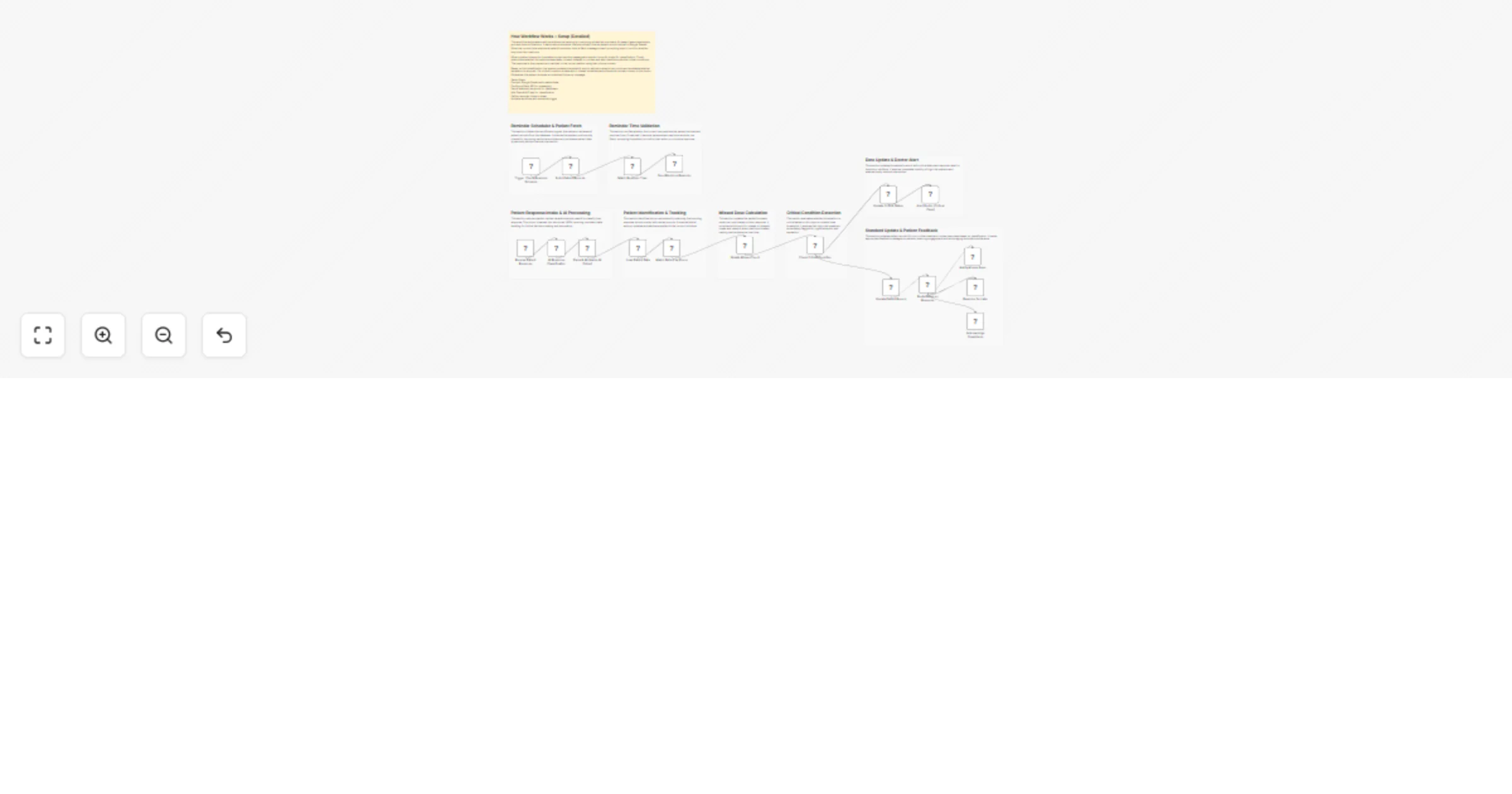
This workflow automates the entire lifecycle of patient medicine adherence tracking. It periodically checks patient records and sends reminders when it's time to take medicine.
When a patient responds, the system captures the reply via webhook and uses AI to classify the response into categories such as taken, not taken, delayed or unclear. It then updates patient records and tracks missed doses.
If a patient repeatedly misses medication or shows signs of distress, the system flags it as critical and alerts the doctor immediately through a separate channel.
⚠️ Reminder Time must be in 24-hour format (HH:mm) Example: 08:30, 14:45, 21:00
Your system must send patient replies in this format:
{
 "phone": "string",
 "message": "string"
}
Classifies response into:
Also detects critical conditions
Triggered when:
You can replace Slack nodes with:
| Issue | Possible Cause | Solution |
|---|---|---|
| Reminder not sent | Time mismatch | Use HH:mm format |
| Patient not matched | Phone mismatch | Ensure same format |
| AI parsing error | Invalid JSON | Check parsing node |
| Missed count issue | Wrong classification | Verify AI output |
| Webhook not working | Wrong endpoint | Check URL |
| Slack not sending | Credentials issue | Reconnect Slack |
| Critical not triggered | Condition issue | Adjust threshold |
If you need help with:
👉 Feel free to Contact WeblineIndia for custom workflow development and automation solutions.
This catalog entry is organized from the workflow JSON. The node-level section below shows the executable blocks available for review before importing the template.
Showing the first 24 of 27 workflow blocks. Download the JSON for the full node graph.
| Workflow | Track medicine adherence and monitor patients with Google Sheets, OpenAI and Slack |
|---|---|
| Complexity | advanced |
| Nodes | 27 |
| Categories | Ticket Management, AI Chatbot |
| Author | WeblineIndia |
| Published | 07 Apr 2026 |
Use the JSON export at /data/workflows/14860/14860.json as the source template for this automation.
Open n8n, import the downloaded JSON, and review each node before activating the workflow.
Replace placeholder credentials, API keys, webhook URLs, account IDs, and environment-specific values with your own settings.
Run the workflow manually or in a staging workspace, inspect node output, and confirm downstream systems receive the expected data.
Enable the workflow only after testing, then monitor executions, errors, and rate limits during the first production runs.
Review imported nodes carefully before activation. This catalog entry is intended to help you inspect the workflow structure, understand required services, and find related templates faster.
Node names, credentials, schedules, webhook paths, and external service limits may need adjustment for your workspace.
AI Powered Medicine Reminder & Patient Monitoring Workflow (n8n + Google Sheets + OpenAI + Slack) This workflow automates medicine reminders, tracks patient responses and alerts doctors in criti...
Review the workflow JSON, configure any required credentials in n8n, and test the automation in a safe workspace before using it in production.
Yes. Use the block-by-block analysis and the downloadable JSON to inspect each node, then adjust credentials, prompts, schedules, filters, or destinations for your Ticket Management, AI Chatbot use case.