Block 1 - Start Legal Scan
- Type / Role
- n8n-nodes-base.manualTrigger - manualTrigger
- Config choices
- Version 1


 Early Deal
Description This workflow automatically monitors companies across courts, regulators, and jurisdictions to detect legal risk signals early. It helps legal, compliance, and risk teams stay ahead of ...
n8n-nodes-base.manualtrigger, n8n-nodes-base.set, n8n-nodes-base.if, n8n-nodes-base.code, n8n-nodes-base.googlesheets, n8n-nodes-base.html, @n8n/n8n-nodes-langchain.agent, @n8n/n8n-nodes-langchain.outputparserstructured
This workflow is cataloged by N8N Workflows and links back to its original n8n.io source page by Yaron Been.
Original n8n.io sourceThis workflow automatically monitors companies across courts, regulators, and jurisdictions to detect legal risk signals early. It helps legal, compliance, and risk teams stay ahead of litigation threats without manually scanning dozens of public sources.
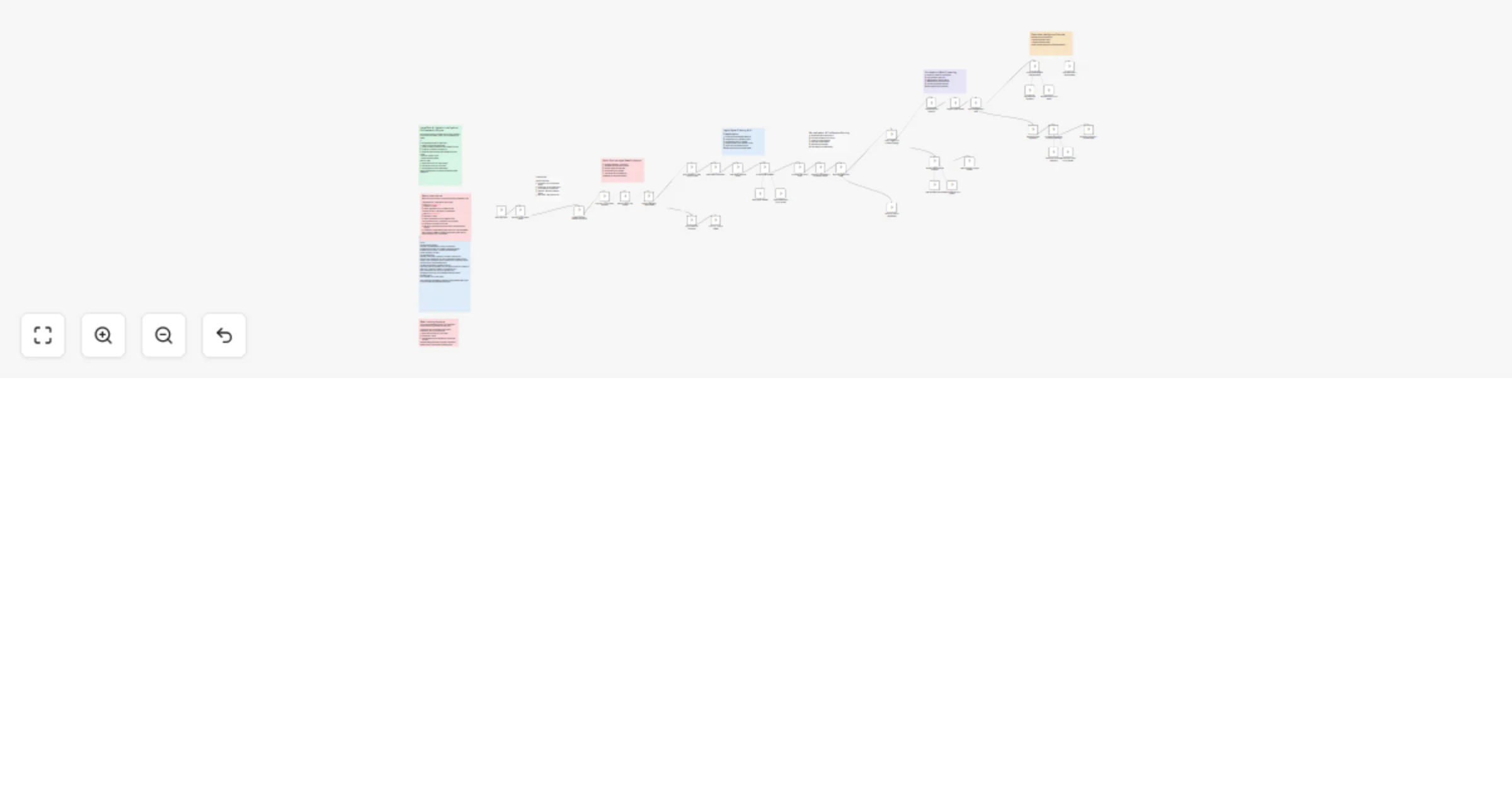
This workflow scrapes court records, regulatory filings, and legal news using Bright Data, then uses AI to classify, score, and cluster legal events by jurisdiction and topic. It filters noise, identifies high-risk cases, and generates executive-ready intelligence — including High-Risk Escalation Alerts and Litigation Monitoring Briefs — logged directly into Google Sheets dashboards.
n8n: The automation platform that orchestrates the workflow. Bright Data: For scraping court records, regulatory sources, and legal news without getting blocked. OpenRouter: For AI-powered legal case classification, risk scoring, and report generation. Google Sheets: For logging alerts, monitoring summaries, and error tracking.
Import the Workflow: Download the .json file and import it into your n8n instance. Configure Bright Data: Add your Bright Data API credentials to the Bright Data node. Configure OpenRouter: Add your OpenRouter API key for AI classification and report generation. Set Up Google Sheets: Create a spreadsheet following the "Google Sheets Setup" sticky note inside the workflow, then connect each Google Sheets node to your document. Customize: Edit the configuration node to set your target companies, jurisdictions, courts, and regulators.
Corporate Legal Teams: Get early warnings on litigation involving your company or partners. M&A Due Diligence: Screen acquisition targets for hidden legal exposure before closing deals. Compliance Officers: Monitor regulatory actions across multiple jurisdictions in one place. Risk Analysts: Track litigation density patterns and jurisdiction concentration risks. Investor Relations: Surface legal threats that could impact portfolio companies or stock price.
Website: https://www.nofluff.online YouTube: https://www.youtube.com/@YaronBeen/videos LinkedIn: https://www.linkedin.com/in/yaronbeen/ Get Bright Data: https://get.brightdata.com/1tndi4600b25 (Using this link supports my free workflows with a small commission)
#n8n #automation #brightdata #webscraping #legalrisk #litigation #legaltech #riskmanagement #compliance #duediligence #legalmonitoring #courtrecords #regulatorymonitoring #corporatelegal #riskanalysis #litigationtracking #jurisdictionrisk #legalintelligence #n8nworkflow #workflow #nocode #businessintelligence #earlywarning #legalcompliance #riskassessment
This catalog entry is organized from the workflow JSON. The node-level section below shows the executable blocks available for review before importing the template.
Showing the first 24 of 45 workflow blocks. Download the JSON for the full node graph.
| Workflow | Track legal risks and litigation threats using Bright Data, OpenRouter and Google Sheets |
|---|---|
| Complexity | advanced |
| Nodes | 45 |
| Categories | Market Research, AI RAG |
| Author | Yaron Been |
| Published | 22 Feb 2026 |
Use the JSON export at /data/workflows/13585/13585.json as the source template for this automation.
Open n8n, import the downloaded JSON, and review each node before activating the workflow.
Replace placeholder credentials, API keys, webhook URLs, account IDs, and environment-specific values with your own settings.
Run the workflow manually or in a staging workspace, inspect node output, and confirm downstream systems receive the expected data.
Enable the workflow only after testing, then monitor executions, errors, and rate limits during the first production runs.
Review imported nodes carefully before activation. This catalog entry is intended to help you inspect the workflow structure, understand required services, and find related templates faster.
Node names, credentials, schedules, webhook paths, and external service limits may need adjustment for your workspace.
Description This workflow automatically monitors companies across courts, regulators, and jurisdictions to detect legal risk signals early. It helps legal, compliance, and risk teams stay ahead of ...
Review the workflow JSON, configure any required credentials in n8n, and test the automation in a safe workspace before using it in production.
Yes. Use the block-by-block analysis and the downloadable JSON to inspect each node, then adjust credentials, prompts, schedules, filters, or destinations for your Market Research, AI RAG use case.