Block 1 - Trigger Every 6 Hours
- Type / Role
- n8n-nodes-base.cron - cron
- Config choices
- Version 1


 Early Deal
This workflow is provided as-is. Please review and test before using in production.
Description: Transform your Jira project management workflow with this intelligent n8n automation template that continuously tracks, scores, and reports the health of Jira Epics. The automation run...
n8n-nodes-base.cron, n8n-nodes-base.stickynote, n8n-nodes-base.jira, n8n-nodes-base.function, n8n-nodes-base.if, n8n-nodes-base.slack, n8n-nodes-base.mondaycom, n8n-nodes-base.googlesheets
This workflow is cataloged by N8N Workflows and links back to its original n8n.io source page by Rahul Joshi.
Original n8n.io sourceTransform your Jira project management workflow with this intelligent n8n automation template that continuously tracks, scores, and reports the health of Jira Epics.
The automation runs every 6 hours, fetches all active Epics, analyzes linked issues for performance, quality, and stability metrics, and automatically flags at-risk Epics. It updates Jira fields, sends alerts to Slack, logs trends in Google Sheets, and syncs visibility with Monday.com—ensuring teams stay proactive, not reactive. Ideal for agile teams, project managers, and product owners looking to monitor delivery health, detect risks early, and maintain transparent reporting across tools.
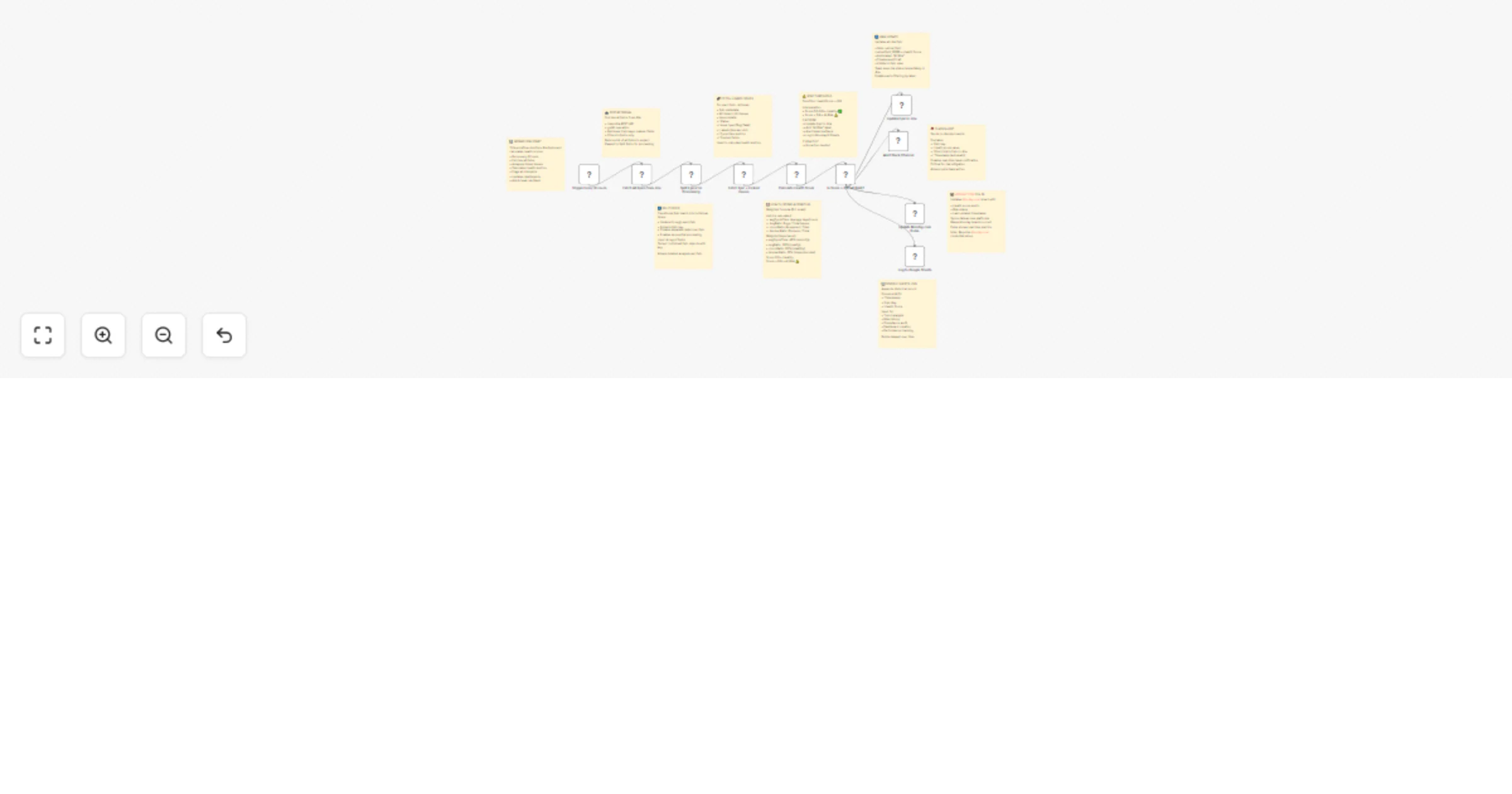
⏱ Trigger Every 6 Hours: Automatically executes every six hours to keep health data updated in near real-time. 📥 Fetch All Epics from Jira: Retrieves all Epics, their keys, and fields via the Jira API to establish a full analysis scope. 🔀 Split Epics for Processing: Converts the batch of Epics into individual items, enabling sequential metric analysis. 🔗 Fetch Linked Issues: Collects all issues linked to each Epic, capturing their types, statuses, cycle times, and labels for deeper health analysis. 📈 Calculate Health Score: Computes a weighted score (0–1 scale) based on: • 40% Average Cycle Time • 30% Bug Ratio • 20% Churn (Reopened issues) • 10% Blocker Ratio Scores above 0.6 indicate at-risk Epics. ⚖️ Decision Gate: At-Risk or Healthy: If the health score exceeds 0.6, the workflow automatically initiates corrective actions. 🔧 Update Jira Epic: Updates Jira with the computed health score and adds an “At Risk” label for visibility in dashboards and filters. 🚨 Send Slack Alerts: Notifies the #project-alerts channel with Epic details, health score, and direct Jira links for immediate attention. 📋 Update Monday.com Pulse: Syncs health metrics and risk status back to your Monday board, maintaining cross-platform transparency. 📊 Log to Google Sheets: Appends health score logs with timestamps and Epic keys for trend analysis, audits, and dashboard creation.
✔️ Automated Jira Epic health scoring (cycle time, churn, bugs, blockers) ✔️ Real-time risk flagging with Slack alerts ✔️ Integrated cross-tool visibility (Jira + Monday + Sheets) ✔️ Continuous trend tracking for performance improvement ✔️ Secure API-based automation
💡 Track project delivery health and spot risks early 📈 Build executive dashboards showing team velocity and quality 🤝 Align product and engineering with shared visibility 🧾 Maintain a compliance audit trail of Epic health trends
• Jira Software Cloud API – for Epic and issue data • Slack API – for real-time team alerts • Monday.com API – for visual board updates • Google Sheets API – for historical tracking and analytics
✅ Prevents project delays by flagging risks early ✅ Provides automated, data-driven Epic health insights ✅ Connects your reporting ecosystem across platforms ✅ Perfect for Agile and DevOps teams driving continuous improvement
This catalog entry is organized from the workflow JSON. The node-level section below shows the executable blocks available for review before importing the template.
| Workflow | Track Jira epic health with automated risk alerts via Slack, Monday & Sheets |
|---|---|
| Complexity | advanced |
| Nodes | 20 |
| Categories | Project Management |
| Author | Rahul Joshi |
| Published | 17 Oct 2025 |
Use the JSON export at /data/workflows/9832/9832.json as the source template for this automation.
Open n8n, import the downloaded JSON, and review each node before activating the workflow.
Replace placeholder credentials, API keys, webhook URLs, account IDs, and environment-specific values with your own settings.
Run the workflow manually or in a staging workspace, inspect node output, and confirm downstream systems receive the expected data.
Enable the workflow only after testing, then monitor executions, errors, and rate limits during the first production runs.
Review imported nodes carefully before activation. This catalog entry is intended to help you inspect the workflow structure, understand required services, and find related templates faster.
Node names, credentials, schedules, webhook paths, and external service limits may need adjustment for your workspace.
Description: Transform your Jira project management workflow with this intelligent n8n automation template that continuously tracks, scores, and reports the health of Jira Epics. The automation run...
Review the workflow JSON, configure any required credentials in n8n, and test the automation in a safe workspace before using it in production.
Yes. Use the block-by-block analysis and the downloadable JSON to inspect each node, then adjust credentials, prompts, schedules, filters, or destinations for your Project Management use case.