Block 1 - Overview
- Type / Role
- n8n-nodes-base.stickyNote - stickyNote
- Config choices
- Version 1


 Early Deal
Receive inventory movements via webhook, validate data, update stock levels, and trigger automatic alerts when products need reordering. WHAT IT DOES: Accepts inventory movements (sales, purchases,...
n8n-nodes-base.stickynote, n8n-nodes-base.webhook, n8n-nodes-base.code, n8n-nodes-base.if, n8n-nodes-base.respondtowebhook, n8n-nodes-base.httprequest, n8n-nodes-base.switch, n8n-nodes-base.slack
This workflow is cataloged by N8N Workflows and links back to its original n8n.io source page by Manu.
Original n8n.io sourceReceive inventory movements via webhook, validate data, update stock levels, and trigger automatic alerts when products need reordering.
WHAT IT DOES:
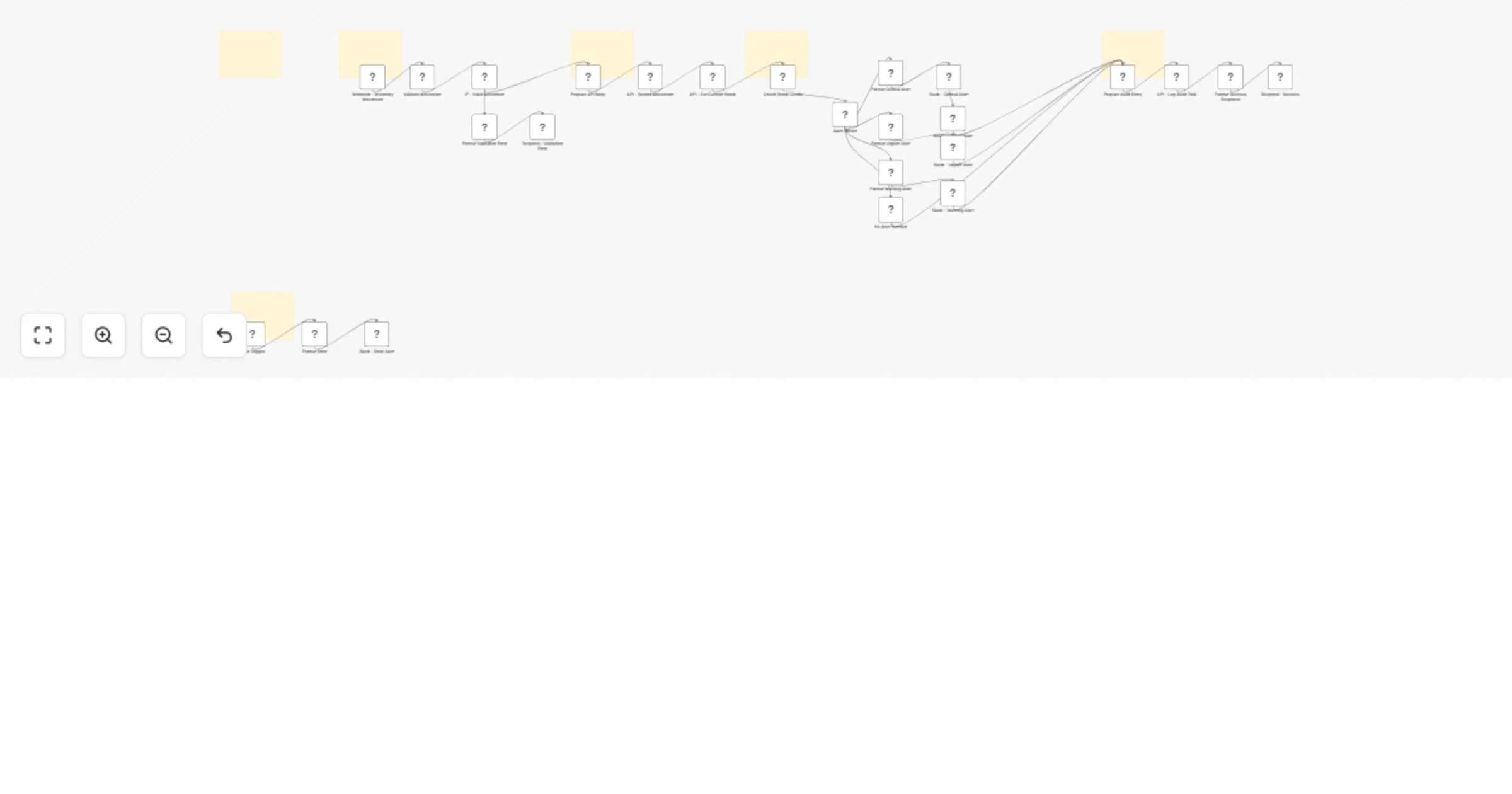
Accepts inventory movements (sales, purchases, adjustments, transfers) via webhook Validates required fields including product ID, quantity, and movement type Records each movement via REST API Retrieves current stock levels after each movement Compares stock against configurable reorder points Routes alerts by severity through Slack and email Logs every movement to audit trail for traceability Returns movement ID, stock level, and alert status to the caller
INCLUDED FLOWS:
Valid movement: Webhook receives data → Validate fields and type → Record via API → Get current stock → Compare against thresholds → Route alerts by severity → Log to audit trail → Return movement ID, stock level, and alert status Invalid movement: Missing product ID, quantity, or invalid type → Return 400 error with validation details Workflow error: Any node fails → Error trigger → Slack alert to #errors channel
ALERT LEVELS:
Critical (stock is zero): Slack alert to #inventory-critical AND email to purchasing team with suggested reorder quantity Urgent (stock below 50% of reorder point): Slack alert to #inventory with stock percentage and suggested order Warning (stock at or below reorder point): Slack alert to #inventory with current level None (stock above reorder point): No alert, movement logged normally
SETUP:
HTTP Header Auth credential with API key and base URL for your inventory API Gmail credential for critical stock email alerts Slack credential with access to #inventory-critical, #inventory, and #errors channels Backend API with /inventory/movement, /inventory/product, and /inventory/audit endpoints
CUSTOMIZABLE:
Alert thresholds are adjustable in the Check Stock Levels code node (default: 0 for critical, 50% for urgent, 100% for warning) Movement types can be extended in the Validate Movement code node Critical alert email recipient is configurable in the Email - Critical Alert node Slack message format for each alert level is editable in the corresponding Format Alert code nodes
IDEAL FOR:
E-commerce, retail, and warehouse teams that need real-time inventory tracking with automatic reorder alerts across multiple severity levels.
This catalog entry is organized from the workflow JSON. The node-level section below shows the executable blocks available for review before importing the template.
Showing the first 24 of 31 workflow blocks. Download the JSON for the full node graph.
| Workflow | Track inventory levels with automated alerts |
|---|---|
| Complexity | advanced |
| Nodes | 31 |
| Categories | Project Management |
| Author | Manu |
| Published | 02 Feb 2026 |
Use the JSON export at /data/workflows/13165/13165.json as the source template for this automation.
Open n8n, import the downloaded JSON, and review each node before activating the workflow.
Replace placeholder credentials, API keys, webhook URLs, account IDs, and environment-specific values with your own settings.
Run the workflow manually or in a staging workspace, inspect node output, and confirm downstream systems receive the expected data.
Enable the workflow only after testing, then monitor executions, errors, and rate limits during the first production runs.
Review imported nodes carefully before activation. This catalog entry is intended to help you inspect the workflow structure, understand required services, and find related templates faster.
Node names, credentials, schedules, webhook paths, and external service limits may need adjustment for your workspace.
Receive inventory movements via webhook, validate data, update stock levels, and trigger automatic alerts when products need reordering. WHAT IT DOES: Accepts inventory movements (sales, purchases,...
Review the workflow JSON, configure any required credentials in n8n, and test the automation in a safe workspace before using it in production.
Yes. Use the block-by-block analysis and the downloadable JSON to inspect each node, then adjust credentials, prompts, schedules, filters, or destinations for your Project Management use case.