Block 1 - Schedule Run
- Type / Role
- n8n-nodes-base.scheduleTrigger - scheduleTrigger
- Config choices
- Version 1.3


 Early Deal
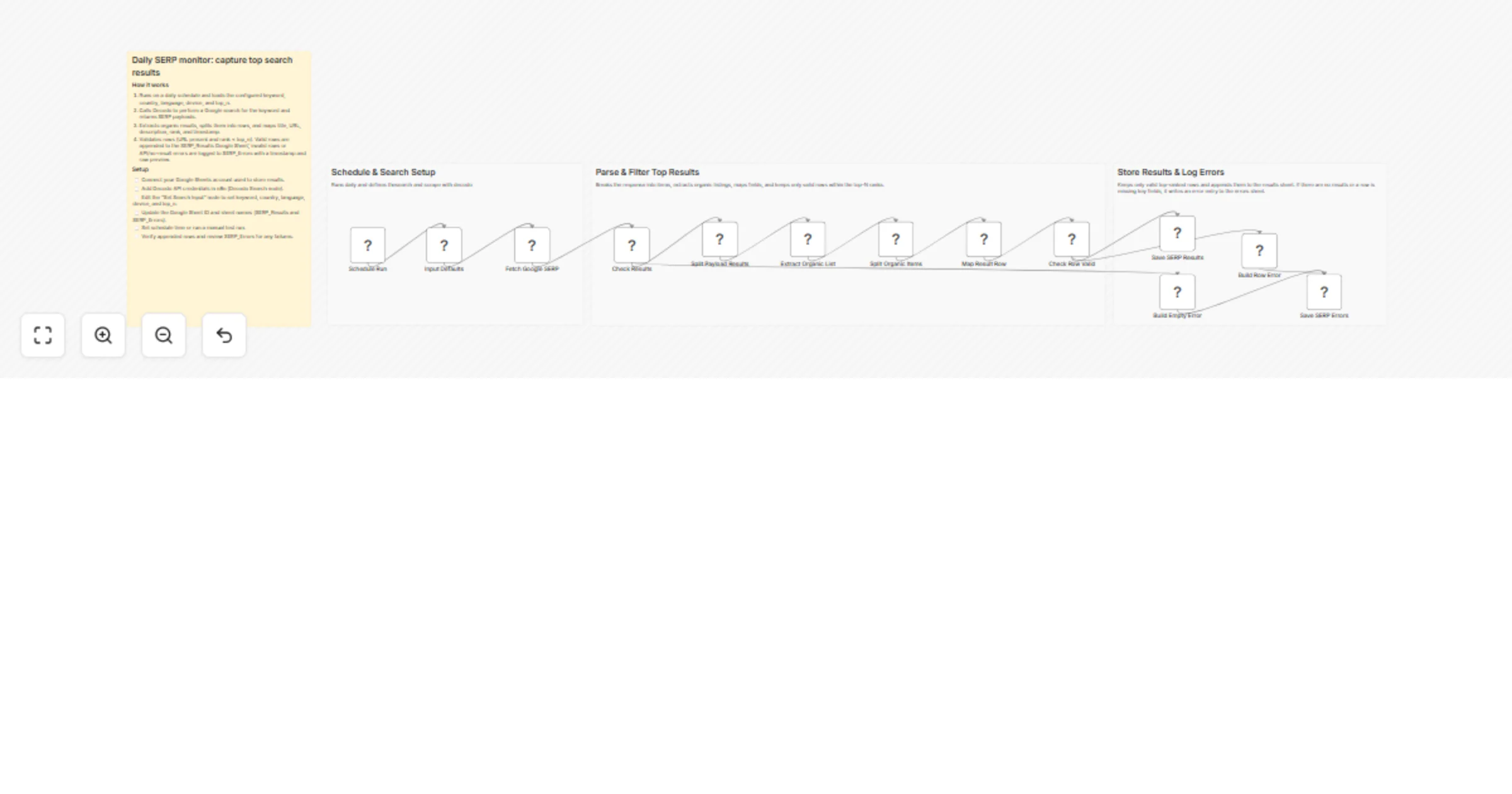
Automatically monitor your keyword positions on Google every day. This workflow uses Decodo to pull live search results and logs them straight into Google Sheets, no manual checking needed. Why Thi...
n8n-nodes-base.scheduletrigger, n8n-nodes-base.set, @decodo/n8n-nodes-decodo.decodo, n8n-nodes-base.if, n8n-nodes-base.splitout, n8n-nodes-base.googlesheets, n8n-nodes-base.stickynote
This workflow is cataloged by N8N Workflows and links back to its original n8n.io source page by Khairul Muhtadin.
Original n8n.io sourceAutomatically monitor your keyword positions on Google every day. This workflow uses Decodo to pull live search results and logs them straight into Google Sheets, no manual checking needed.
Save Time: No more spending an hour every morning checking rankings by hand. Everything runs on autopilot. Save Money: Skip expensive SEO tools that charge per keyword for basic rank tracking. Accurate Data: Every result — including meta descriptions and URLs — gets recorded without copy-paste mistakes. Easy to Scale: Want to add more keywords, switch countries, or change devices? Just tweak one config node.
| Requirement | Purpose |
|---|---|
| n8n instance | Platform to run the workflow |
| Decodo API | Pulls live Google Search data |
| Google Sheets | Stores ranking data and error logs |
SERP_Results and SERP_Errors.top_n).The workflow uses a Split Out + Extract Organic approach. Even when Google returns mixed results like ads, map packs, or featured snippets, this setup specifically targets organic blue links. The "Valid Row" check keeps your spreadsheet clean by only saving results that fall within your Top N threshold.
Quick Changes:
top_n value in the input node to track the Top 10, 20, or 50.Going Further:
Problem: A retail brand needs to know who's ranking for "best running shoes" every day. Solution: This workflow checks the Top 5 results each morning, making it easy to spot when a competitor's blog post overtakes their product page. Outcome: The marketing team catches ranking drops within 24 hours and updates content right away.
Problem: A service business wants to track rankings specifically in Indonesia ("id") using English ("en") search settings.
Solution: By setting the country and language parameters in the Set node, the workflow captures localized search data accurately.
Outcome: The business gets a clear view of their local visibility without needing a VPN.
Created by: Khairul Muhtadin Category: Marketing | Tags: SEO, SERP, Google Sheets, Decodo Need custom workflows? Contact us
Connect with the creator: Portfolio • Store • LinkedIn • Medium • Threads
This catalog entry is organized from the workflow JSON. The node-level section below shows the executable blocks available for review before importing the template.
| Workflow | Track Google rankings daily with Decodo and Google Sheets |
|---|---|
| Complexity | advanced |
| Nodes | 17 |
| Categories | Market Research, AI Summarization |
| Author | Khairul Muhtadin |
| Published | 26 Feb 2026 |
Use the JSON export at /data/workflows/13736/13736.json as the source template for this automation.
Open n8n, import the downloaded JSON, and review each node before activating the workflow.
Replace placeholder credentials, API keys, webhook URLs, account IDs, and environment-specific values with your own settings.
Run the workflow manually or in a staging workspace, inspect node output, and confirm downstream systems receive the expected data.
Enable the workflow only after testing, then monitor executions, errors, and rate limits during the first production runs.
Review imported nodes carefully before activation. This catalog entry is intended to help you inspect the workflow structure, understand required services, and find related templates faster.
Node names, credentials, schedules, webhook paths, and external service limits may need adjustment for your workspace.
Automatically monitor your keyword positions on Google every day. This workflow uses Decodo to pull live search results and logs them straight into Google Sheets, no manual checking needed. Why Thi...
Review the workflow JSON, configure any required credentials in n8n, and test the automation in a safe workspace before using it in production.
Yes. Use the block-by-block analysis and the downloadable JSON to inspect each node, then adjust credentials, prompts, schedules, filters, or destinations for your Market Research, AI Summarization use case.