Block 1 - Edit Fields
- Type / Role
- n8n-nodes-base.set - set
- Config choices
- Version 3.4


 Early Deal
Facebook Event RSVP Webhook → Airtable Attendee Tracking → Slack Capacity Alerts This workflow automatically tracks Facebook Event RSVPs, stores attendee data in Airtable, checks event capacity and...
n8n-nodes-base.set, n8n-nodes-base.webhook, n8n-nodes-base.airtable, n8n-nodes-base.if, n8n-nodes-base.slack, n8n-nodes-base.stickynote
This workflow is cataloged by N8N Workflows and links back to its original n8n.io source page by WeblineIndia.
Original n8n.io sourceThis workflow automatically tracks Facebook Event RSVPs, stores attendee data in Airtable, checks event capacity and notifies your team on Slack when the event becomes full. It eliminates manual RSVP tracking and prevents overbooking.
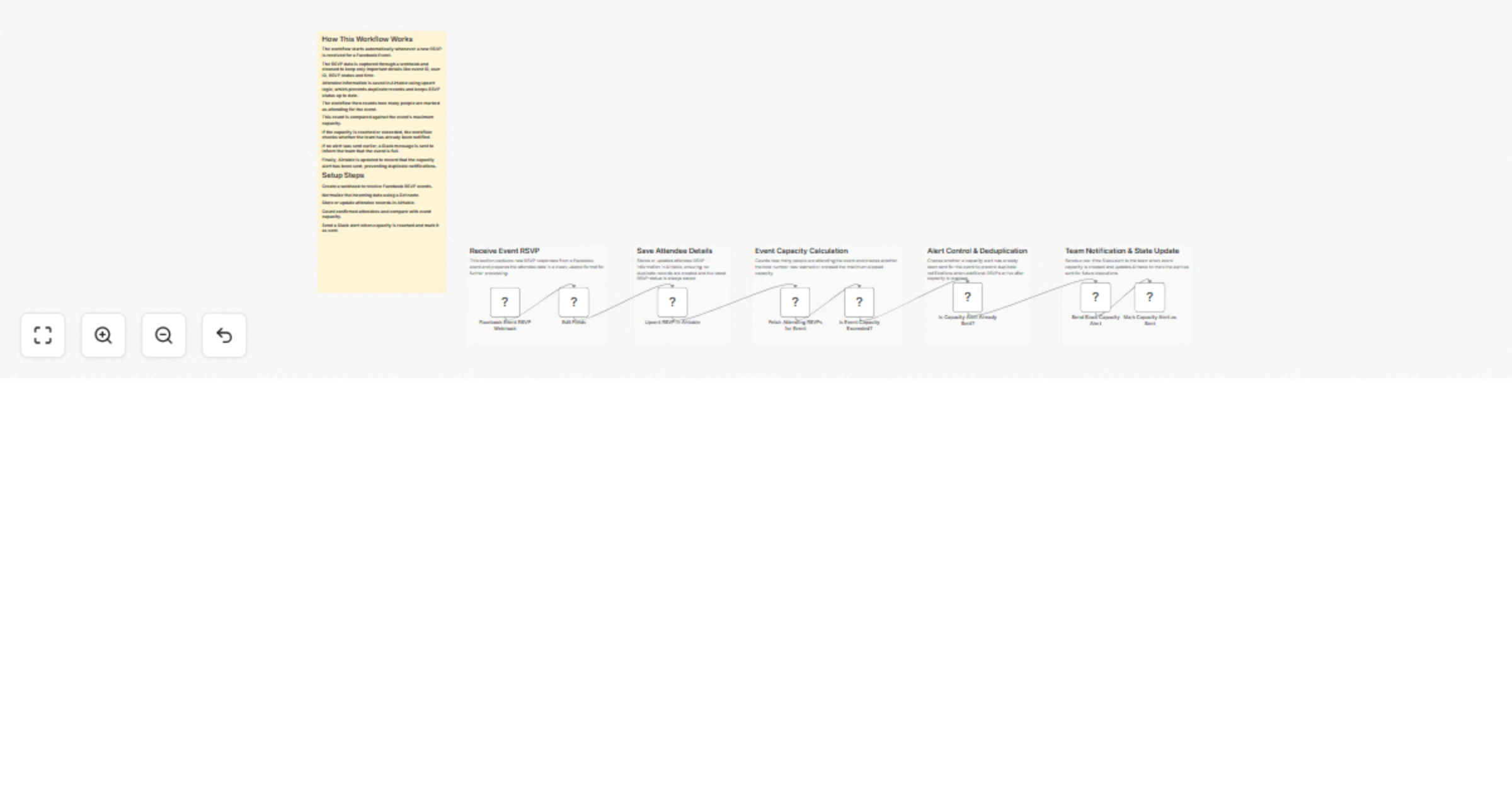
This workflow begins when a new RSVP is received from a Facebook Event through a custom webhook endpoint. The incoming data is cleaned and standardized to extract only the required RSVP details, ensuring consistent processing.
Each RSVP is then stored in Airtable using an upsert operation. This ensures attendee records are created or updated correctly while preventing duplicate entries if Facebook sends the same RSVP more than once.
After storing the data, the workflow checks how many people are marked as attending for the event. If the total reaches or exceeds the defined capacity, a Slack notification is sent to the team. The workflow also records that the alert has been sent to avoid duplicate notifications.
Create a custom webhook endpoint in n8n and configure Facebook to send Event RSVP data to this endpoint.
A Set node extracts and formats key RSVP fields such as event ID, user ID, RSVP status and timestamp.
You can select any Airtable table. The workflow requires the following fields to exist in that table:
event_Id (Text)user_Id (Text)rsvpStatus (Single select or Text)receivedAt (Date)capacity_alert_sent (Checkbox)The upsert operation ensures records are updated without duplication.
The workflow searches the selected Airtable table for all attendees marked as “attending” for the same event and counts them.
If the count reaches or exceeds the configured capacity value, a Slack alert is sent. The workflow then updates Airtable to mark that the alert has already been sent.
This workflow can support many more event-based automation scenarios.
| Issue | Possible Cause | Solution |
|---|---|---|
| No RSVPs received | Webhook not configured correctly | Verify Facebook webhook URL and subscription |
| Duplicate Slack alerts | Alert flag not checked | Ensure capacity_alert_sent logic is enabled |
| Wrong attendee count | Field name mismatch | Confirm Airtable field names match exactly |
| Slack message not sent | Invalid Slack credentials | Reconnect Slack account in n8n |
| Airtable errors | API rate limit | Add retry logic or reduce execution frequency |
If you need help setting up this workflow, customizing add-ons or building similar automation, our n8n workflow developers at WeblineIndia can help.
Our team specializes in creating scalable business automation using n8n and modern cloud tools.
Contact WeblineIndia to get expert assistance or to build tailored workflows for your business needs.
This catalog entry is organized from the workflow JSON. The node-level section below shows the executable blocks available for review before importing the template.
| Workflow | Track Facebook event RSVPs in Airtable and send Slack capacity alerts |
|---|---|
| Complexity | intermediate |
| Nodes | 14 |
| Categories | Project Management |
| Author | WeblineIndia |
| Published | 04 Apr 2026 |
Use the JSON export at /data/workflows/14705/14705.json as the source template for this automation.
Open n8n, import the downloaded JSON, and review each node before activating the workflow.
Replace placeholder credentials, API keys, webhook URLs, account IDs, and environment-specific values with your own settings.
Run the workflow manually or in a staging workspace, inspect node output, and confirm downstream systems receive the expected data.
Enable the workflow only after testing, then monitor executions, errors, and rate limits during the first production runs.
Review imported nodes carefully before activation. This catalog entry is intended to help you inspect the workflow structure, understand required services, and find related templates faster.
Node names, credentials, schedules, webhook paths, and external service limits may need adjustment for your workspace.
Facebook Event RSVP Webhook → Airtable Attendee Tracking → Slack Capacity Alerts This workflow automatically tracks Facebook Event RSVPs, stores attendee data in Airtable, checks event capacity and...
Review the workflow JSON, configure any required credentials in n8n, and test the automation in a safe workspace before using it in production.
Yes. Use the block-by-block analysis and the downloadable JSON to inspect each node, then adjust credentials, prompts, schedules, filters, or destinations for your Project Management use case.