Track expenses from Telegram to Google Sheets with GPT-4.1 Mini
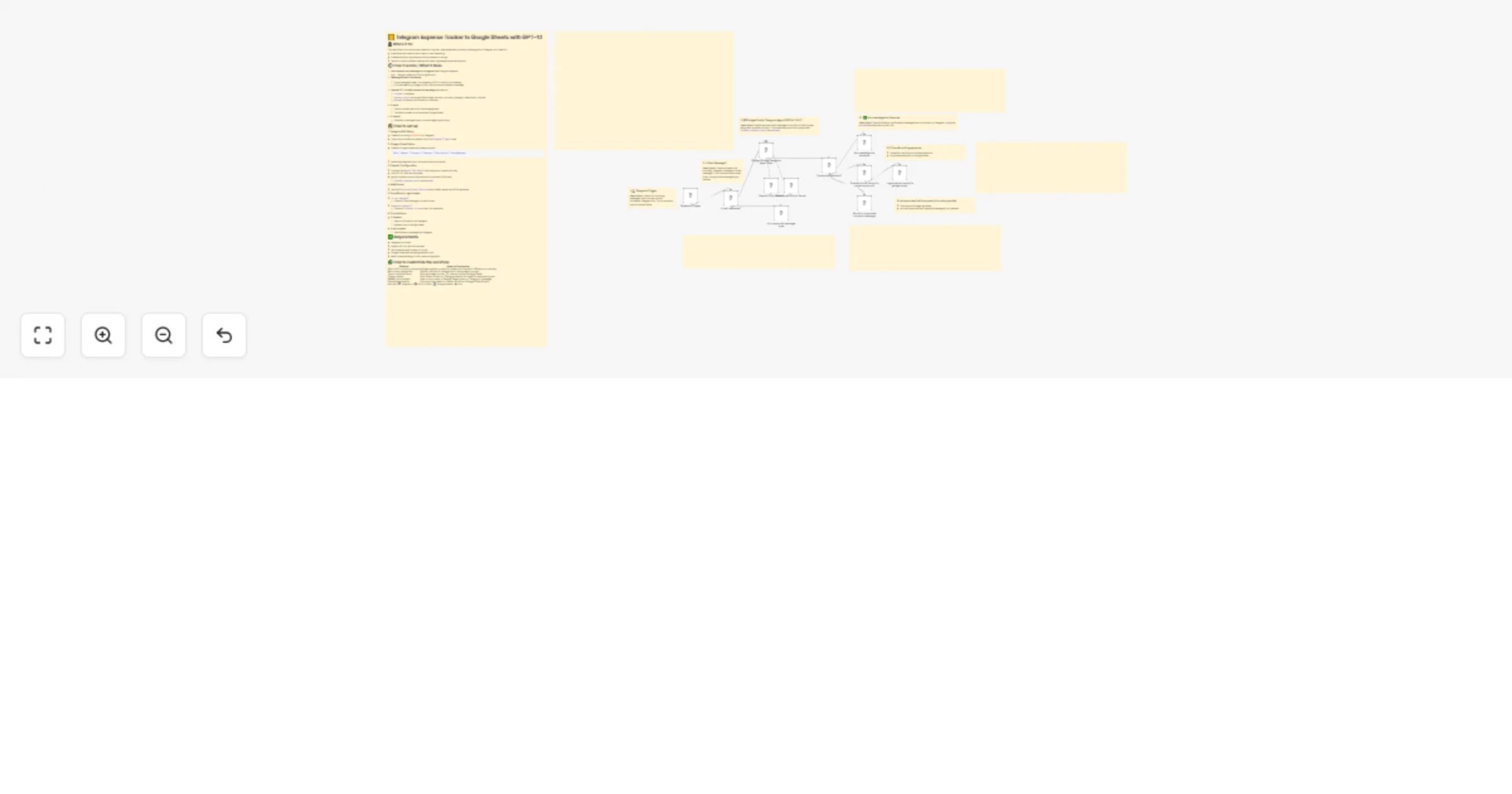
Workflow preview

$20/month : Unlimited workflows
2500 executions/month

THE #1 IN WEB SCRAPING
Scrape any website without limits
HOSTINGER  Early Deal
DISCOUNT 20% Try free
Early DealDISCOUNT 20%
Self-hosted n8n
Unlimited workflows - from $4.99/mo

#1 hub for scraping, AI & automation
6000+ actors - $5 credits/mo
Important notice
This workflow is provided as-is. Please review and test before using in production.
Overview
📒 Telegram Expense Tracker to Google Sheets with GPT-4.1
.jpg) > A lightweight automation that lets users log daily expenses via a Telegram bot and instantly saves them into Google Sheets—perfect for anyone looking to manage spending on the go with AI-powered structure and ease.
> A lightweight automation that lets users log daily expenses via a Telegram bot and instantly saves them into Google Sheets—perfect for anyone looking to manage spending on the go with AI-powered structure and ease.
👤 Who’s it for
This workflow is for anyone who wants to log their daily expenses by simply chatting with a Telegram bot. Ideal for:
- Individuals who want a quick way to track spending
- Freelancers who log receipts and purchases on the go
- Teams or small business owners who want lightweight expense capture
⚙️ How it works / What it does
User sends a text message on Telegram describing an expense
(e.g., “Bought coffee for 50k at Highlands”)Message format is validated
- If the message is text, it proceeds to GPT-4.1 Mini for processing.
- If it's not text (e.g. image or file), the bot sends a fallback message.
OpenAI GPT-4.1 Mini parses the message and returns:
relevant: true/falseexpense_record: structured fields (date, amount, currency, category, description, source)message: a friendly confirmation or fallback
If valid:
- The bot replies with a fun acknowledgment
- The data is saved to a connected Google Sheet
If invalid:
- A fallback message is sent to encourage proper input
🛠️ How to set up
1. Telegram Bot Setup
- Create a bot using BotFather on Telegram
- Copy the bot token and paste it into the
Telegram Triggernode
2. Google Sheet Setup
- Create a Google Sheet with these columns:
Date | Amount | Currency | Category | Description | SourceMessage - Share the sheet with your n8n service account email
3. OpenAI Configuration
- Connect the
OpenAI Chat Modelnode using your OpenAI API key - Use GPT-4.1 Mini as the model
- Apply a system prompt that extracts structured JSON with:
relevant,expense_record, andmessage
4. Add Parser
- Use the
Structured Output Parsernode to safely parse the JSON response
5. Conditional Logic Nodes
Is text message?- Checks if the message is in text format
Supported scenario?- Checks if
relevant = truein the LLM response
- Checks if
6. Final Actions
- If relevant:
- Send confirmation via Telegram
- Append row to Google Sheet
- If not relevant:
- Send fallback message via Telegram
✅ Requirements
- Telegram bot token
- OpenAI GPT-4.1 Mini API access
- n8n instance (self-hosted or cloud)
- Google Sheet with access granted to n8n
- Basic understanding of n8n node configuration
🧩 How to customize the workflow
| Feature | How to Customize |
|---|---|
| Add multi-currency support | Update system prompt to detect and extract different currencies |
| Add more categories | Modify the list of categories in the system prompt |
| Track multiple users | Add username or chat ID column to the Google Sheet |
| Trigger alerts | Add Slack, Email, or Telegram alerts for specific expense types |
| Weekly summaries | Use a cron node + Google Sheet query + Telegram message |
| Visual dashboards | Connect the sheet to Looker Studio or Google Data Studio |
Built with 💬 Telegram + 🧠 GPT-4.1 Mini + 📊 Google Sheets + ⚡ n8n