Track expenses and income in Google Sheets from Telegram with Google Gemini
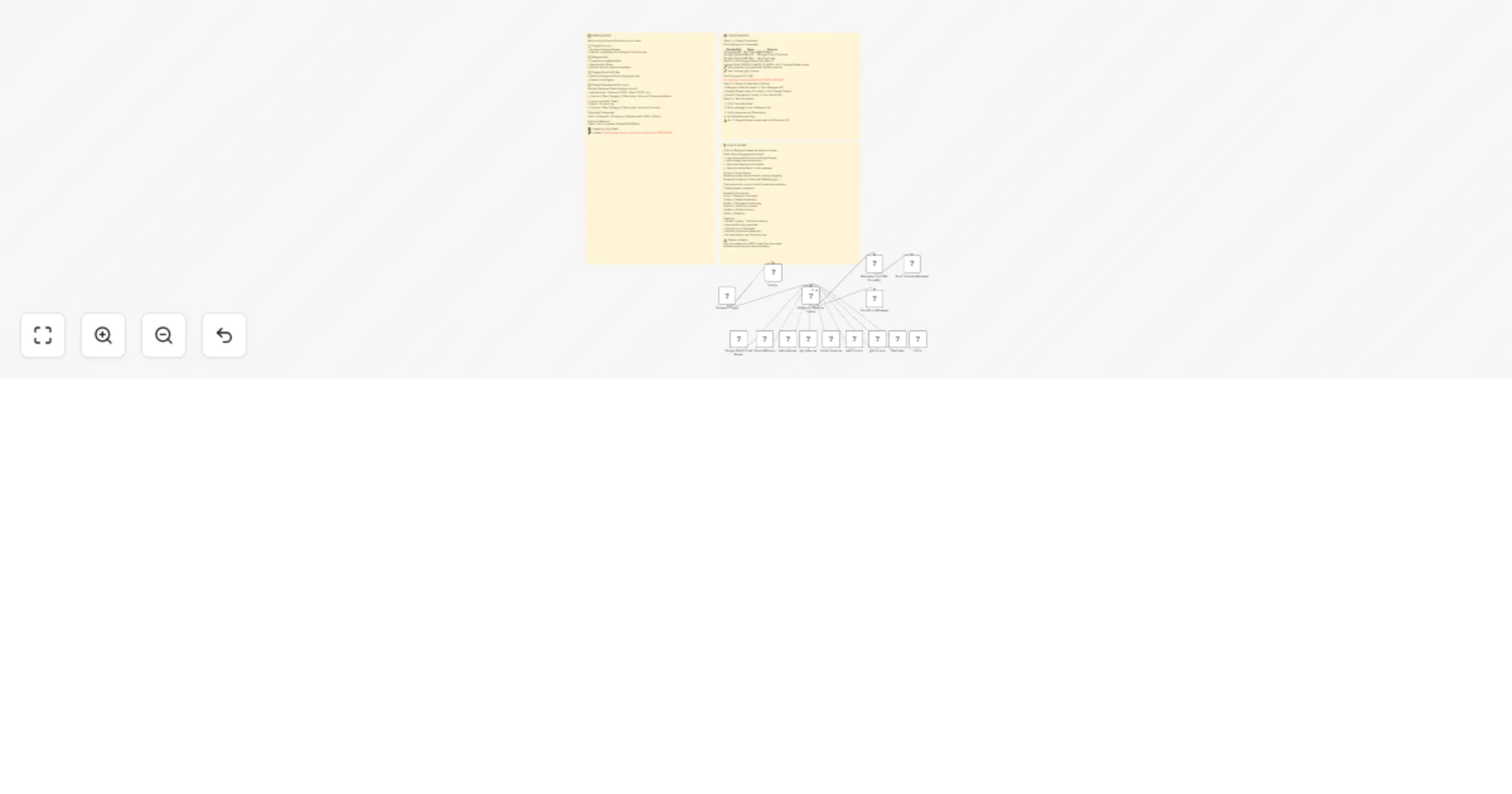
Workflow preview

$20/month : Unlimited workflows
2500 executions/month

THE #1 IN WEB SCRAPING
Scrape any website without limits
HOSTINGER  Early Deal
DISCOUNT 20% Try free
Early DealDISCOUNT 20%
Self-hosted n8n
Unlimited workflows - from $4.99/mo

#1 hub for scraping, AI & automation
6000+ actors - $5 credits/mo
Overview
Brief Description: Your personal finance assistant inside Telegram! Chat naturally with an AI agent to track expenses, log income, view spending history, and manage your budget—all through simple conversation. No forms, no spreadsheets, just chat.
How it works:
- Chat – Send expense or income details naturally via Telegram
- Understand – AI agent parses your message and determines the action (add/get/delete)
- Execute – Performs CRUD operations on Google Sheets (expense & income tabs)
- Respond – Replies with confirmations, summaries, or requested data with formatted responses
Set up steps: ⏱️ Setup time: ~15-20 minutes Create a Telegram bot via BotFather and get your API token. Connect Google Gemini (or your preferred LLM) for the AI agent. Set up Google Sheets with separate tabs for expenses and income. Configure the Google Sheets tools with your sheet IDs and column mappings.