Block 1 - Loop Over Items
- Type / Role
- n8n-nodes-base.splitInBatches - splitInBatches
- Config choices
- Version 3


 Early Deal
Track competitor pricing and features from BrowserAct to Google Sheets Introduction This workflow automates competitive intelligence by continuously monitoring competitor websites for pricing and f...
n8n-nodes-base.splitinbatches, n8n-nodes-base.aggregate, n8n-nodes-base.scheduletrigger, n8n-nodes-base.googlesheets, n8n-nodes-browseract.browseract, @n8n/n8n-nodes-langchain.agent, @n8n/n8n-nodes-langchain.outputparserstructured, n8n-nodes-base.set
This workflow is cataloged by N8N Workflows and links back to its original n8n.io source page by Madame AI Team | Kai.
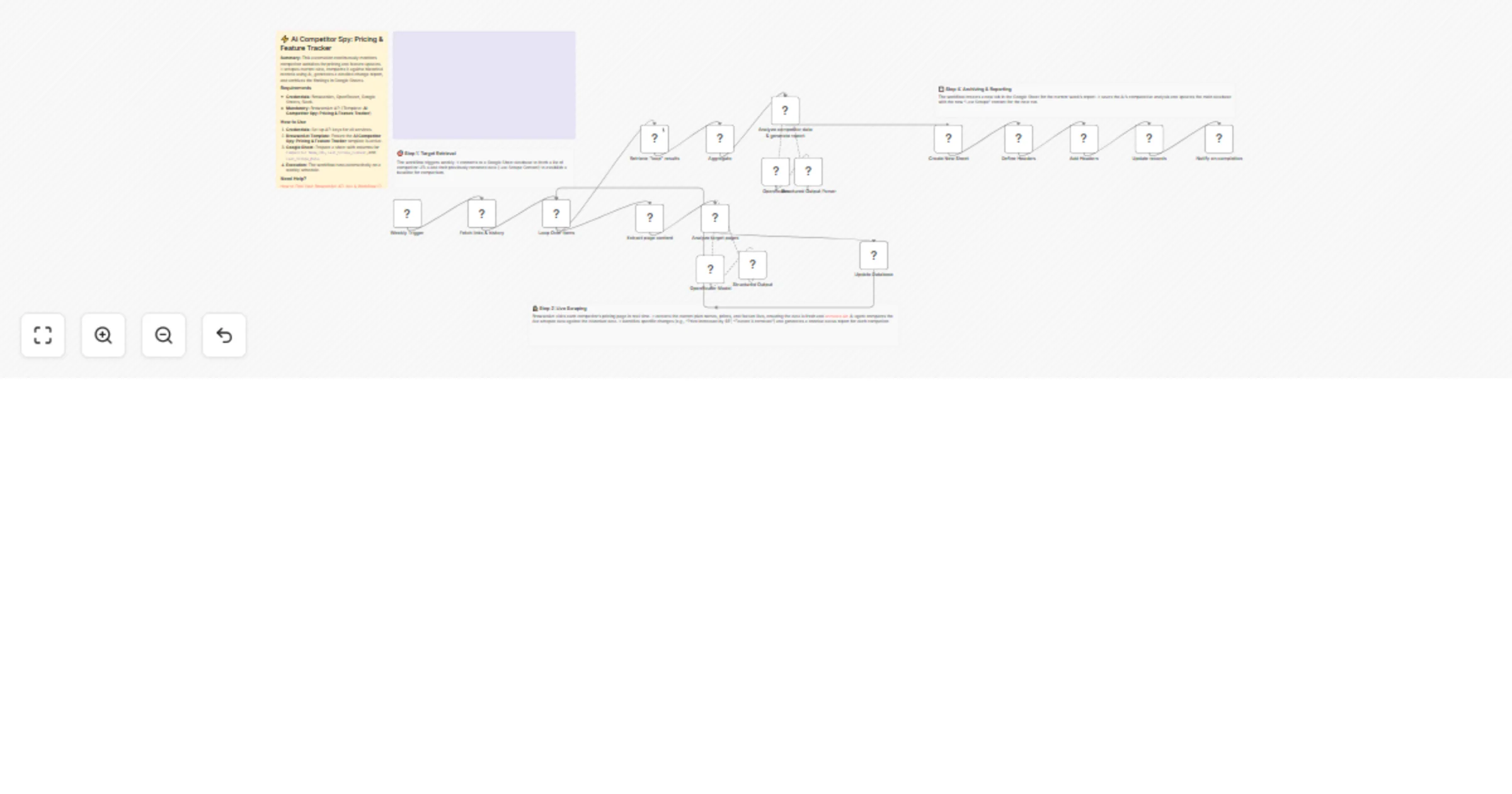
Original n8n.io sourceThis workflow automates competitive intelligence by continuously monitoring competitor websites for pricing and feature updates. It scrapes current data using BrowserAct, compares it against historical records using AI to identify specific changes (like price increases or removed features), and archives the findings in a new Google Sheet tab every week.
Product managers, pricing analysts, and market researchers who need to stay updated on competitor moves without manually checking websites.
A BrowserAct node visits each URL and extracts the current pricing plans and feature lists using the "AI Competitor Spy" template. 4. AI Comparison: An AI Agent (using Google Gemini Flash via OpenRouter) compares the live data against the historical data stored in the sheet. It identifies exactly what changed (e.g., "Basic plan increased by $5"). 5. Database Update: The workflow updates the main database with the new "Last Scrape Content" and the date, establishing a new baseline for the next run. 6. Report Generation: After processing all competitors, a second AI Agent (using Google Gemini Pro) aggregates the findings into a comprehensive text report. 7. Archiving: The workflow creates a new tab in the Google Sheet (named with the current date) and appends the full comparative report. 8. Notification: A Slack message is sent to notify the team that the weekly analysis is complete.
Competitor Name, URL, and row_number columns with your targets. Leave the other columns blank initially.To use this workflow, create a Google Sheet with the following headers in the first row:
row_number (Must be populated, e.g., 1, 2, 3...)Competitor NameURLLast_Scrape_ContentLast_Scrape_DateComparisonThis catalog entry is organized from the workflow JSON. The node-level section below shows the executable blocks available for review before importing the template.
| Workflow | Track competitor pricing and features with BrowserAct and Google Sheets |
|---|---|
| Complexity | advanced |
| Nodes | 23 |
| Categories | Market Research, AI Summarization |
| Author | Madame AI Team | Kai |
| Published | 13 Feb 2026 |
Use the JSON export at /data/workflows/13379/13379.json as the source template for this automation.
Open n8n, import the downloaded JSON, and review each node before activating the workflow.
Replace placeholder credentials, API keys, webhook URLs, account IDs, and environment-specific values with your own settings.
Run the workflow manually or in a staging workspace, inspect node output, and confirm downstream systems receive the expected data.
Enable the workflow only after testing, then monitor executions, errors, and rate limits during the first production runs.
Review imported nodes carefully before activation. This catalog entry is intended to help you inspect the workflow structure, understand required services, and find related templates faster.
Node names, credentials, schedules, webhook paths, and external service limits may need adjustment for your workspace.
Track competitor pricing and features from BrowserAct to Google Sheets Introduction This workflow automates competitive intelligence by continuously monitoring competitor websites for pricing and f...
Review the workflow JSON, configure any required credentials in n8n, and test the automation in a safe workspace before using it in production.
Yes. Use the block-by-block analysis and the downloadable JSON to inspect each node, then adjust credentials, prompts, schedules, filters, or destinations for your Market Research, AI Summarization use case.