Block 1 - Listen for Monday.com Webhook
- Type / Role
- n8n-nodes-base.webhook - webhook
- Config choices
- Version 2.1


 Early Deal
This workflow is provided as-is. Please review and test before using in production.
Description: Bridge the gap between Monday.com and Jira with this intelligent n8n automation template. The workflow listens for new or updated Monday.com items, normalizes data fields, and syncs th...
n8n-nodes-base.webhook, n8n-nodes-base.stickynote, n8n-nodes-base.function, n8n-nodes-base.jira, n8n-nodes-base.if, n8n-nodes-base.mondaycom
This workflow is cataloged by N8N Workflows and links back to its original n8n.io source page by Rahul Joshi.
Original n8n.io sourceBridge the gap between Monday.com and Jira with this intelligent n8n automation template.
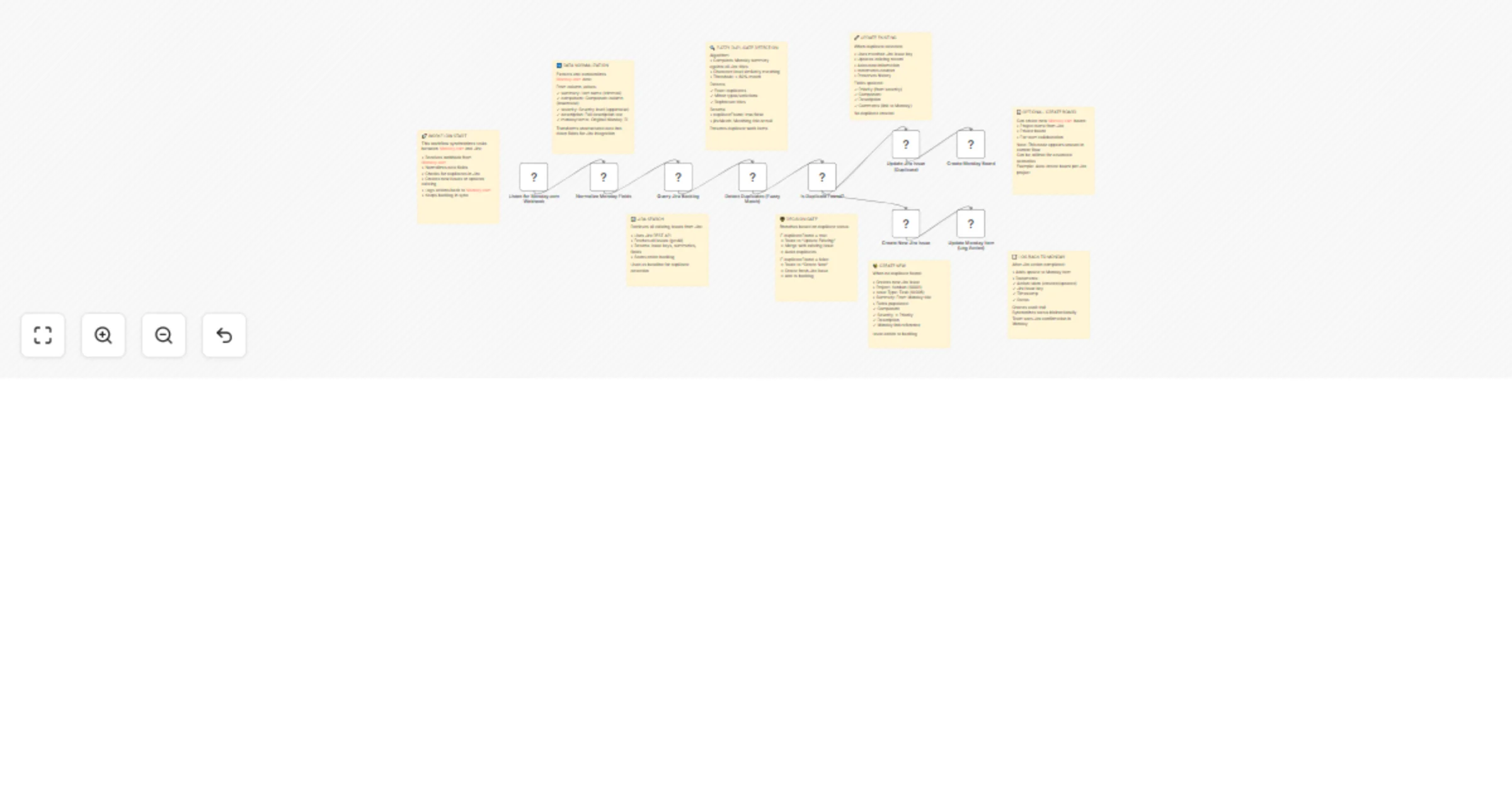
The workflow listens for new or updated Monday.com items, normalizes data fields, and syncs them with your Jira backlog—automatically detecting duplicates using fuzzy matching logic. It then creates or updates Jira issues accordingly and logs the results back into Monday.com, ensuring your product and engineering teams stay aligned in real time. Ideal for project managers, product ops, and agile teams who manage intake in Monday.com but execute tasks in Jira.
🔍 Smart fuzzy duplicate detection (>80% match threshold)
⚙️ Full bidirectional visibility between Monday.com and Jira 📢 Automatic task creation and update logic
🧾 Real-time status logging and audit trail in Monday.com 🔐 Secure API-based connections for both platforms
💡 Sync product feedback and feature requests from Monday to Jira 🎯 Centralize intake forms and align engineering backlogs 🤝 Eliminate duplicate Jira issues from multiple product submissions 📈 Maintain transparent traceability across tools
✅ Eliminates duplicate Jira issues automatically
✅ Keeps Monday.Com and Jira perfectly aligned ✅ Saves hours of manual task reconciliation ✅ Ideal for agile and cross-functional collaboration
This catalog entry is organized from the workflow JSON. The node-level section below shows the executable blocks available for review before importing the template.
| Workflow | Sync Monday.com items to Jira with smart duplicate detection & feedback loop |
|---|---|
| Complexity | advanced |
| Nodes | 18 |
| Categories | Project Management |
| Author | Rahul Joshi |
| Published | 17 Oct 2025 |
Use the JSON export at /data/workflows/9830/9830.json as the source template for this automation.
Open n8n, import the downloaded JSON, and review each node before activating the workflow.
Replace placeholder credentials, API keys, webhook URLs, account IDs, and environment-specific values with your own settings.
Run the workflow manually or in a staging workspace, inspect node output, and confirm downstream systems receive the expected data.
Enable the workflow only after testing, then monitor executions, errors, and rate limits during the first production runs.
Review imported nodes carefully before activation. This catalog entry is intended to help you inspect the workflow structure, understand required services, and find related templates faster.
Node names, credentials, schedules, webhook paths, and external service limits may need adjustment for your workspace.
Description: Bridge the gap between Monday.com and Jira with this intelligent n8n automation template. The workflow listens for new or updated Monday.com items, normalizes data fields, and syncs th...
Review the workflow JSON, configure any required credentials in n8n, and test the automation in a safe workspace before using it in production.
Yes. Use the block-by-block analysis and the downloadable JSON to inspect each node, then adjust credentials, prompts, schedules, filters, or destinations for your Project Management use case.