Sync markdown files from Google Drive to Confluence pages automatically
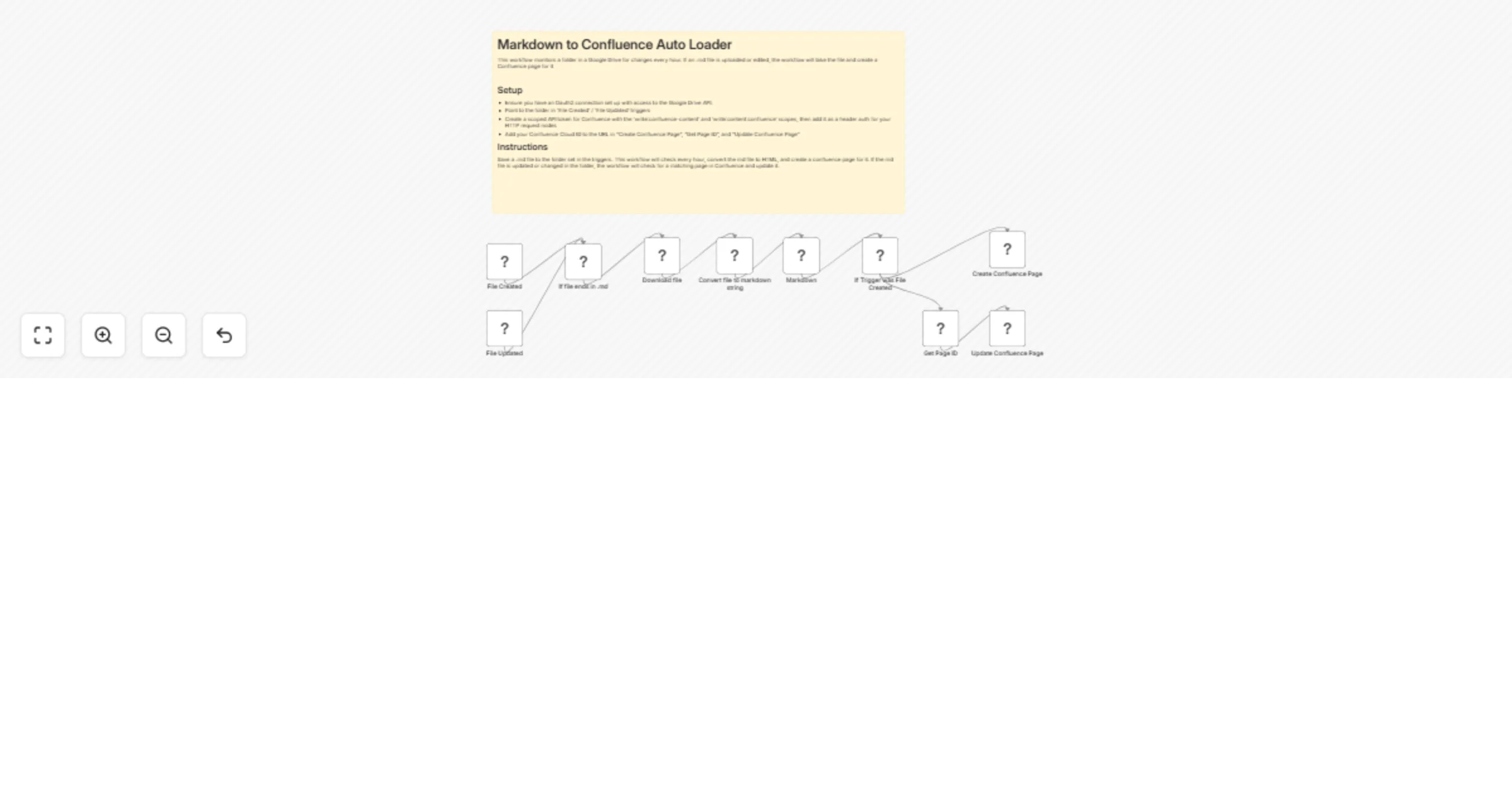
Workflow preview

$20/month : Unlimited workflows
2500 executions/month

THE #1 IN WEB SCRAPING
Scrape any website without limits
HOSTINGER  Early Deal
DISCOUNT 20% Try free
Early DealDISCOUNT 20%
Self-hosted n8n
Unlimited workflows - from $4.99/mo

#1 hub for scraping, AI & automation
6000+ actors - $5 credits/mo
Overview
How it Works
Save a .md file to the folder set in the triggers. This workflow will check every hour, convert the md file to HTML, and create a confluence page for it. If the md file is updated or changed in the folder, the workflow will check for a matching page in Confluence and update it.
Setup Steps
- Ensure you have an Oauth2 connection set up with access to the Google Drive API.
- Point to the folder in 'File Created' / 'File Updated' triggers
- Create a scoped API token for Confluence with the 'write:confluence-content' and 'write:content:confluence' scopes, then add it as a header auth for your HTTP request nodes
- Add your Confluence Cloud ID to the URL in "Create Confluence Page", "Get Page ID", and "Update Confluence Page"