Summarize meeting recordings and create Notion action items with Gemini AI
Workflow preview

$20/month : Unlimited workflows
2500 executions/month

THE #1 IN WEB SCRAPING
Scrape any website without limits
HOSTINGER  Early Deal
DISCOUNT 20% Try free
Early DealDISCOUNT 20%
Self-hosted n8n
Unlimited workflows - from $4.99/mo

#1 hub for scraping, AI & automation
6000+ actors - $5 credits/mo
Overview
Who is this for
Team leads, project managers, and operations staff who want to automate meeting documentation. Useful for any team that records meetings and needs structured notes with clear action items.
What this workflow does
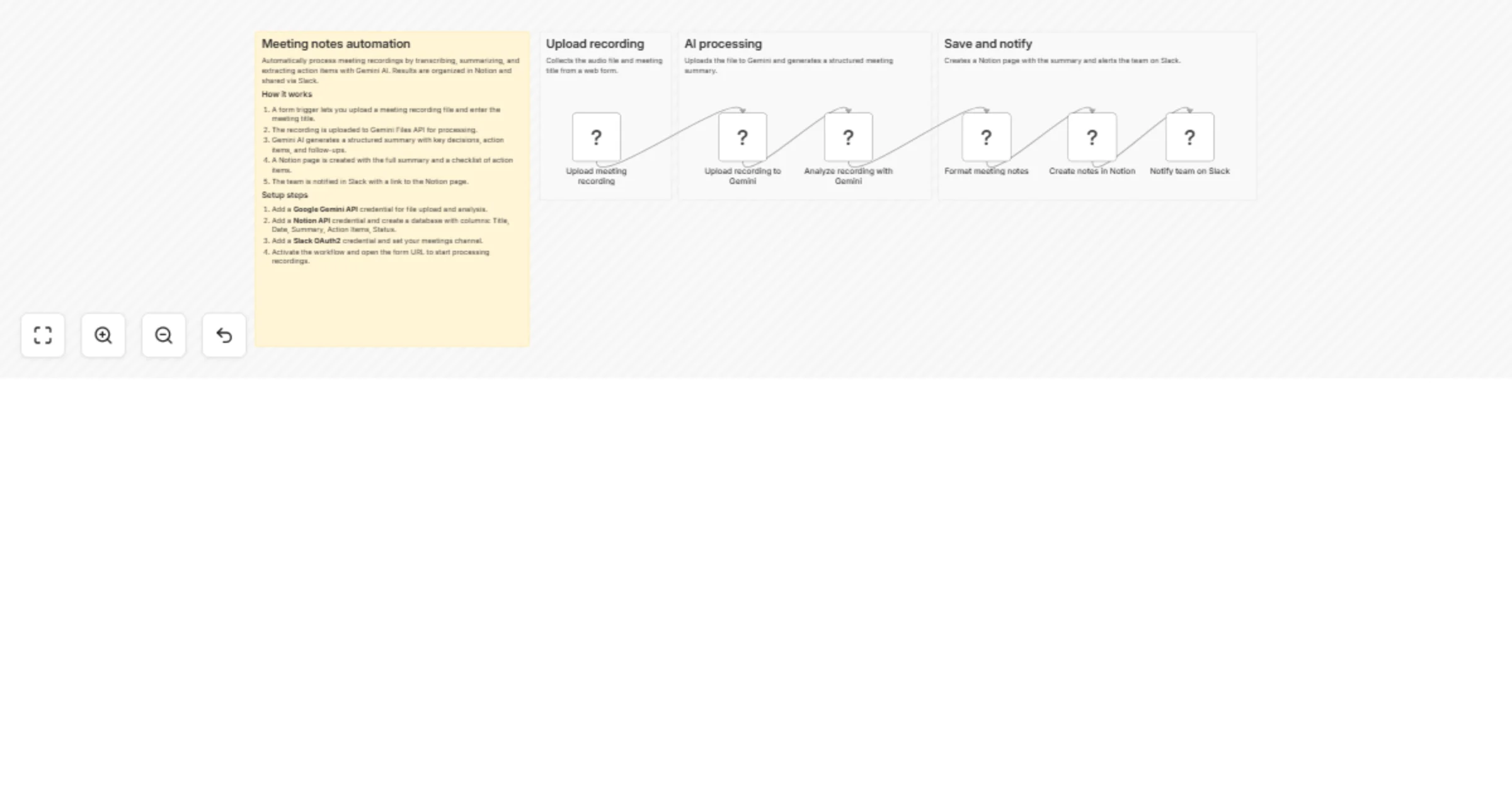
This workflow accepts a meeting recording upload via a web form. The recording is uploaded to Gemini Files API for audio analysis. Gemini AI generates a structured summary including key decisions, action items with assignees, and follow-up topics. A Notion page is created with the complete notes, and the team is notified on Slack with a summary and the action item list.
Setup
- Add a Google Gemini API credential for file upload and audio analysis.
- Add a Notion API credential and create a database with columns: Title, Date, Summary, Action Items, Status.
- Add a Slack OAuth2 credential and set your meetings channel.
Requirements
- Google Gemini API key (supports audio file analysis)
- Notion workspace with API integration enabled
- Slack workspace with OAuth2 app
How to customize
- Edit the analysis prompt in "Analyze recording with Gemini" to focus on specific meeting types (standup, retrospective, planning).
- Change the Gemini model to a larger variant for longer recordings.
- Add a Google Calendar integration to automatically match recordings to calendar events.
Important disclaimer
AI-generated summaries may not capture every detail or nuance from the recording. Always review the notes before sharing externally or making decisions based on them.