Summarize daily Jenkins test runs with Google Sheets, HTTP and Gemini AI
Workflow preview

$20/month : Unlimited workflows
2500 executions/month

THE #1 IN WEB SCRAPING
Scrape any website without limits
HOSTINGER  Early Deal
DISCOUNT 20% Try free
Early DealDISCOUNT 20%
Self-hosted n8n
Unlimited workflows - from $4.99/mo

#1 hub for scraping, AI & automation
6000+ actors - $5 credits/mo
Overview
Automate daily Jenkins test reports with AI and HTTP Requests
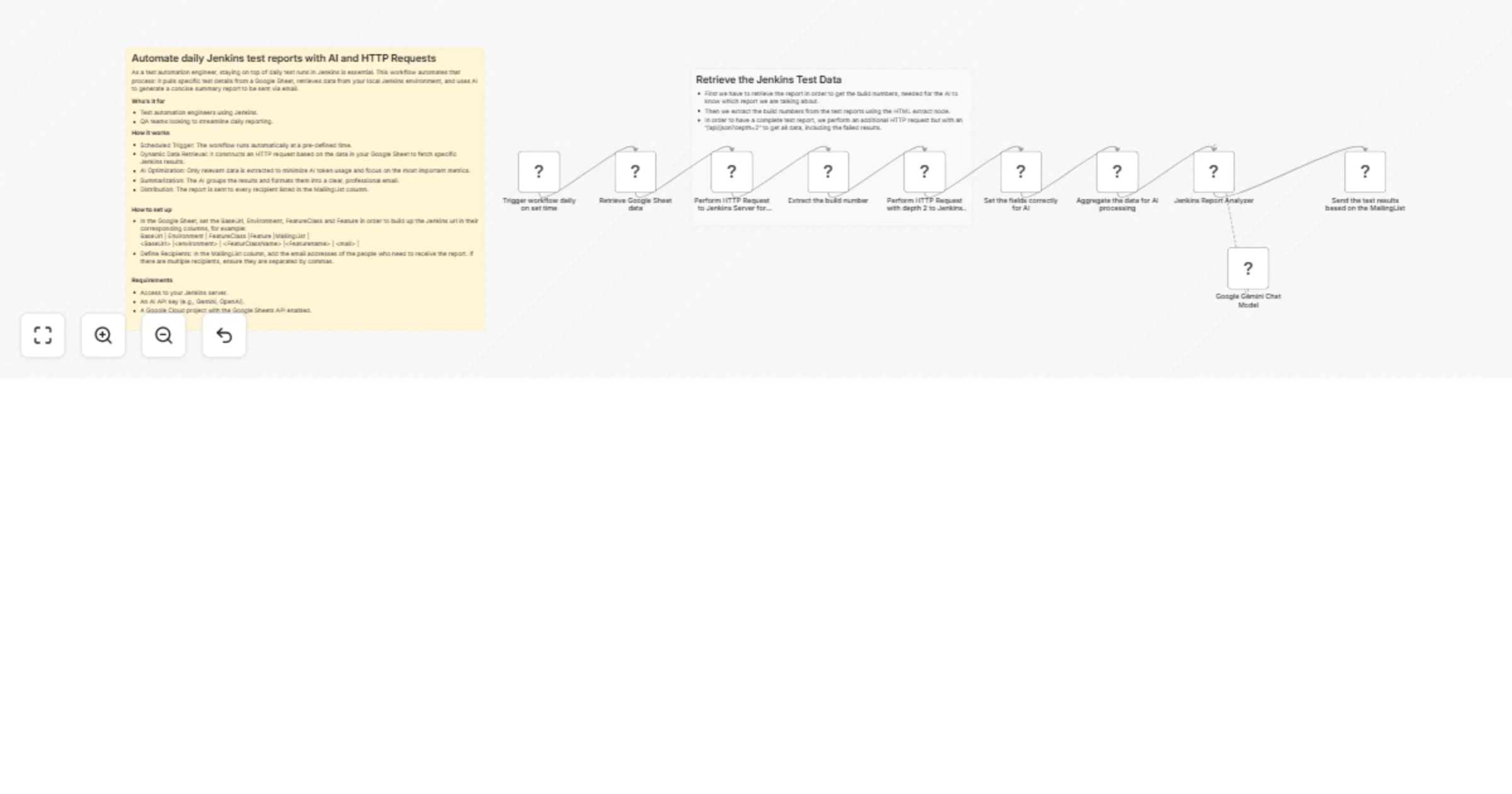
As a test automation engineer, staying on top of daily test runs in Jenkins is essential. This workflow automates that process: it pulls specific test details from a Google Sheet, retrieves data from your local Jenkins environment, and uses AI to generate a concise summary report to be sent via email.
Who's it for
- Test automation engineers using Jenkins.
- QA teams looking to streamline daily reporting.
How it works
- Scheduled Trigger: The workflow runs automatically at a pre-defined time.
- Dynamic Data Retrieval: It constructs an HTTP request based on the data in your Google Sheet to fetch specific Jenkins results.
- AI Optimization: Only relevant data is extracted to minimize AI token usage and focus on the most important metrics.
- Summarization: The AI groups the results and formats them into a clear, professional email.
- Distribution: The report is sent to every recipient listed in the MailingList column.
How to set up
- In the Google Sheet, set the BaseUrl, Environment, FeatureClass and Feature in order to build up the Jenkins url in their corresponding columns, for example: BaseUrl | Environment | FeatureClass |Feature |MailingList | <BaseUrl> |<environment> | <FeaturClassName> |<Featurename> | <mail> |
- Define Recipients: In the MailingList column, add the email addresses of the people who need to receive the report. If there are multiple recipients, ensure they are separated by commas.
Requirements
- Access to your Jenkins server.
- An AI API key (e.g., Gemini, OpenAI).
- A Google Cloud project with the Google Sheets API enabled.