Send invoice approval requests to Slack using easybits Extractor
Workflow preview

$20/month : Unlimited workflows
2500 executions/month

THE #1 IN WEB SCRAPING
Scrape any website without limits
HOSTINGER  Early Deal
DISCOUNT 20% Try free
Early DealDISCOUNT 20%
Self-hosted n8n
Unlimited workflows - from $4.99/mo

#1 hub for scraping, AI & automation
6000+ actors - $5 credits/mo
Overview
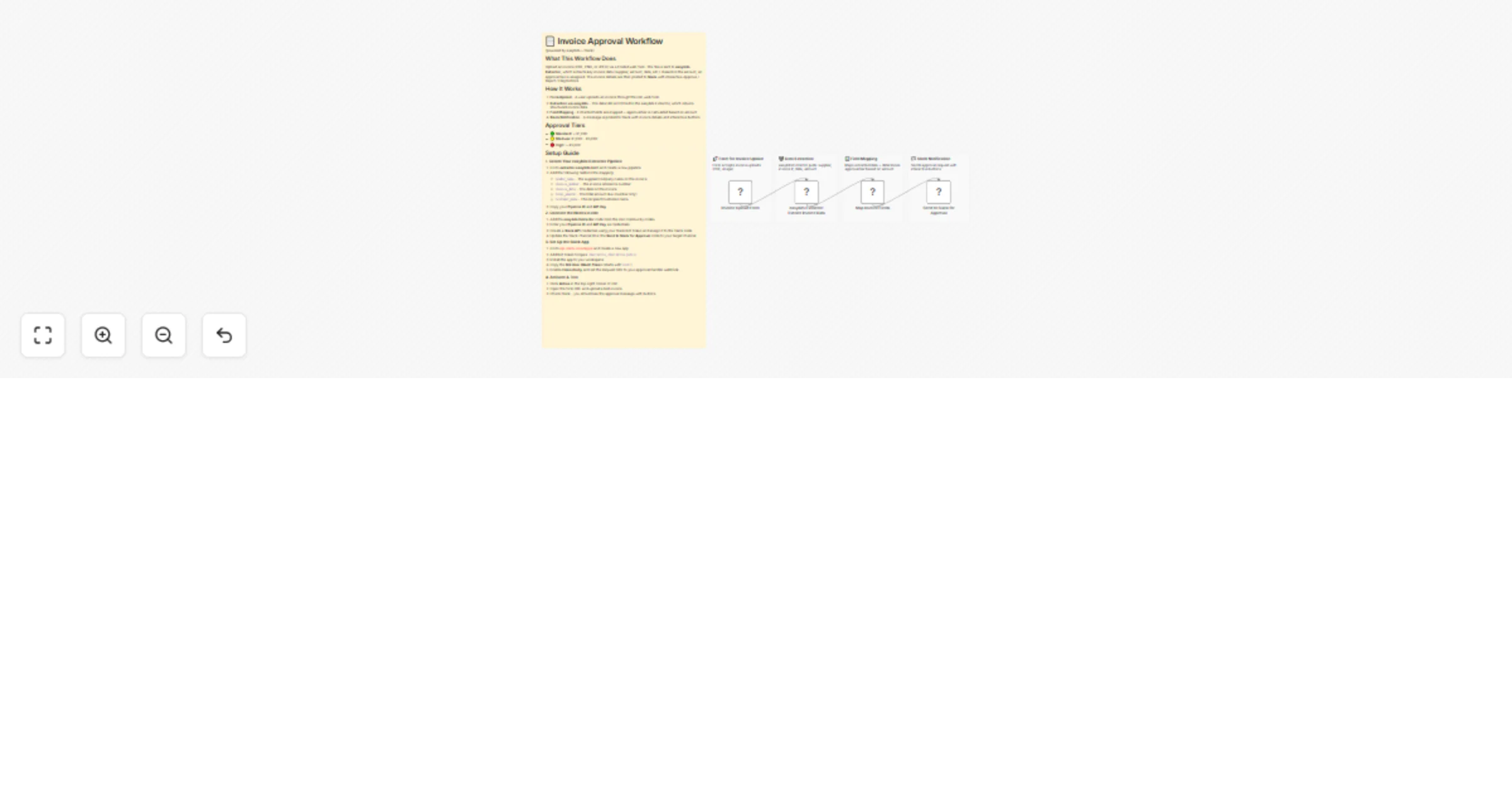
What This Workflow Does
Upload an invoice (PDF, PNG, or JPEG) via a hosted web form. The file is sent to easybits Extractor, which extracts key invoice data (supplier, amount, date, etc.). Based on the amount, an approval tier is assigned. The invoice details are then posted to Slack with interactive Approve / Reject / Flag buttons.
How It Works
- Form Upload – A user uploads an invoice through the n8n web form
- Extraction via easybits – The data URI is POSTed to the easybits Extractor, which returns structured invoice data
- Field Mapping – Extracted fields are mapped + approval tier is calculated based on amount
- Slack Notification – A message is posted to Slack with invoice details and interactive buttons
Approval Tiers
- 🟢 Standard: < €1,000
- 🟡 Medium: €1,000 – €5,000
- 🔴 High: > €5,000
Setup Guide
1. Create Your easybits Extractor Pipeline
- Go to extractor.easybits.tech and create a new pipeline
- Add the following fields to the mapping:
vendor_name– The supplier/company name on the invoiceinvoice_number– The invoice reference numberinvoice_date– The date on the invoicetotal_amount– The total amount due (number only)customer_name– The recipient/customer name
- Copy your Pipeline ID and API Key
2. Connect the Nodes in n8n
- Add the easybits Extractor node from the n8n community nodes
- Enter your Pipeline ID and API Key as credentials
- Create a Slack API credential using your Slack Bot Token and assign it to the Slack node
- Update the Slack channel ID in the Send to Slack for Approval node to your target channel
3. Set Up the Slack App
- Go to api.slack.com/apps and create a new app
- Add Bot Token Scopes:
chat:write,chat:write.public - Install the app to your workspace
- Copy the Bot User OAuth Token (starts with
xoxb-) - Enable Interactivity and set the Request URL to your approval handler webhook
4. Activate & Test
- Click Active in the top-right corner of n8n
- Open the form URL and upload a test invoice
- Check Slack – you should see the approval message with buttons